cdn.si

rendered markdown titpetric

Screenshots

Every view of the demo, as scripts/demo.sh captures it with headless chromium; task docs:shots regenerates them into docs/assets/. The guide walks through them in order.
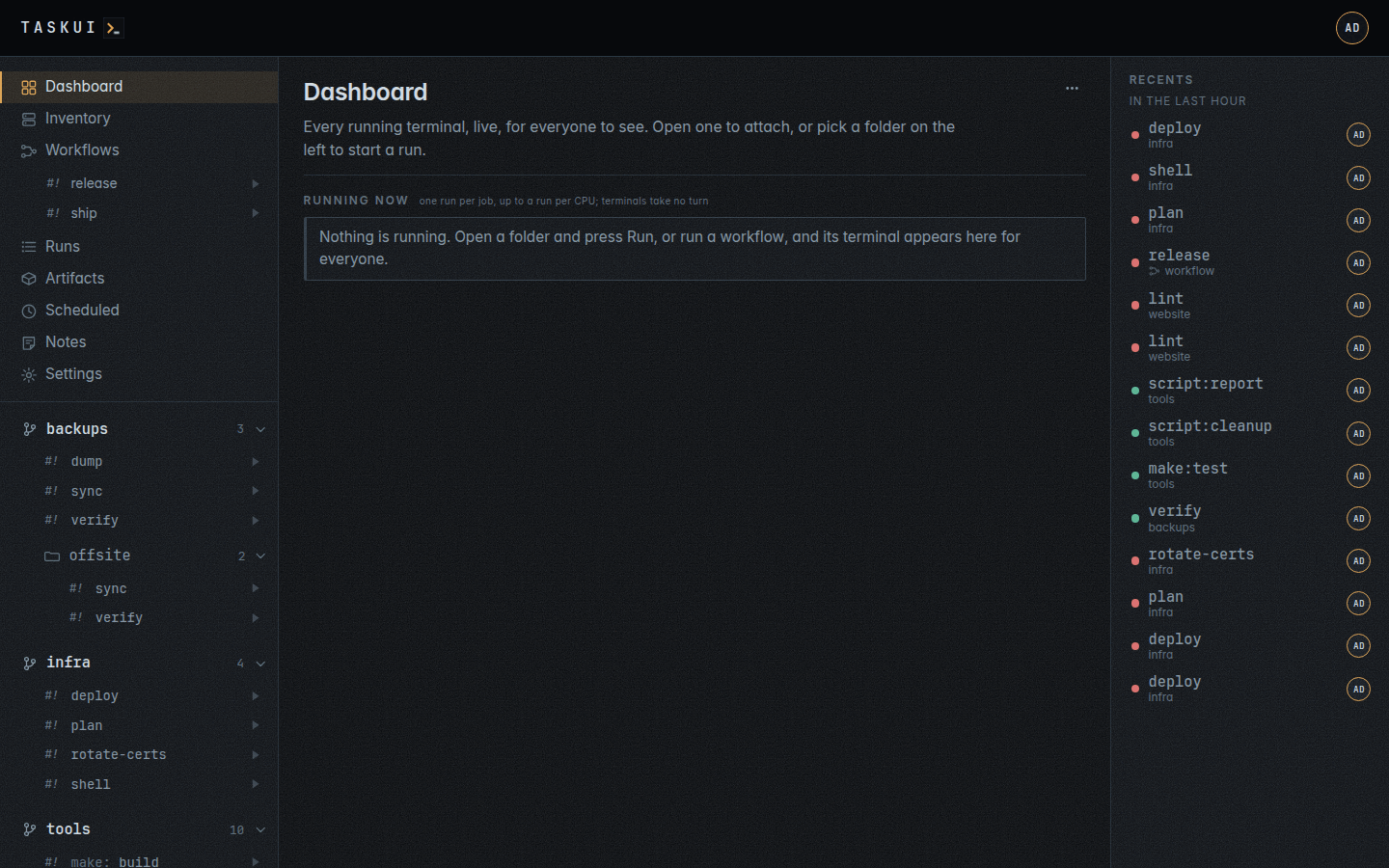
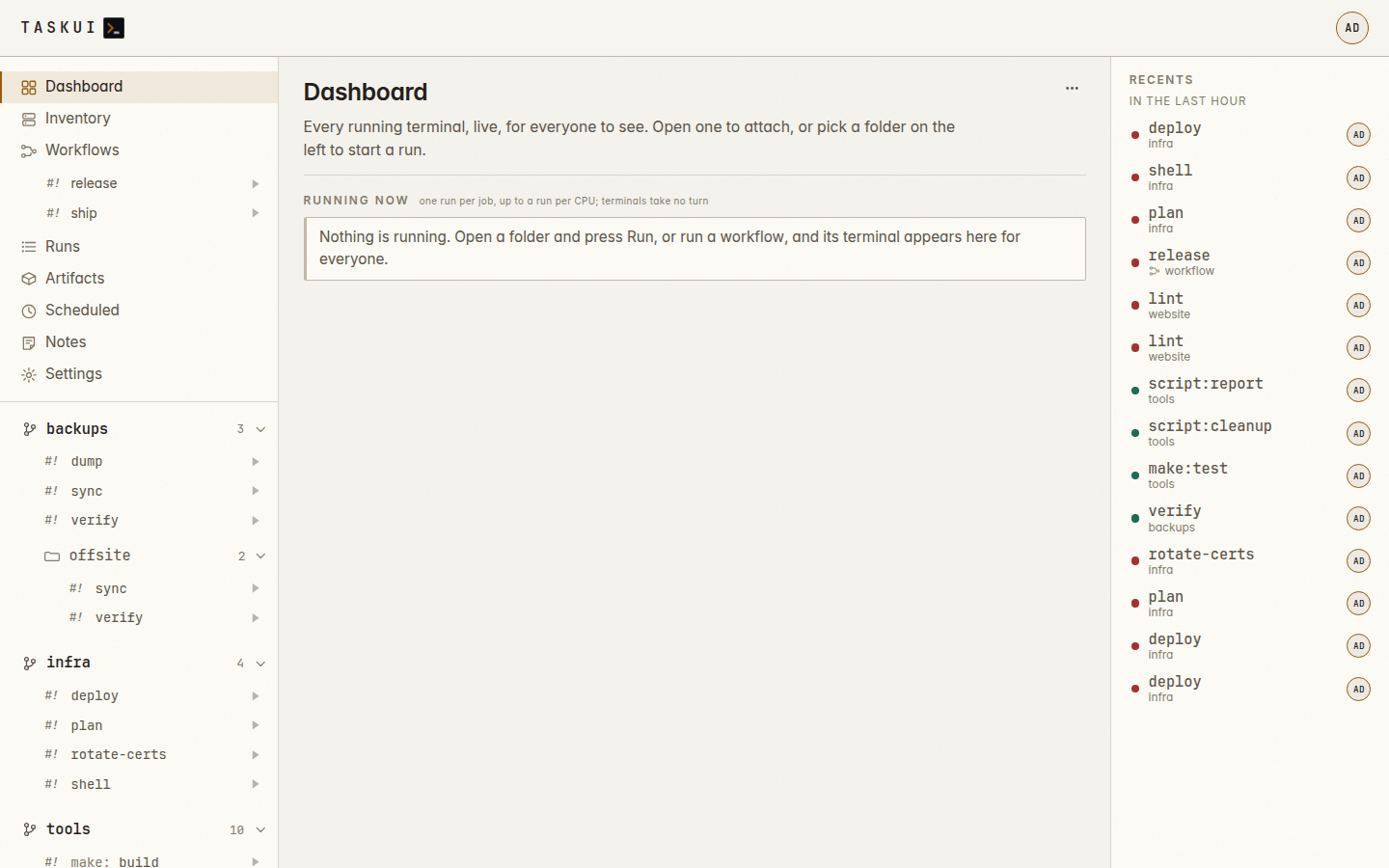
The dashboard: every live terminal as its last frame Dashboard, light theme
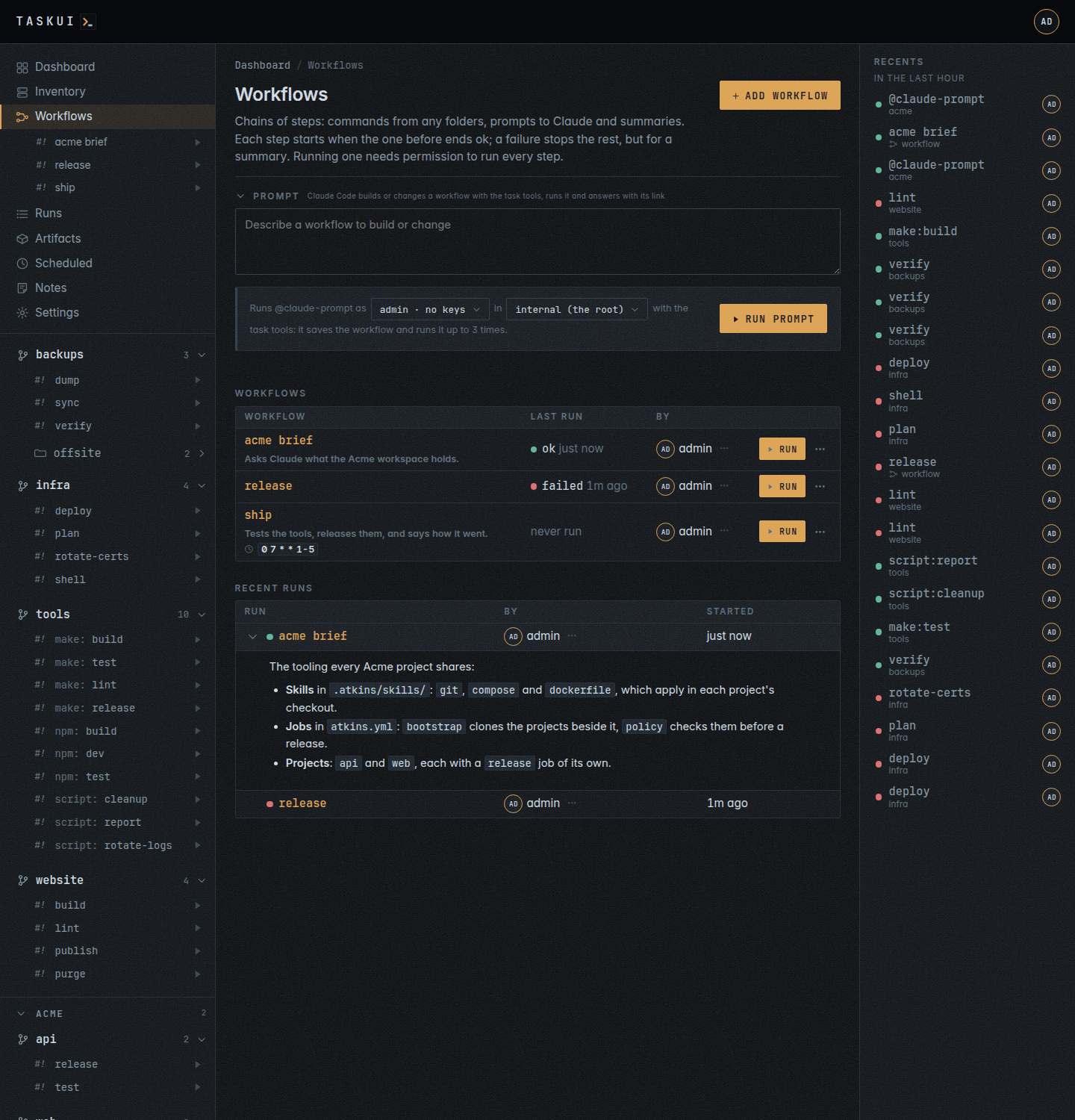
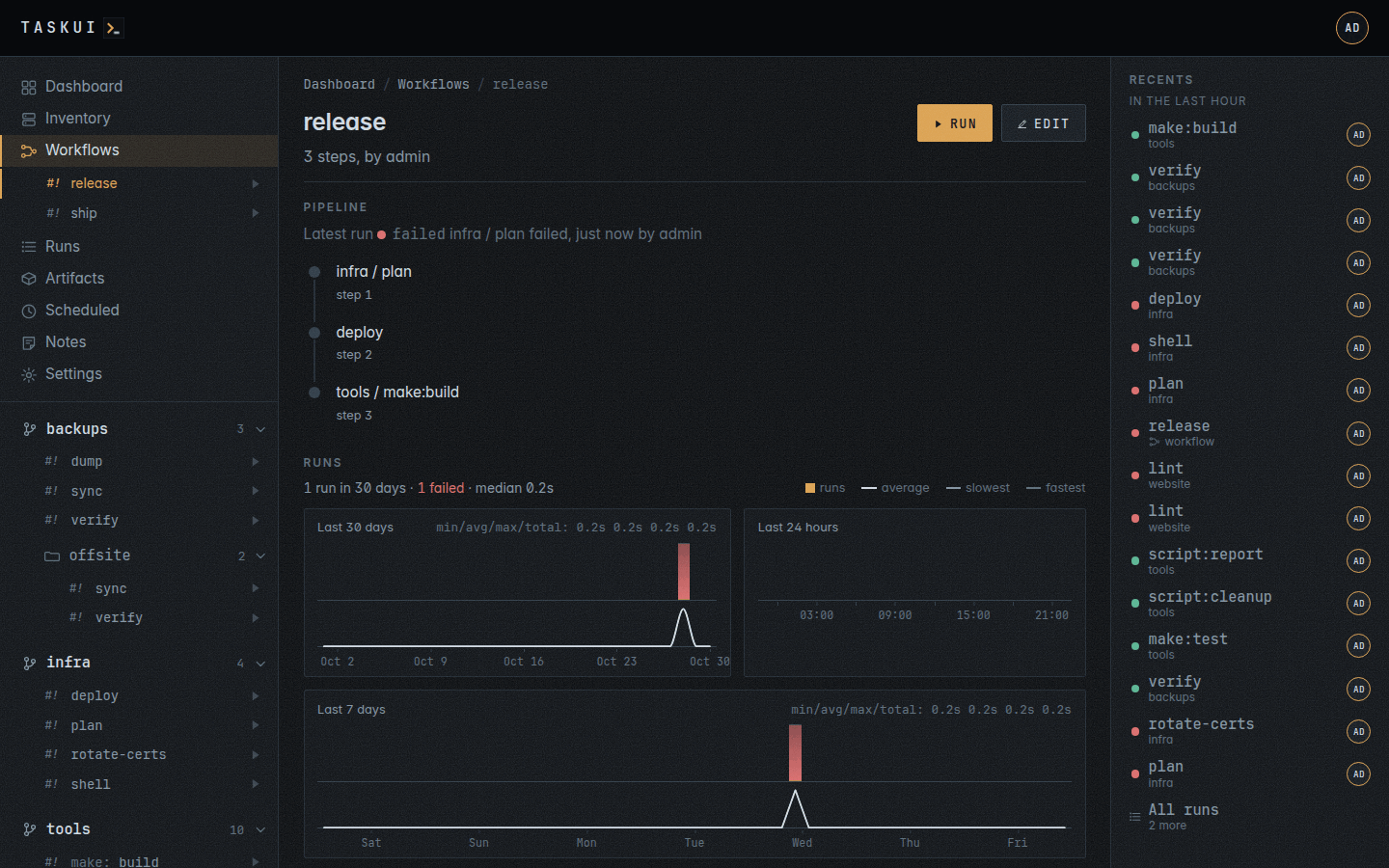
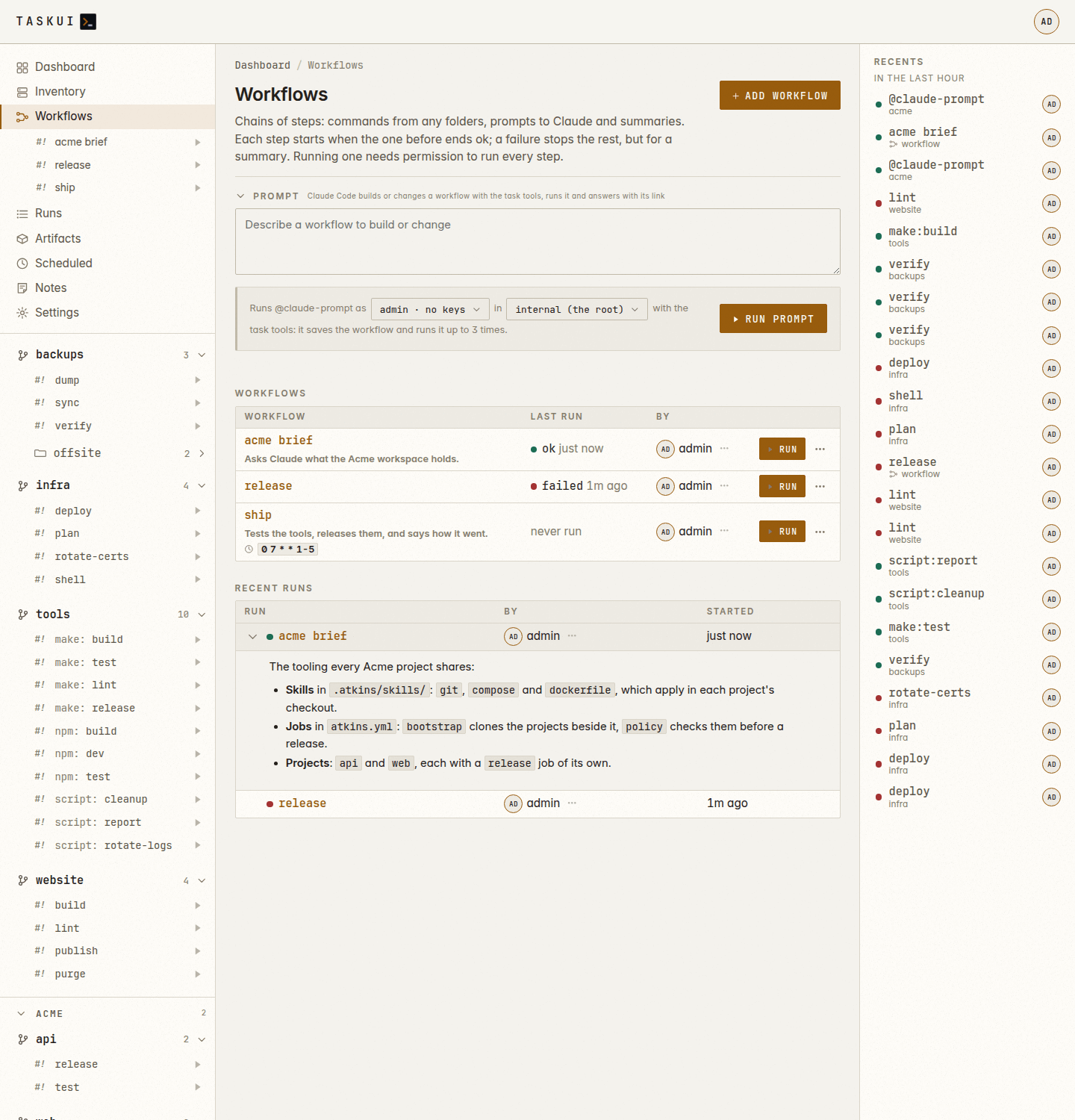
Workflows: the chains with their schedules, and the recent runs with their answers open A workflow: its chain, its runs and the steps of each
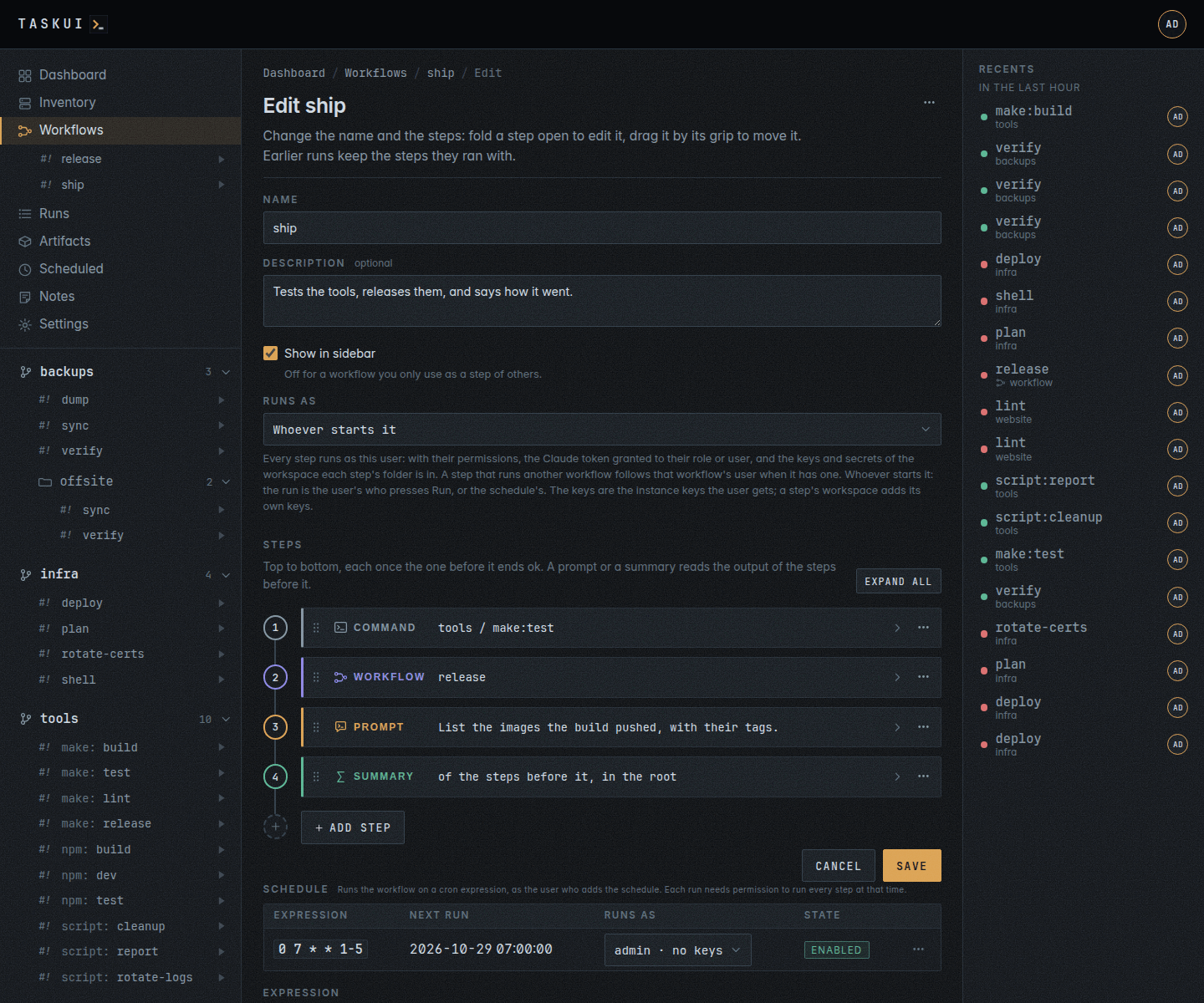
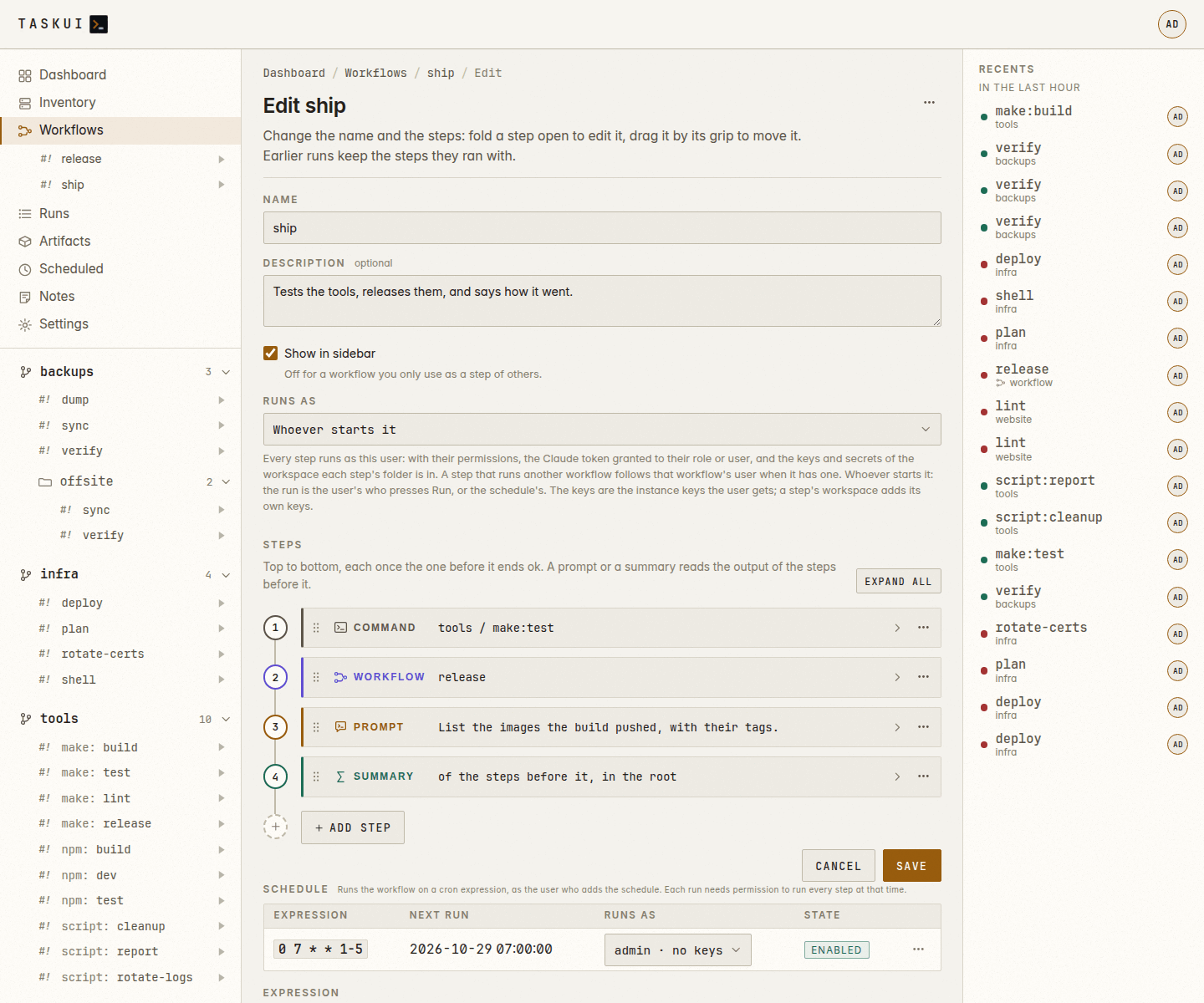
The workflow editor: the steps on a rail, each a card of its kind, and the Schedule block under them The workflow editor, light theme
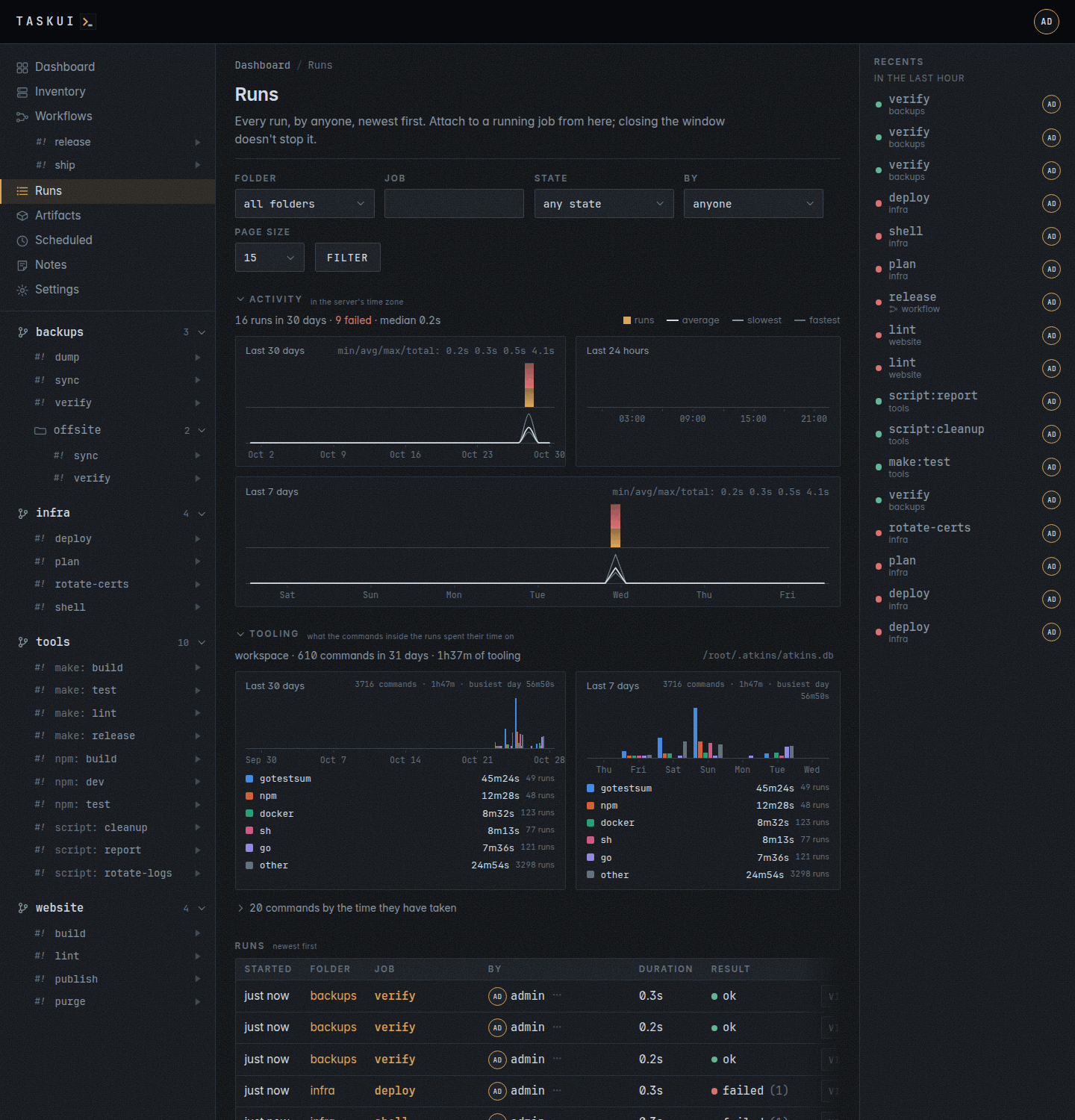
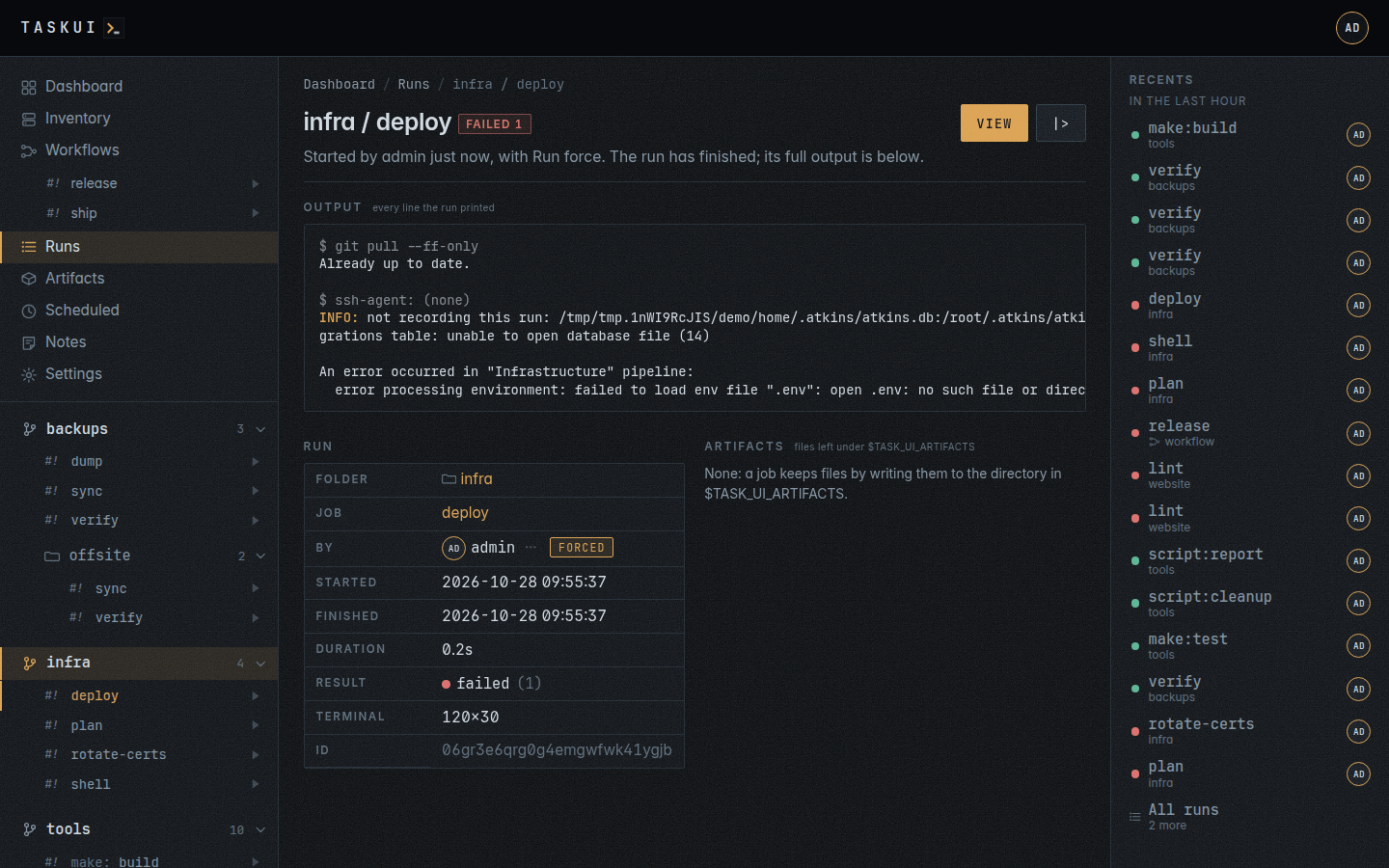
The runs A run’s page
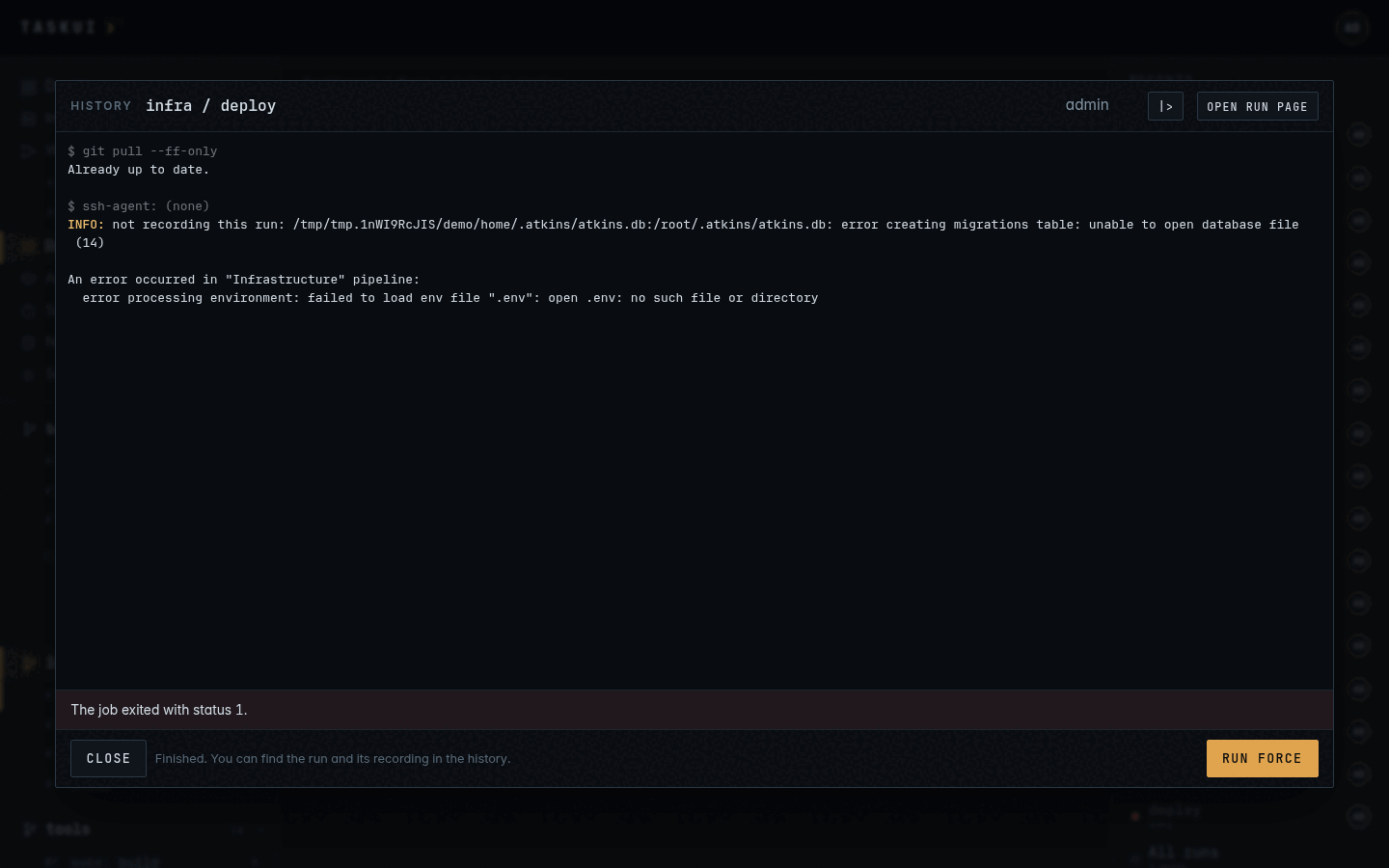
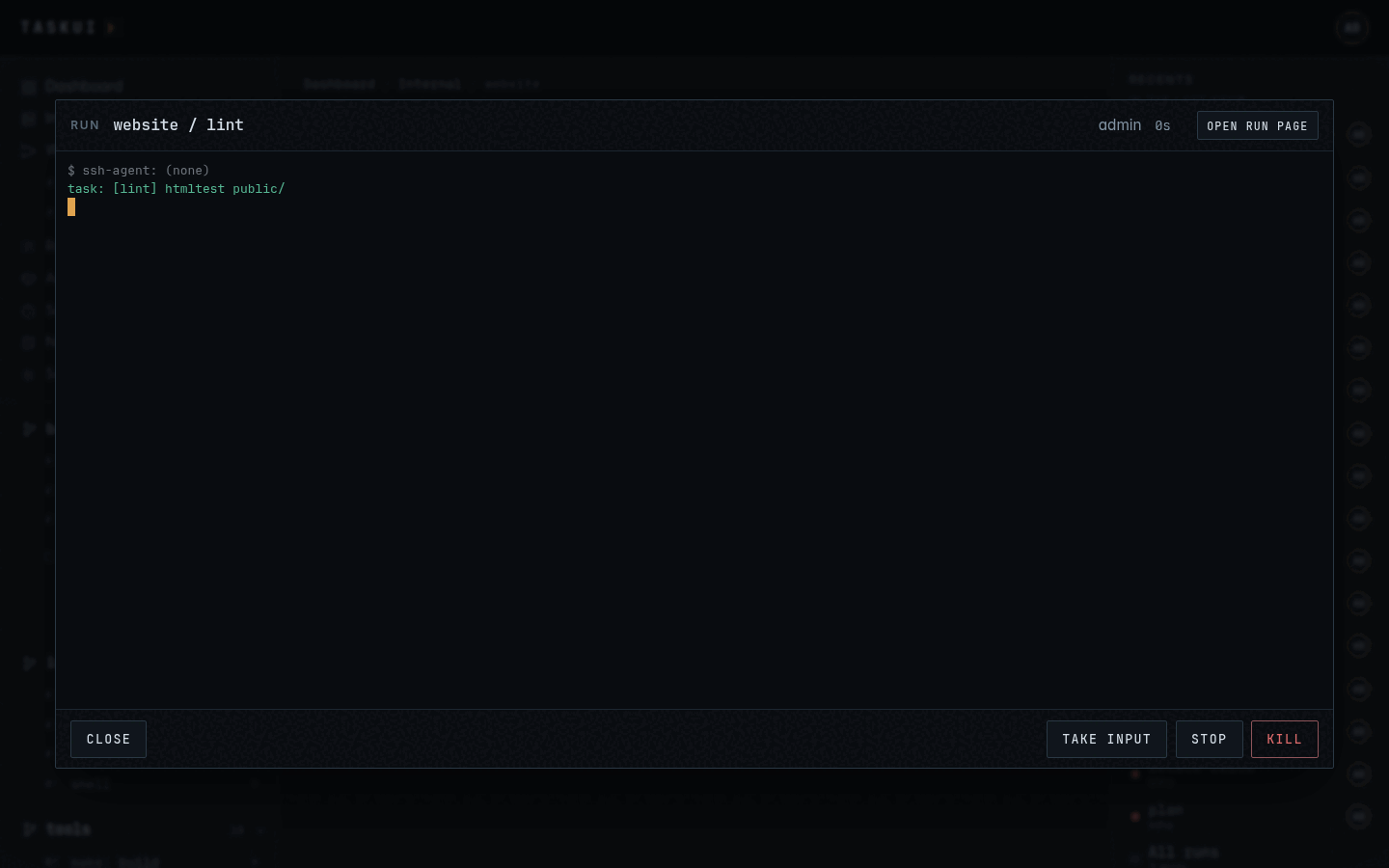
A run in its window, attached A run in its window, light theme
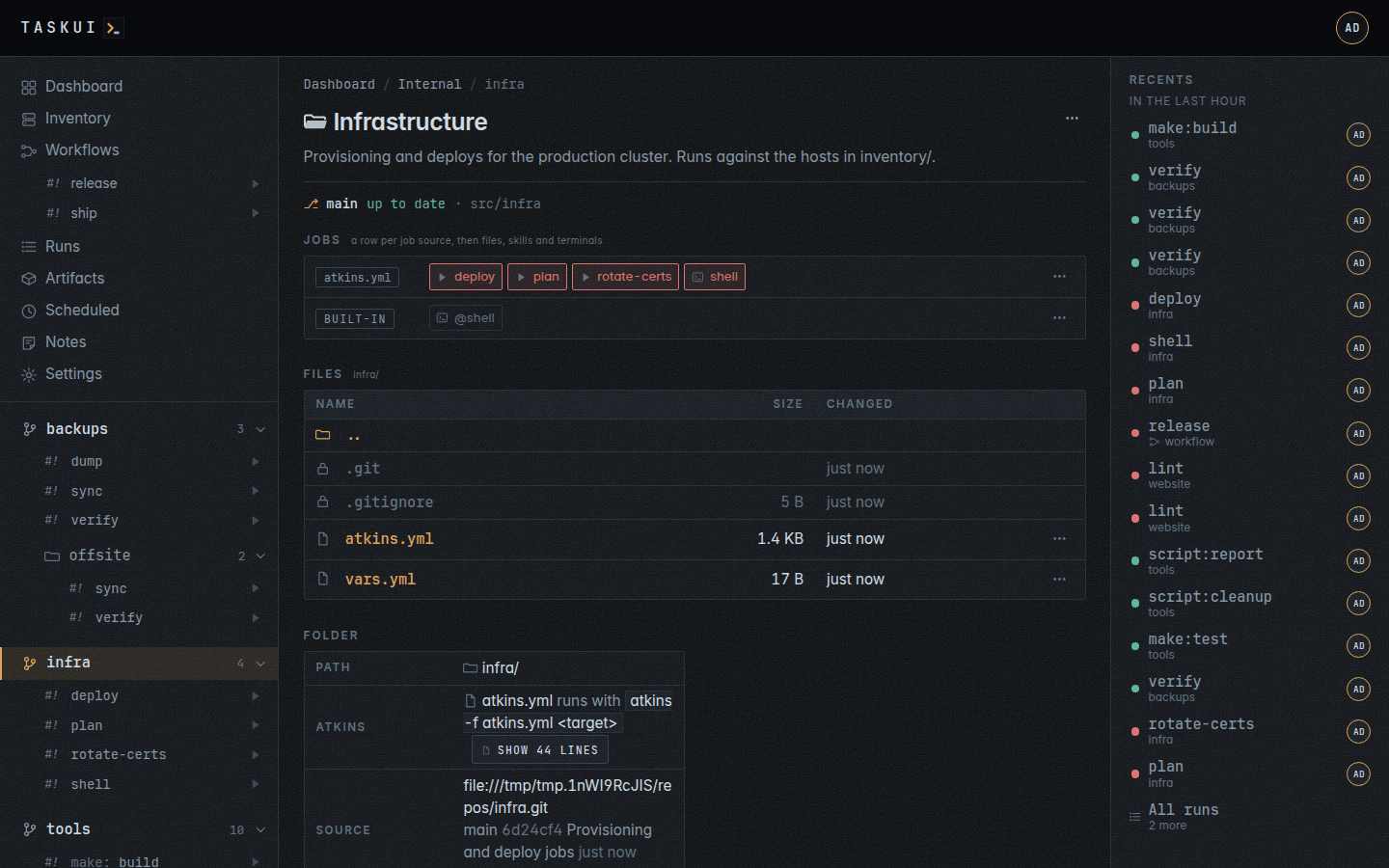
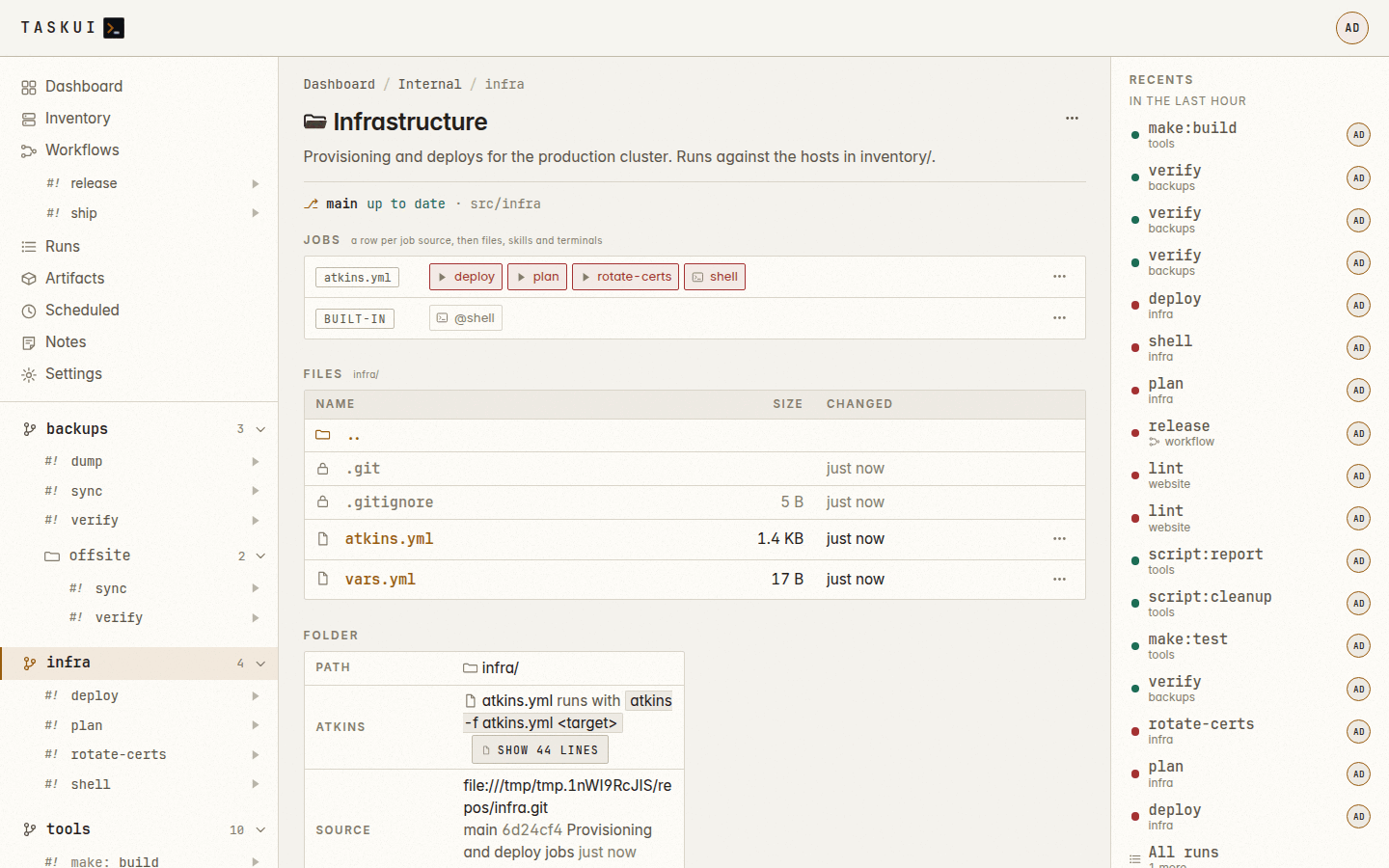
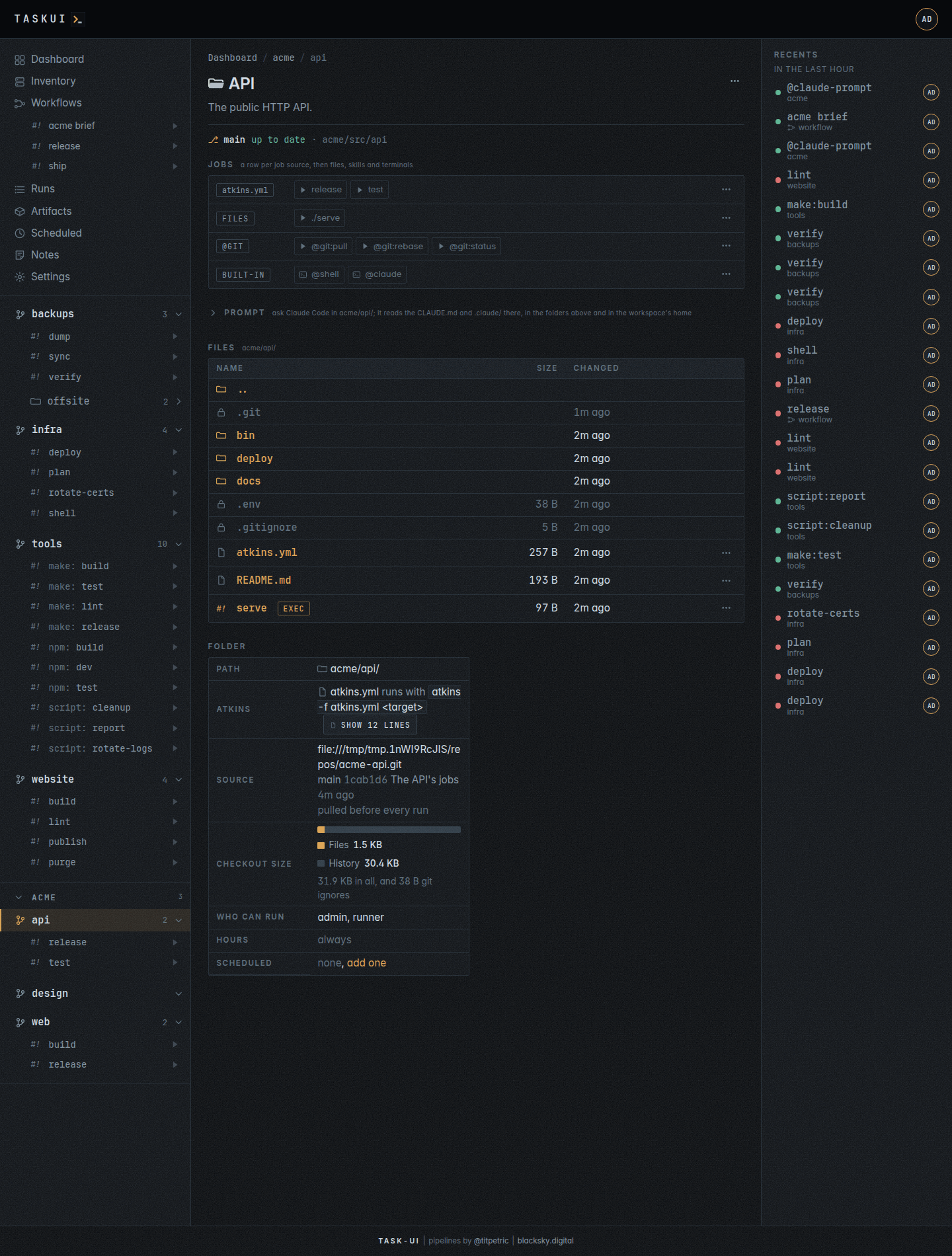
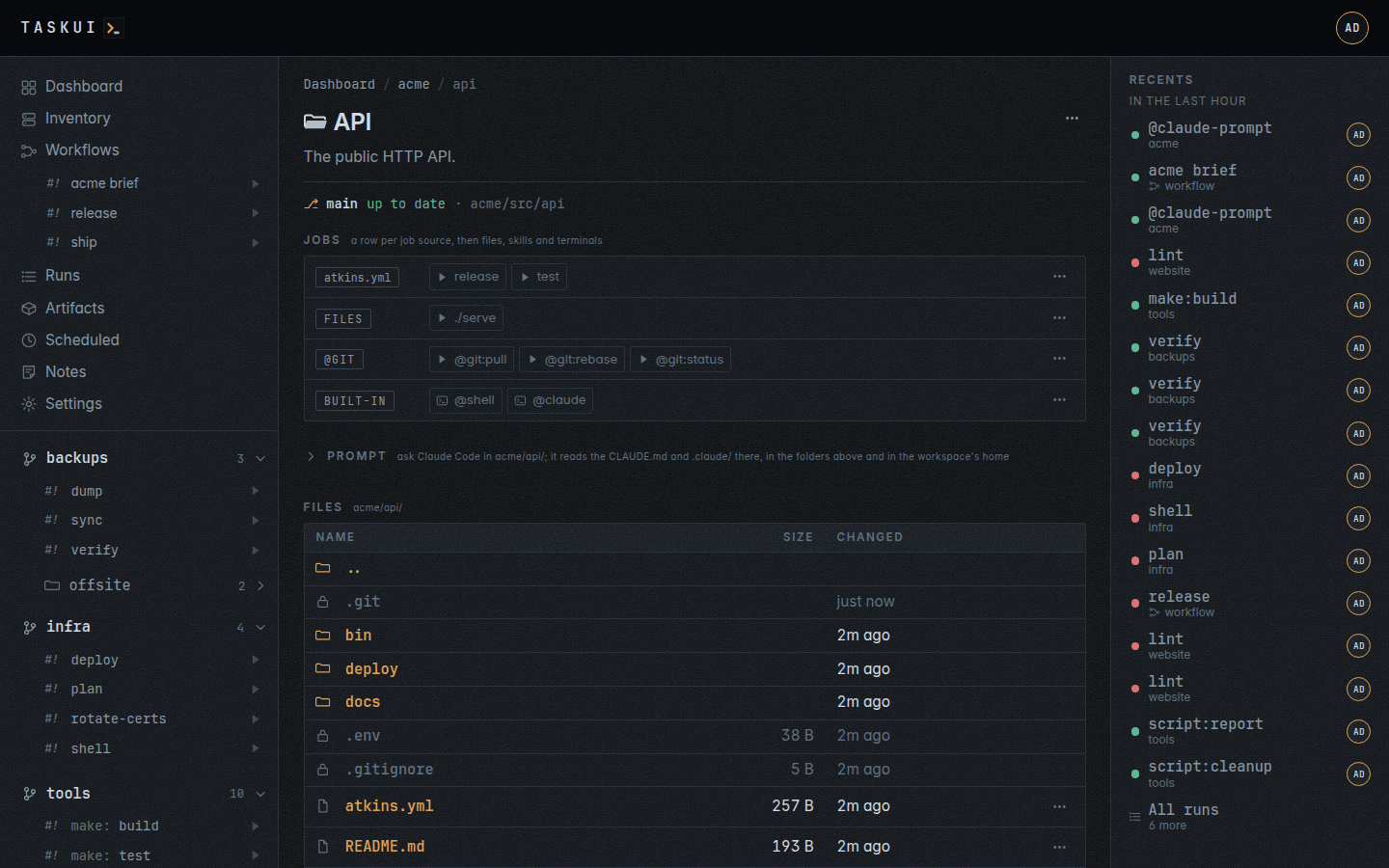
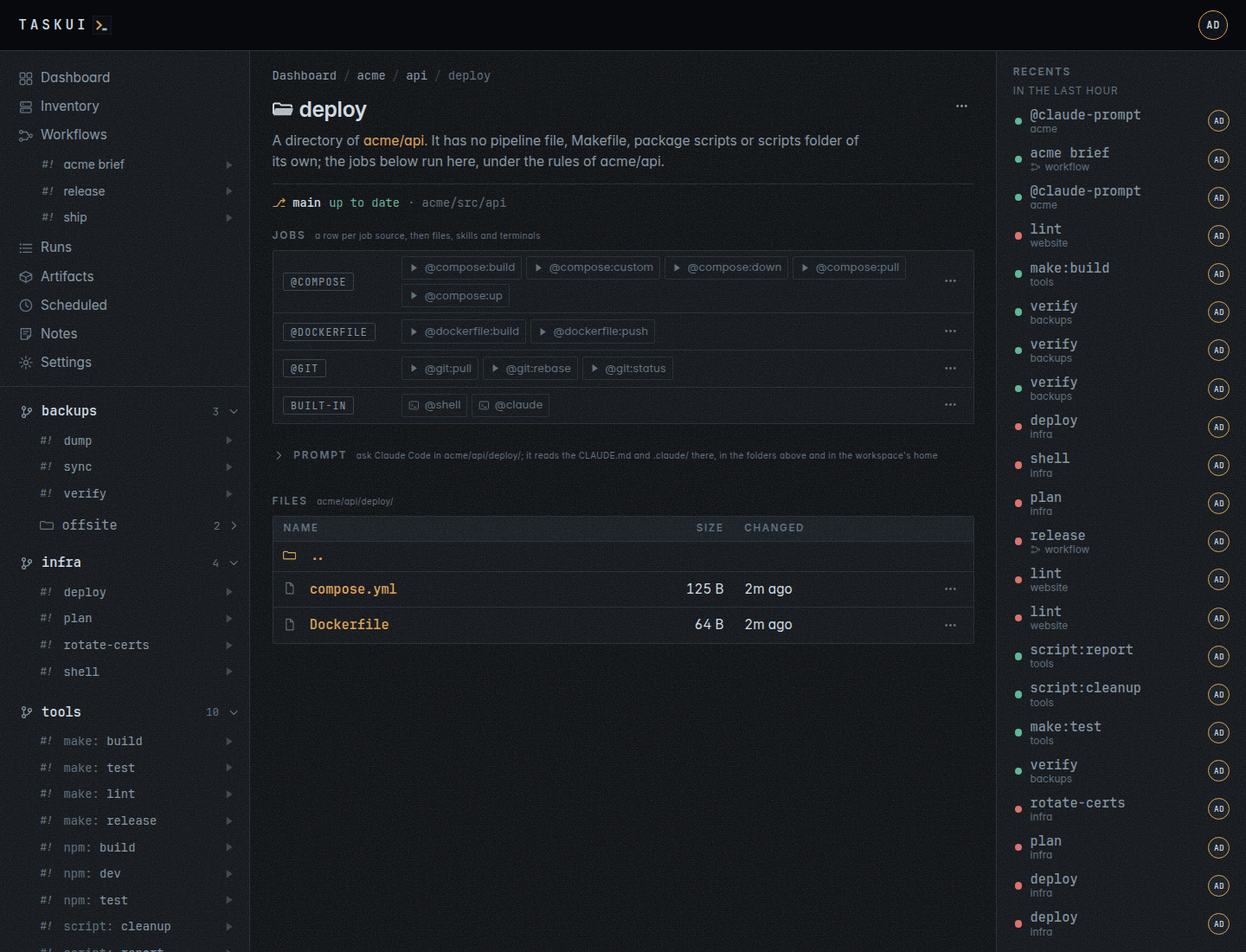
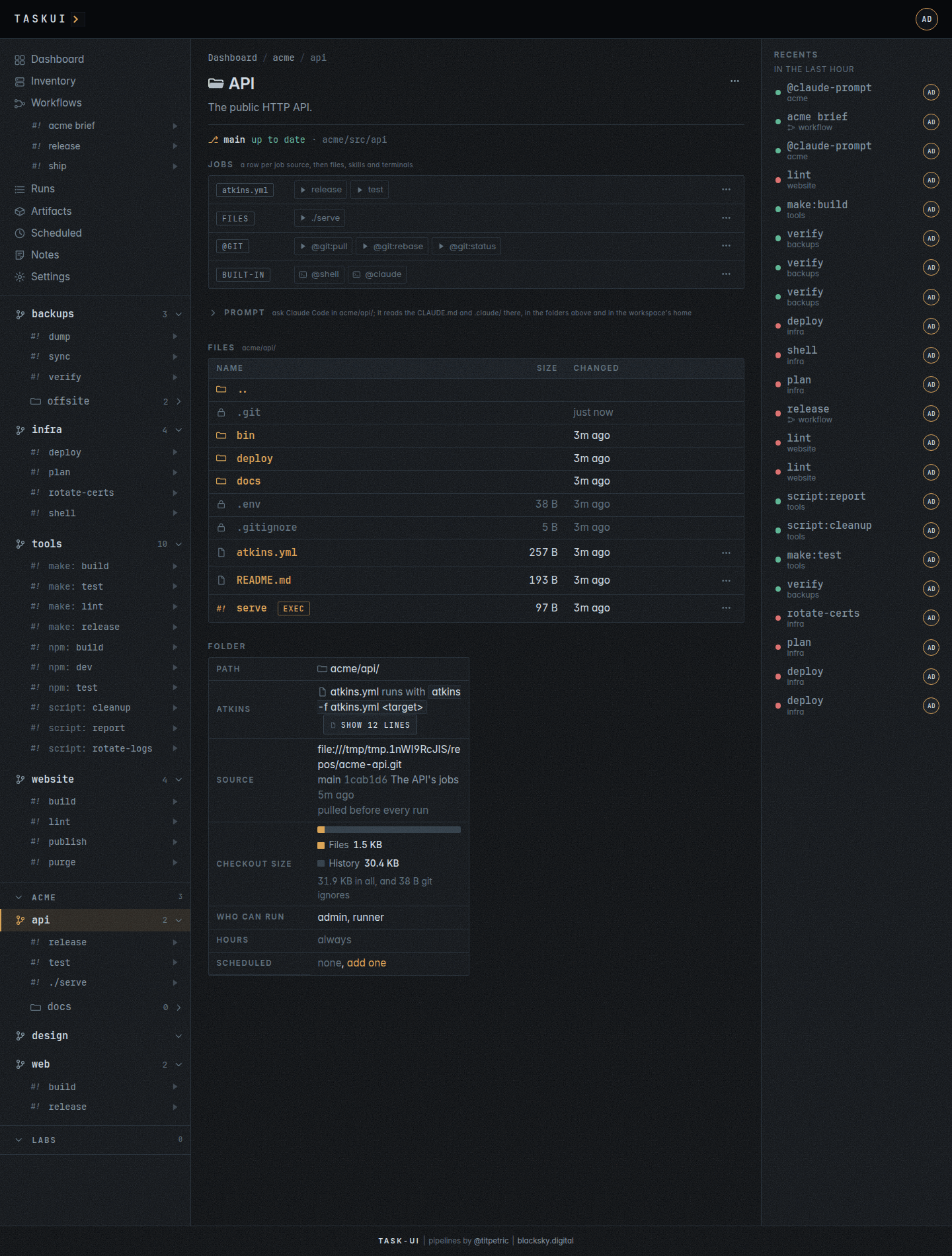
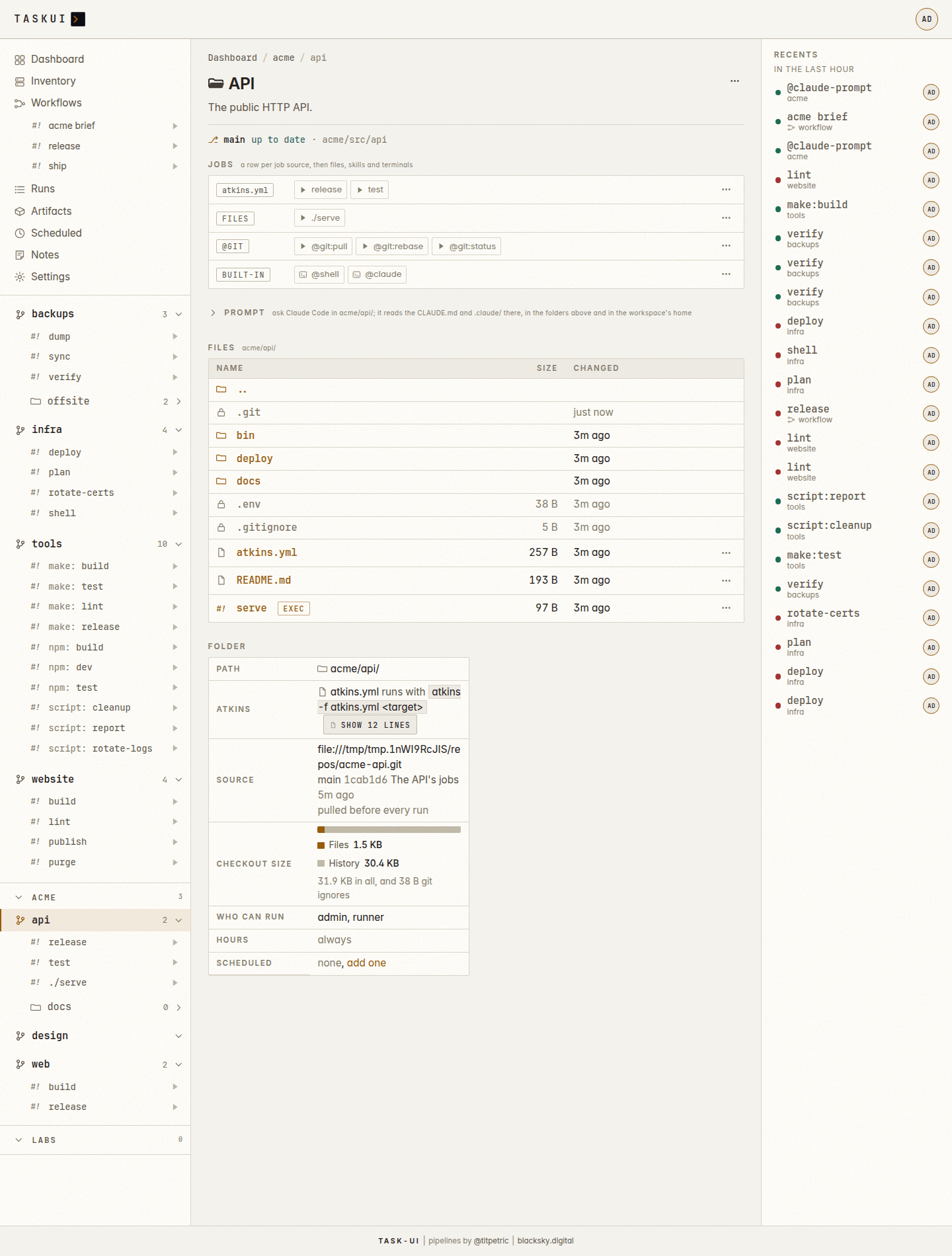
A folder: its git line, files and folder A folder, light theme
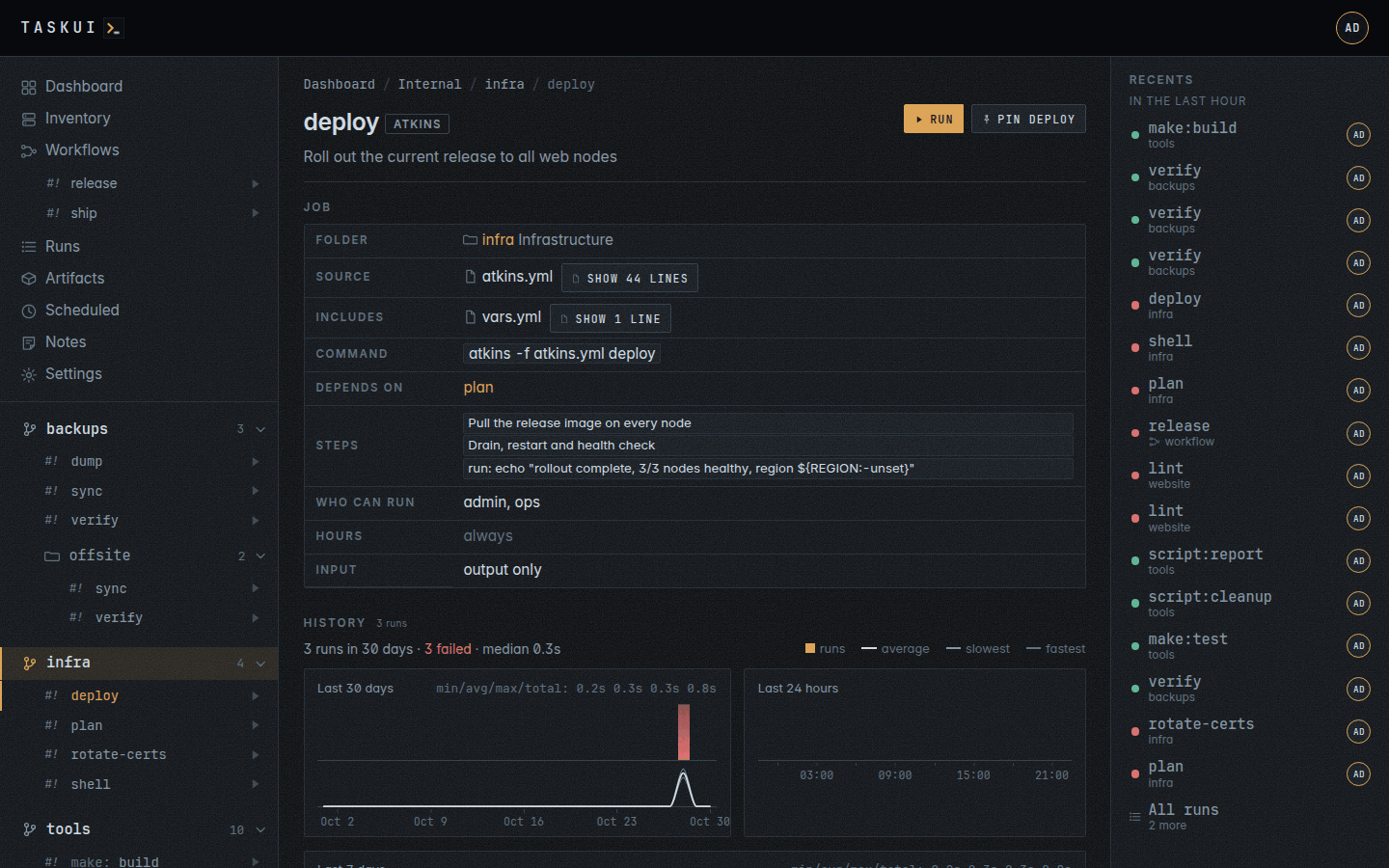
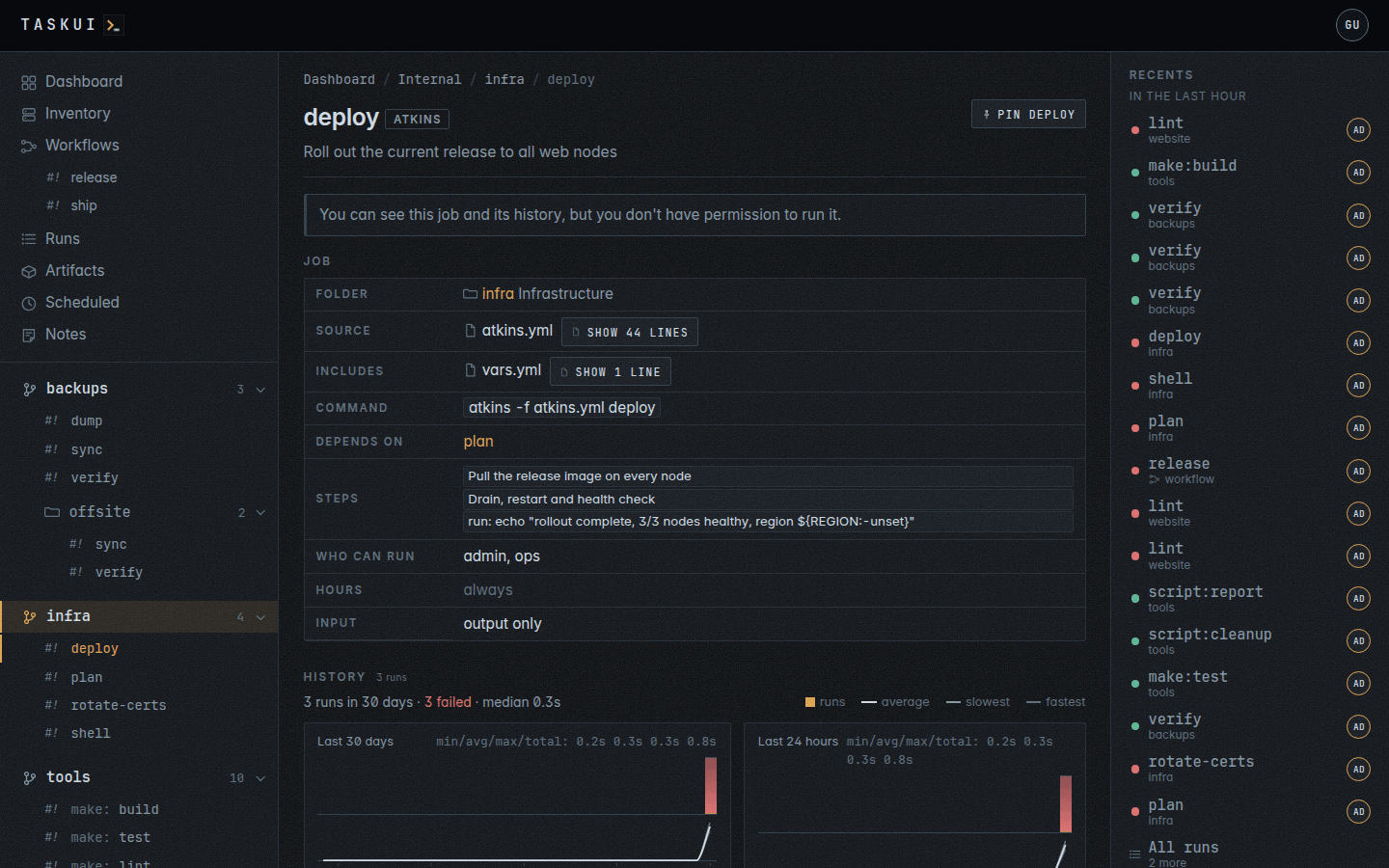
A job: what it runs, its history and schedules A job as a viewer sees it
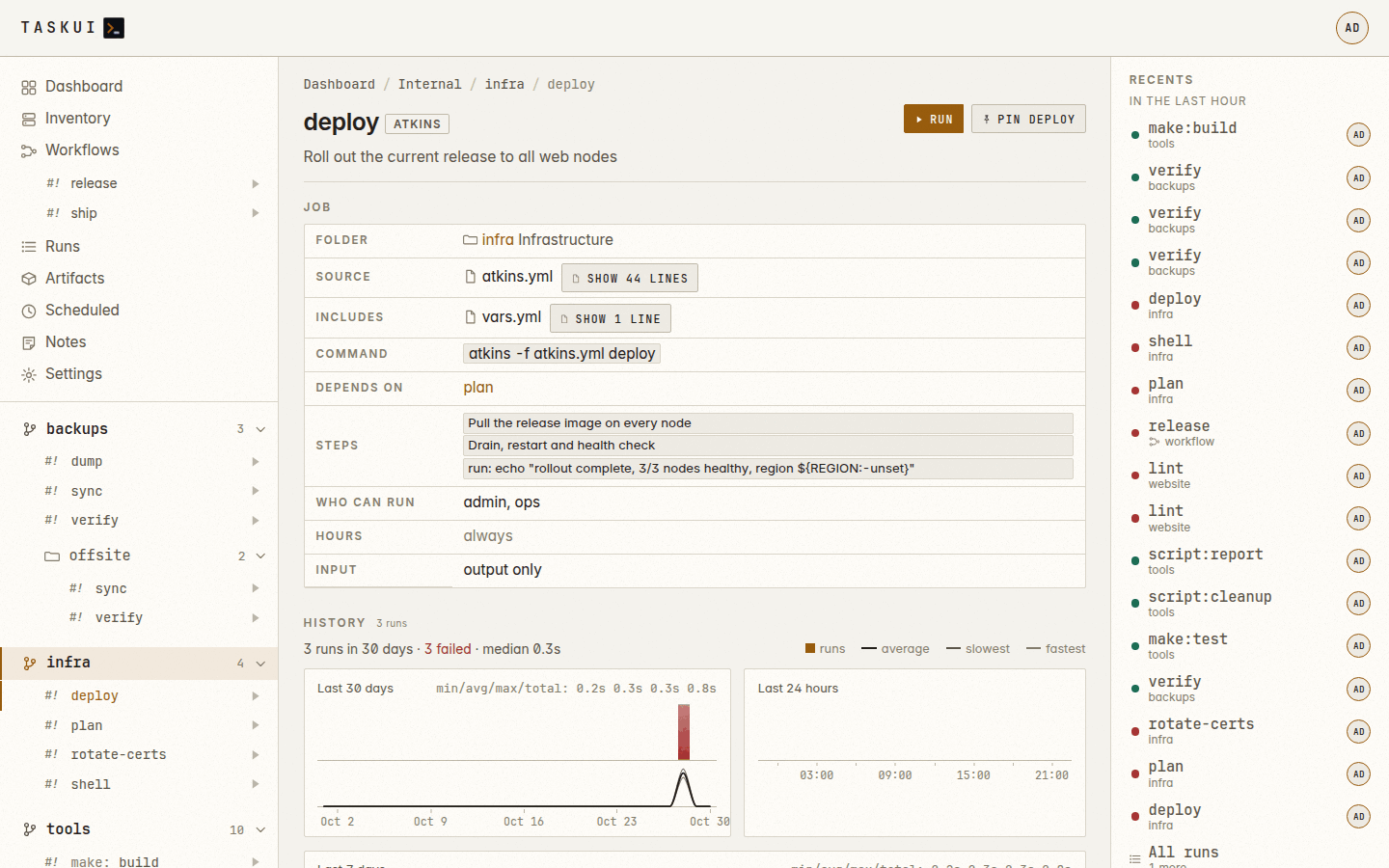
A job, light theme
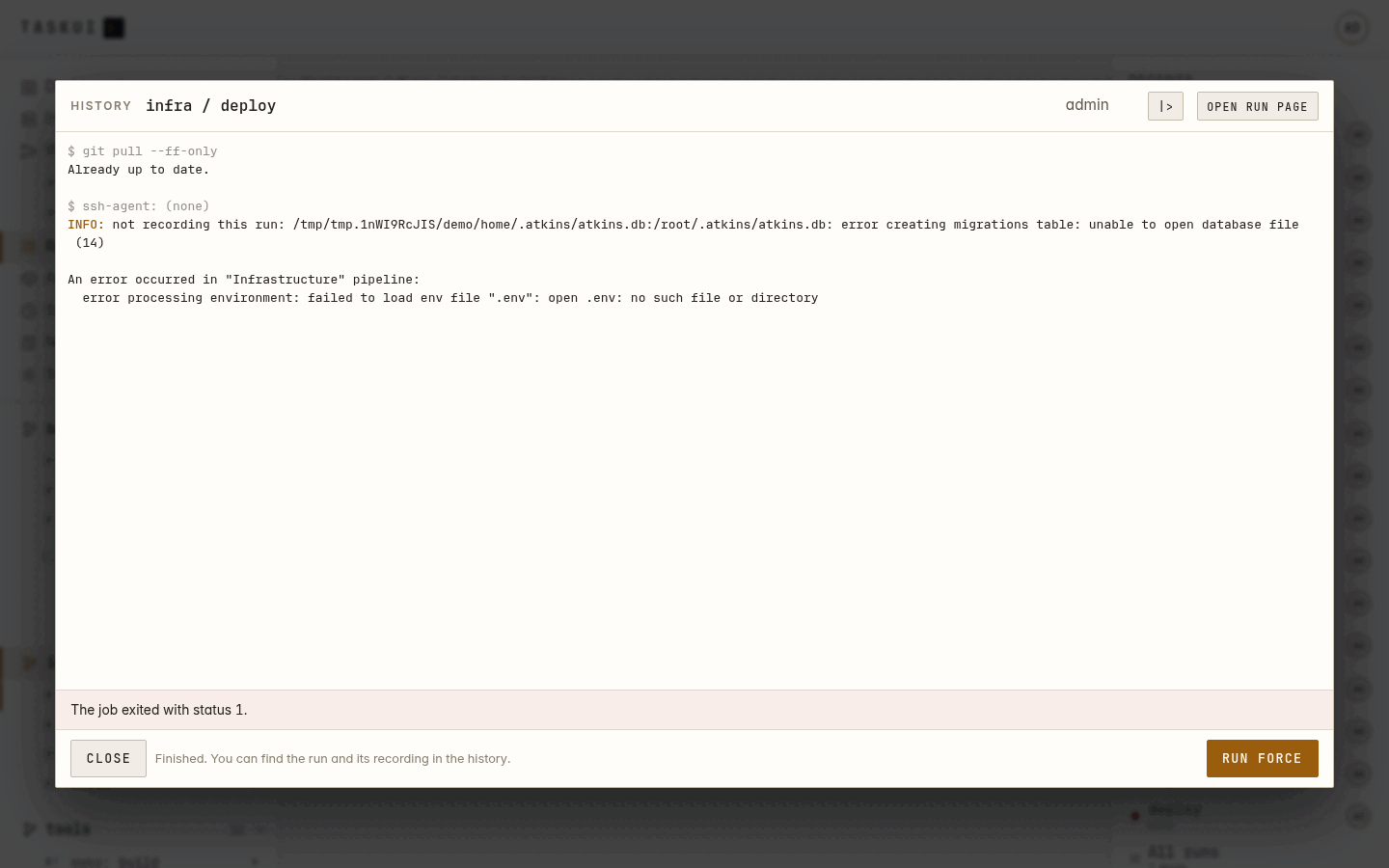
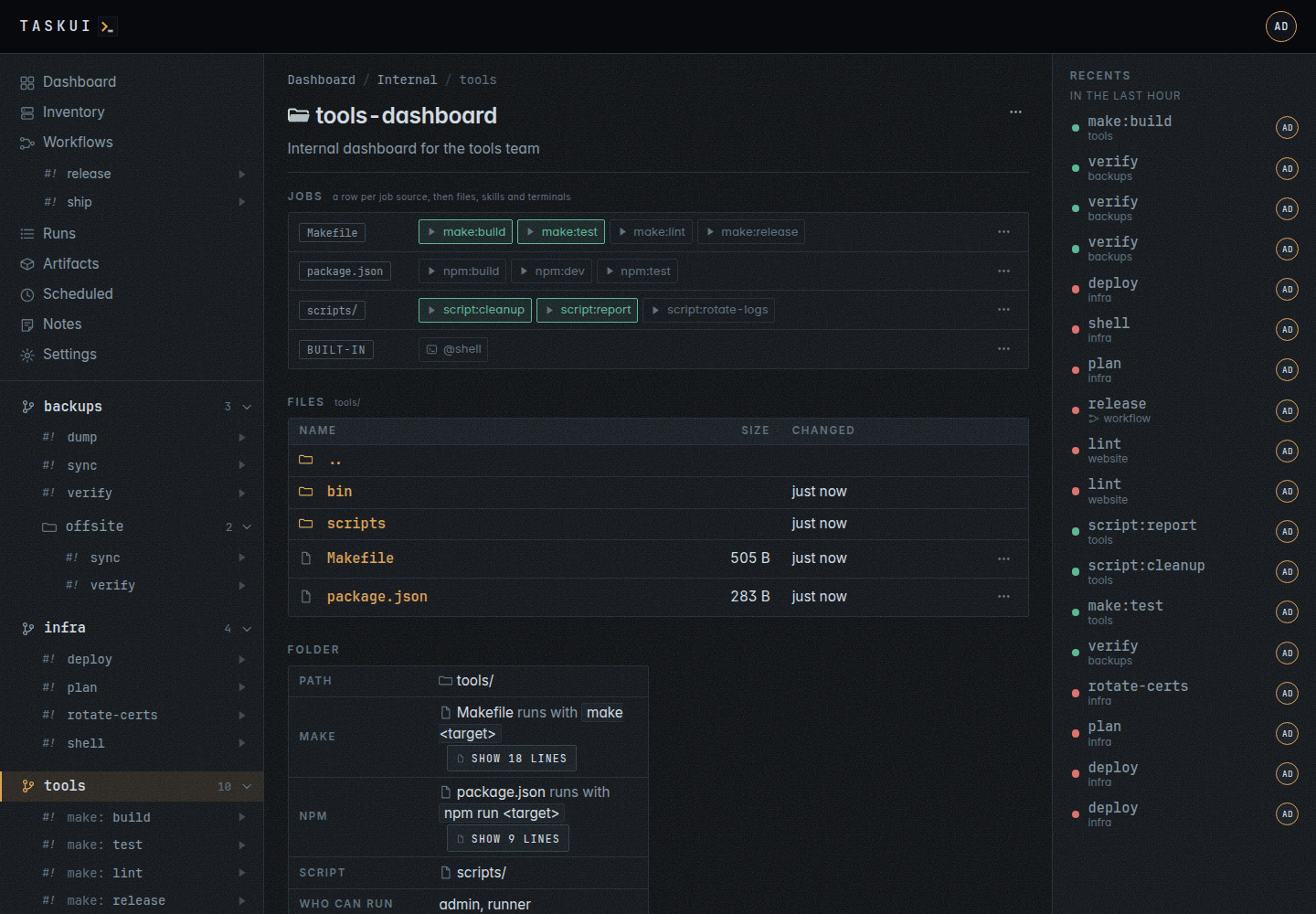
A folder with a Makefile, package scripts and a scripts folder Out of hours: Run force asks why
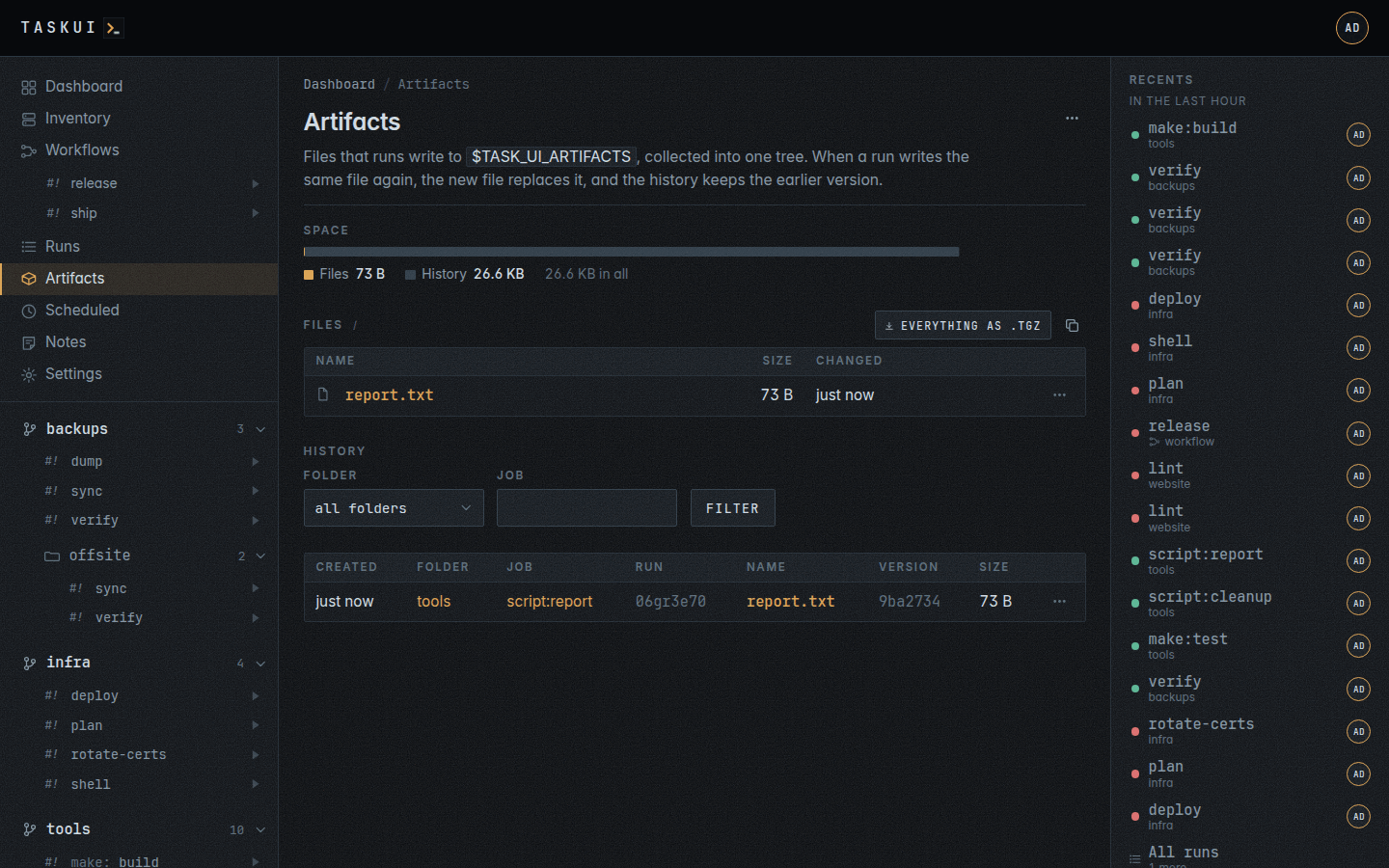
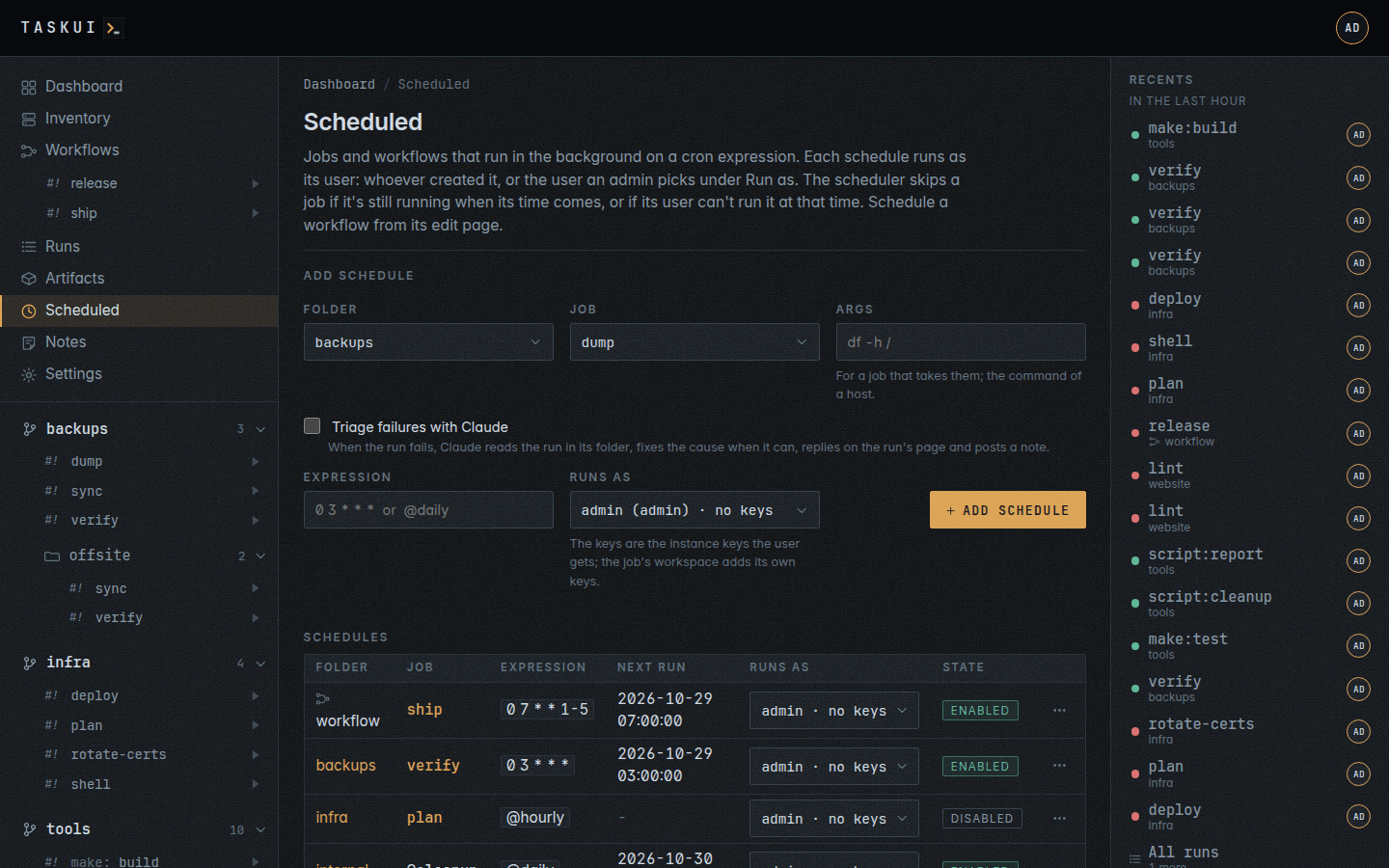
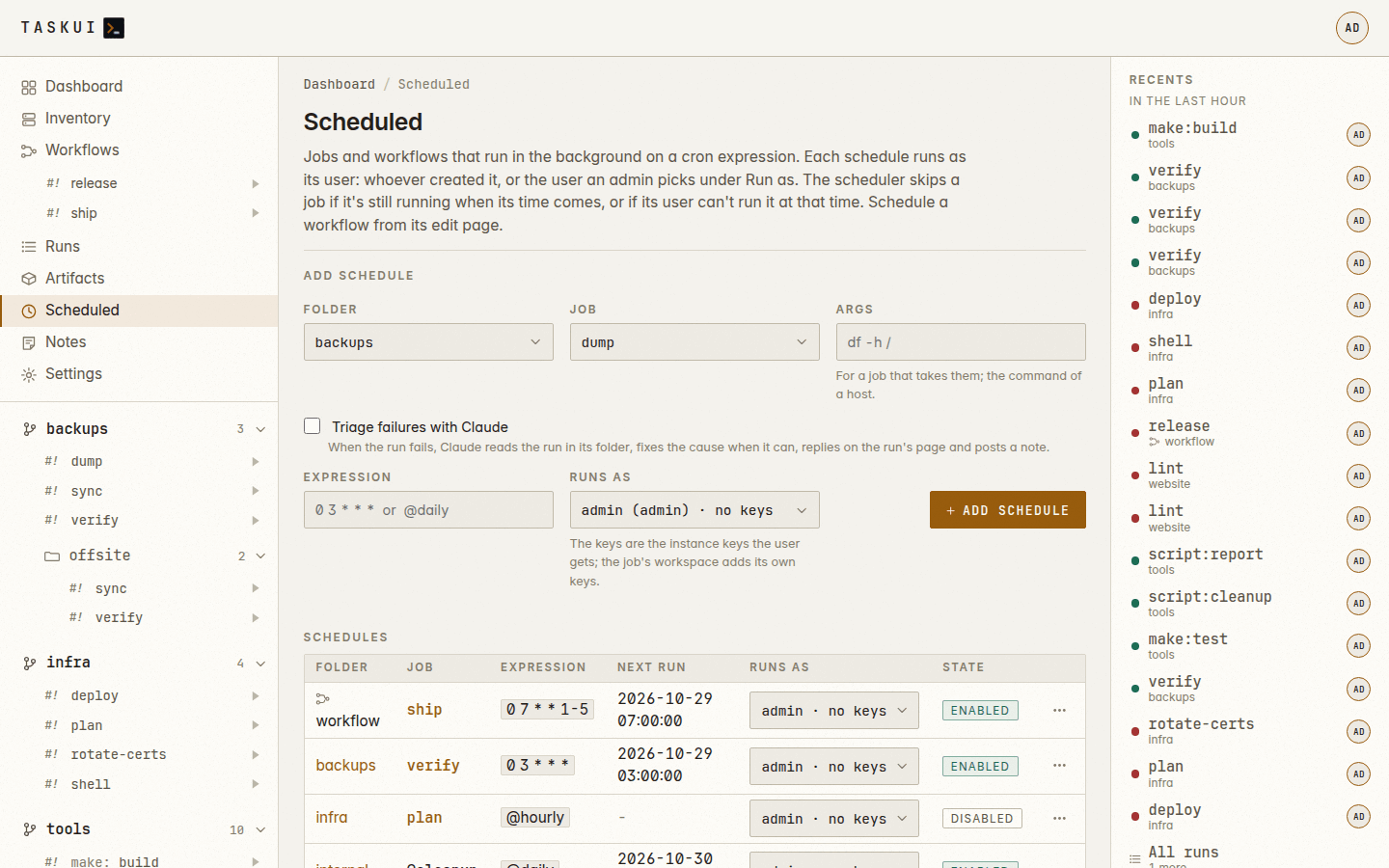
Artifacts Scheduled
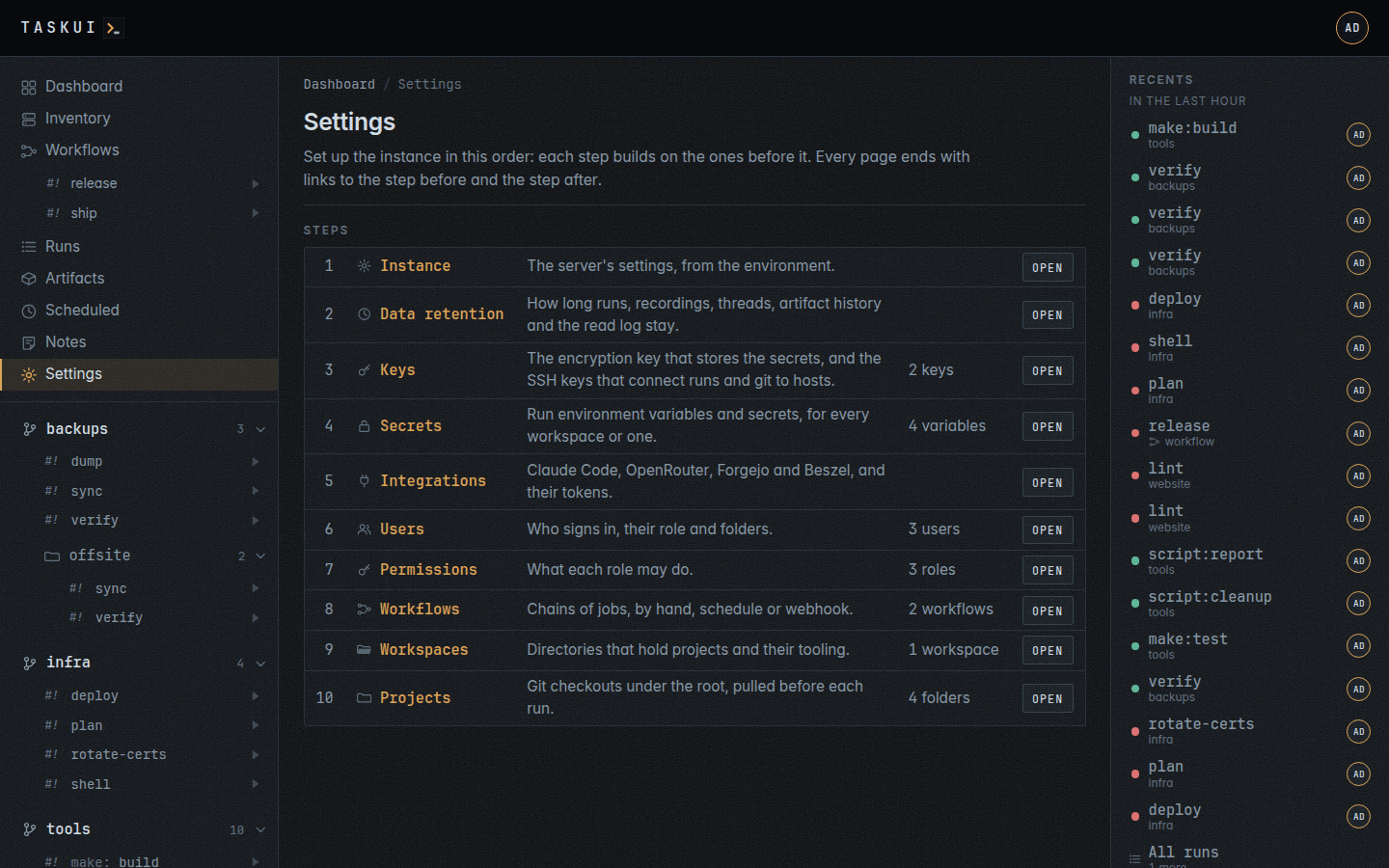
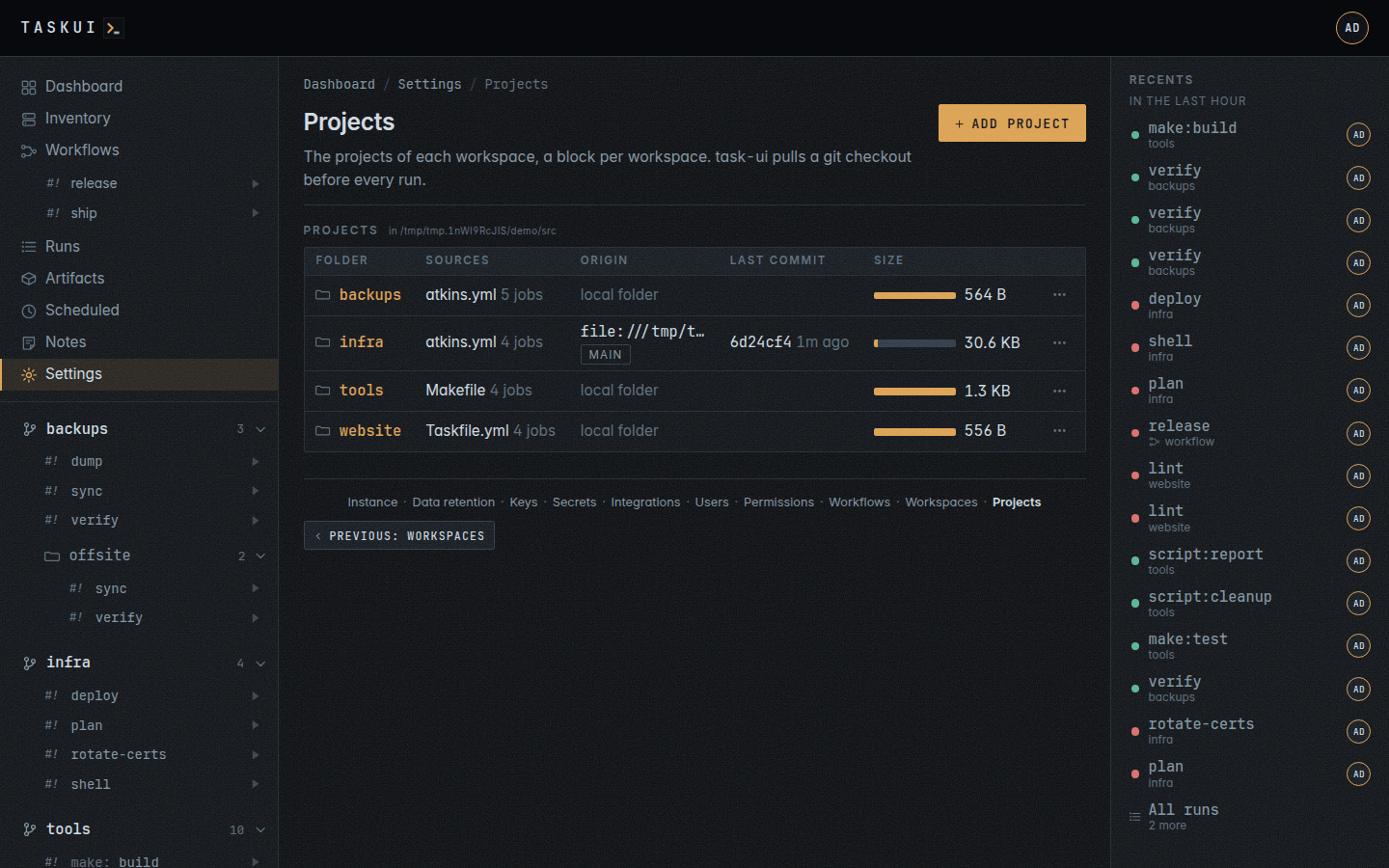
Settings Projects
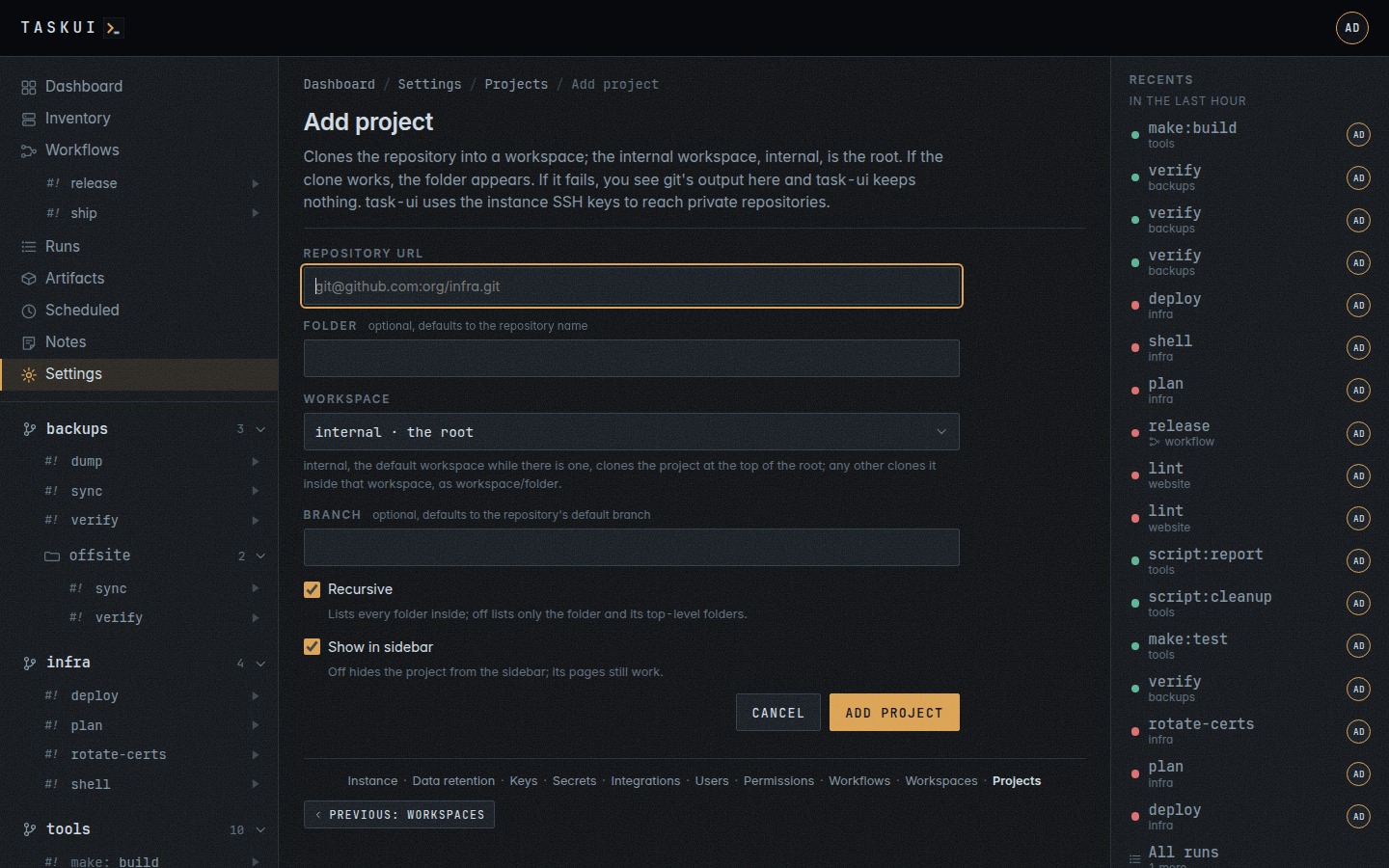
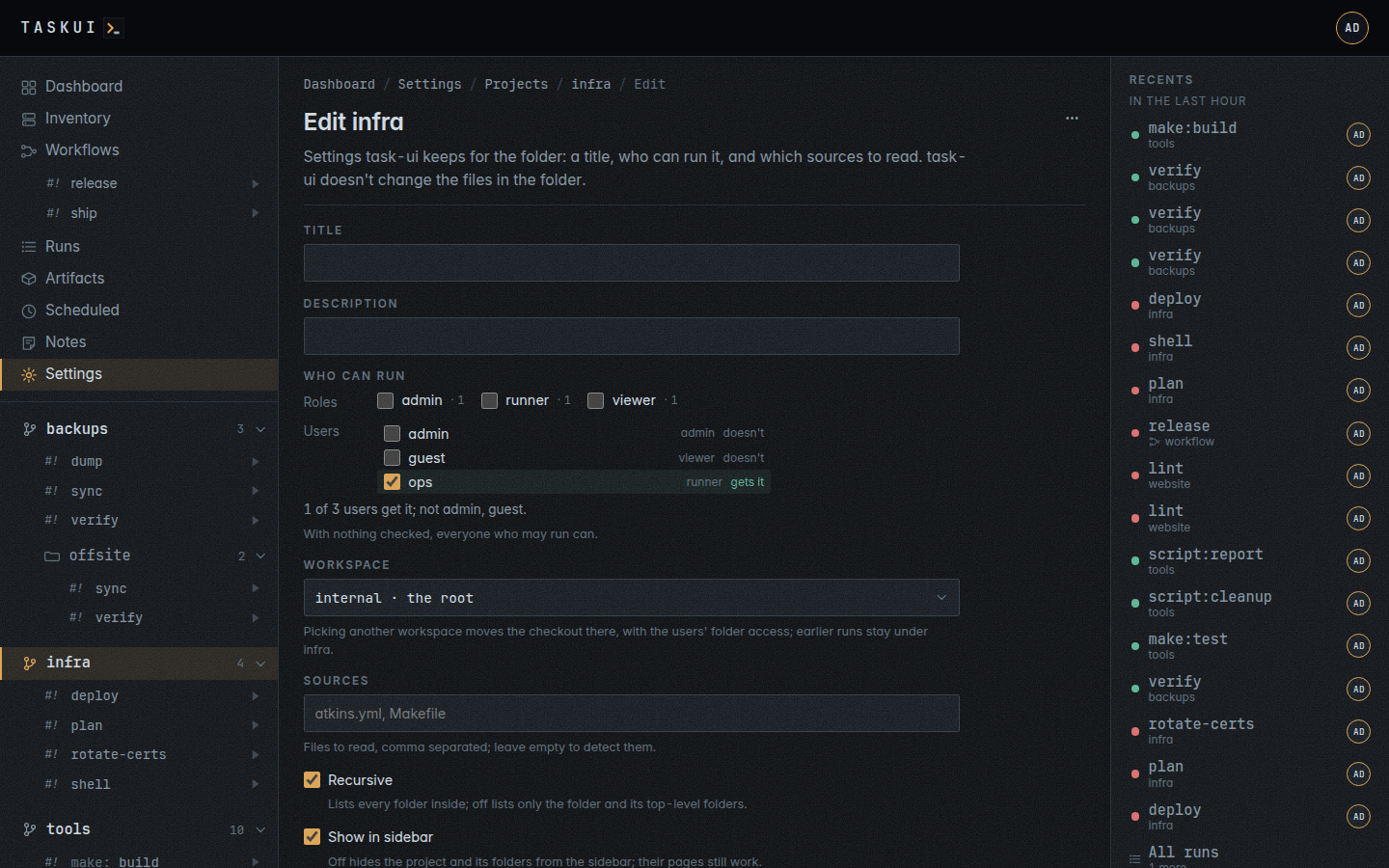
Add a project from git Project settings: Who can run, and the per-job table with the same element, compact
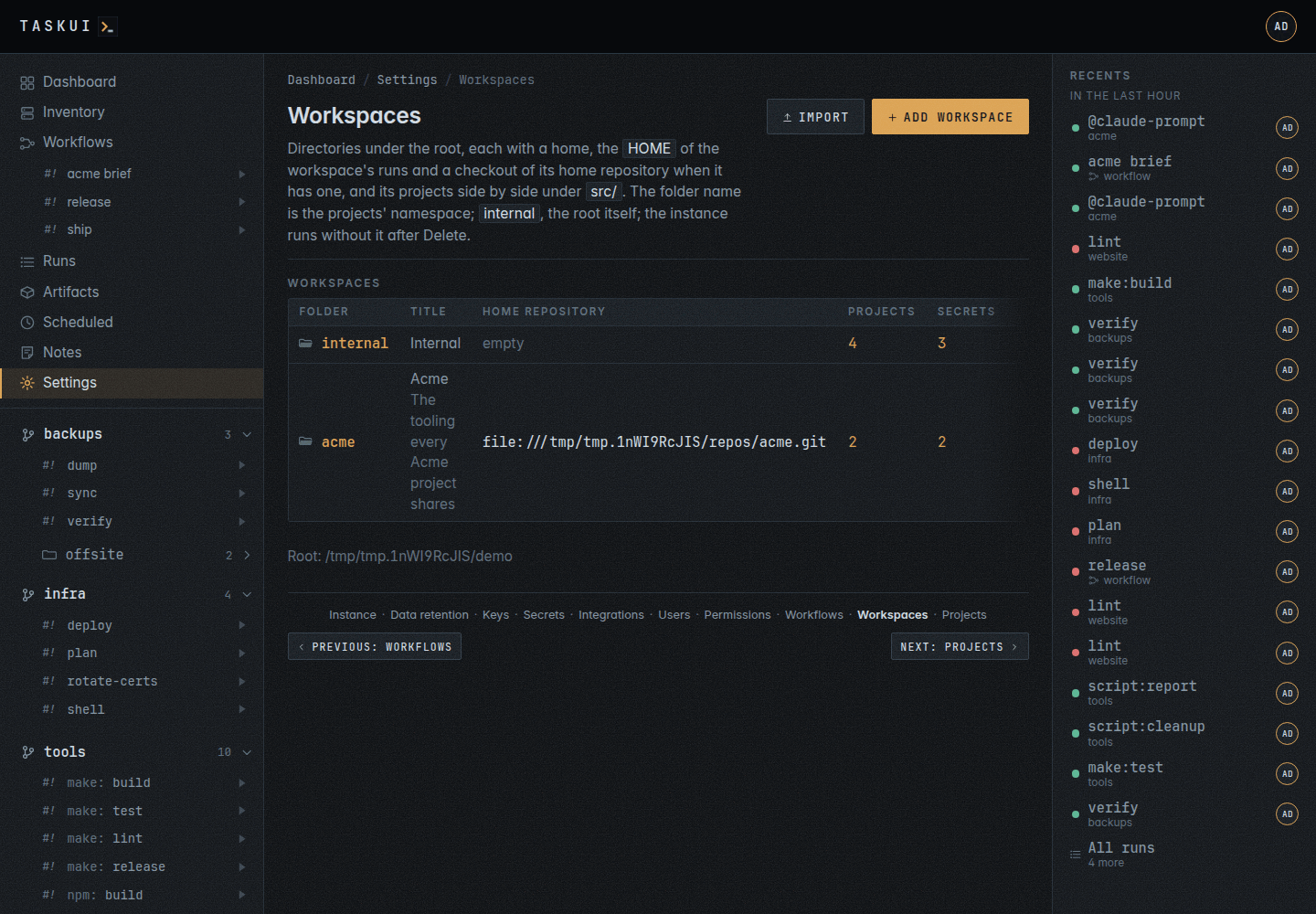
Workspaces: directories of a home and projects, each with its home repository, and Import The sidebar with a workspace open, its projects under it
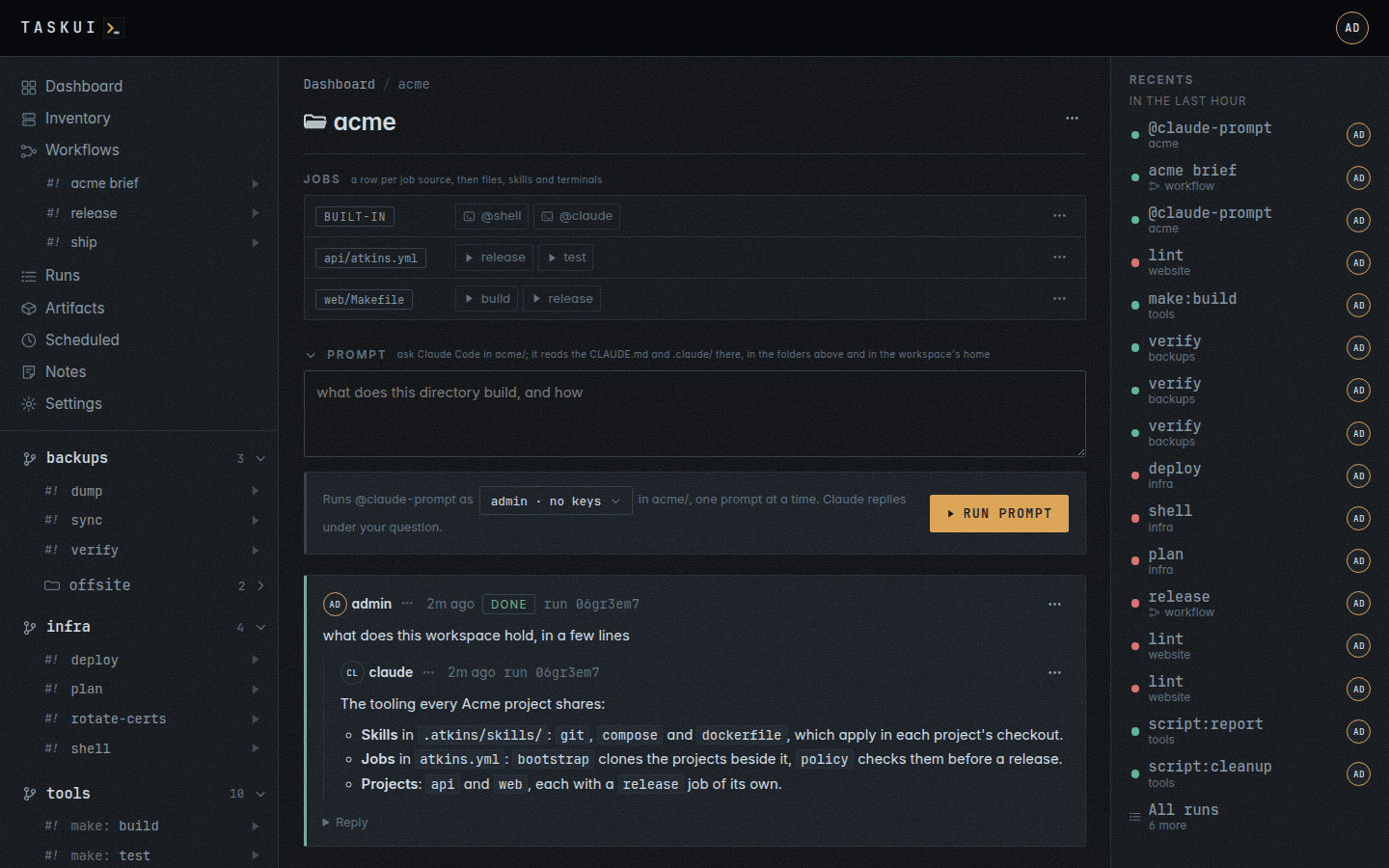
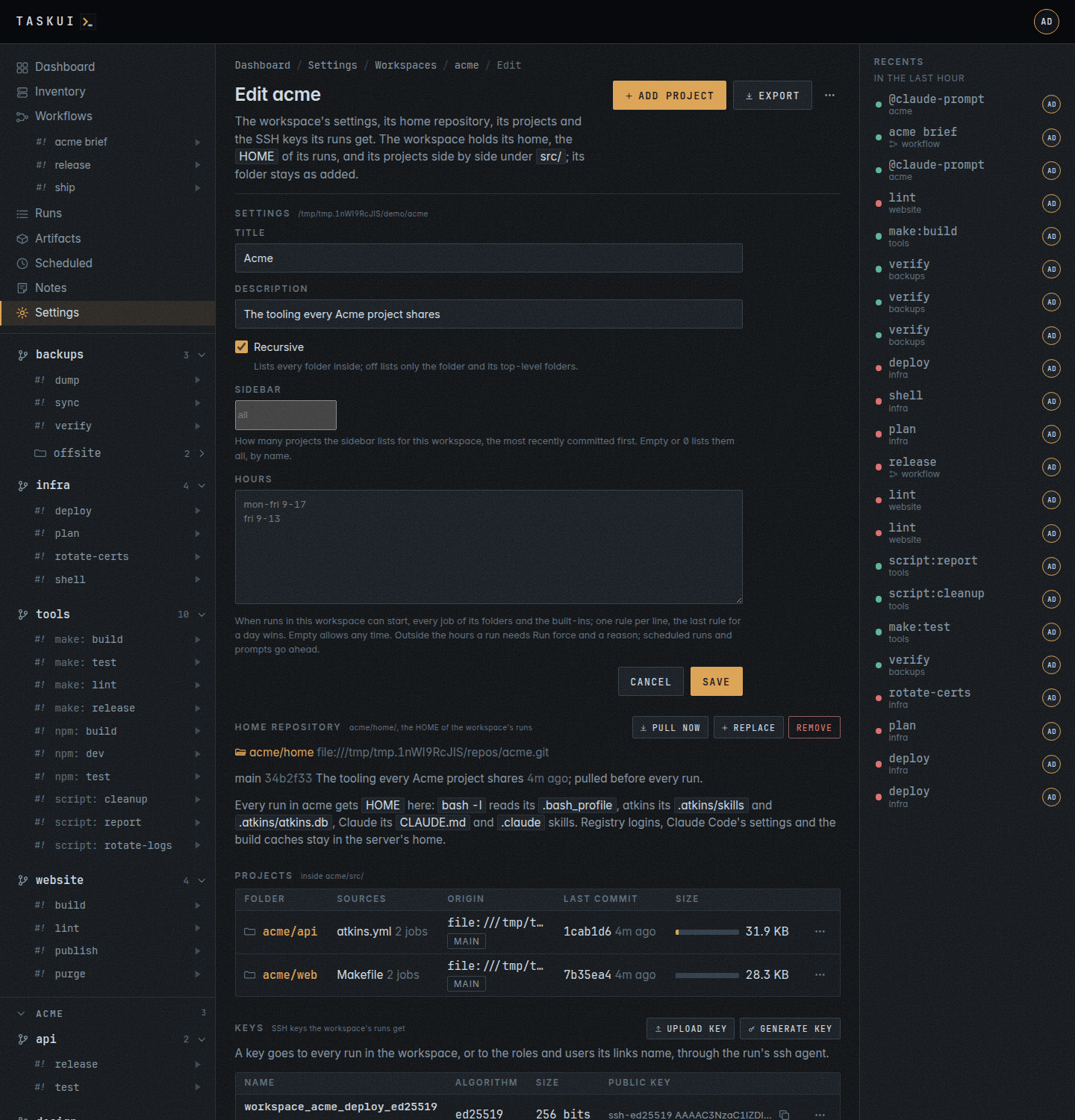
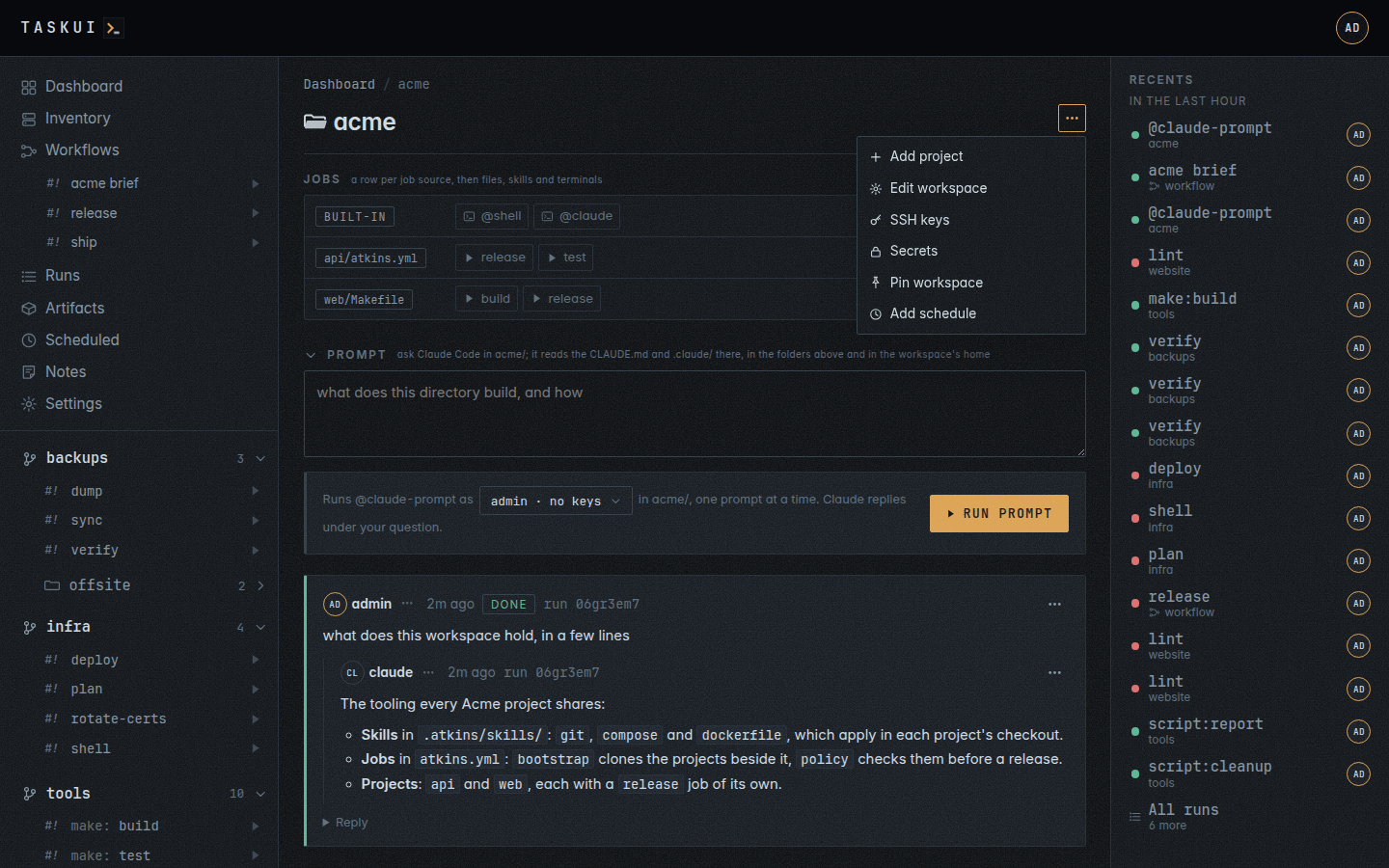
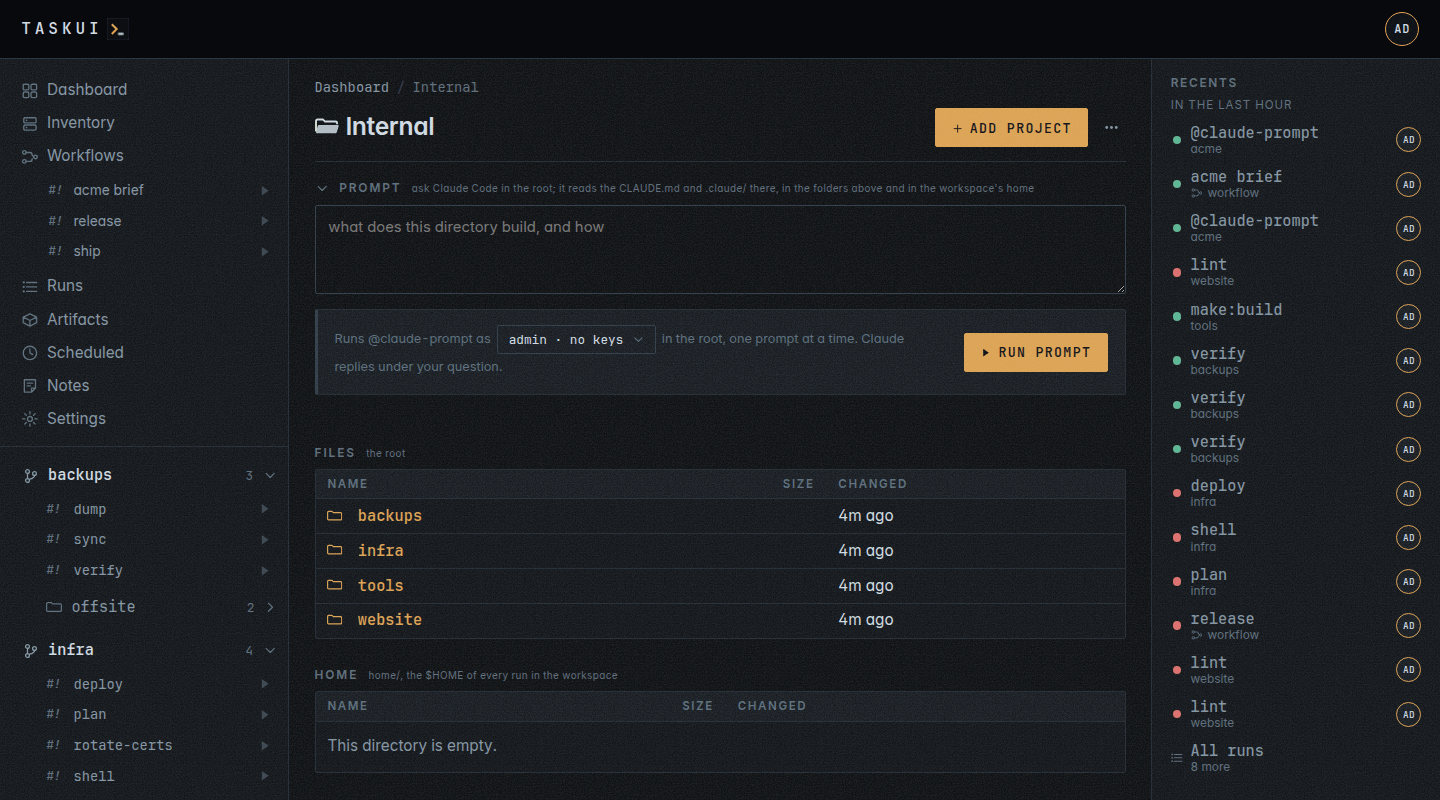
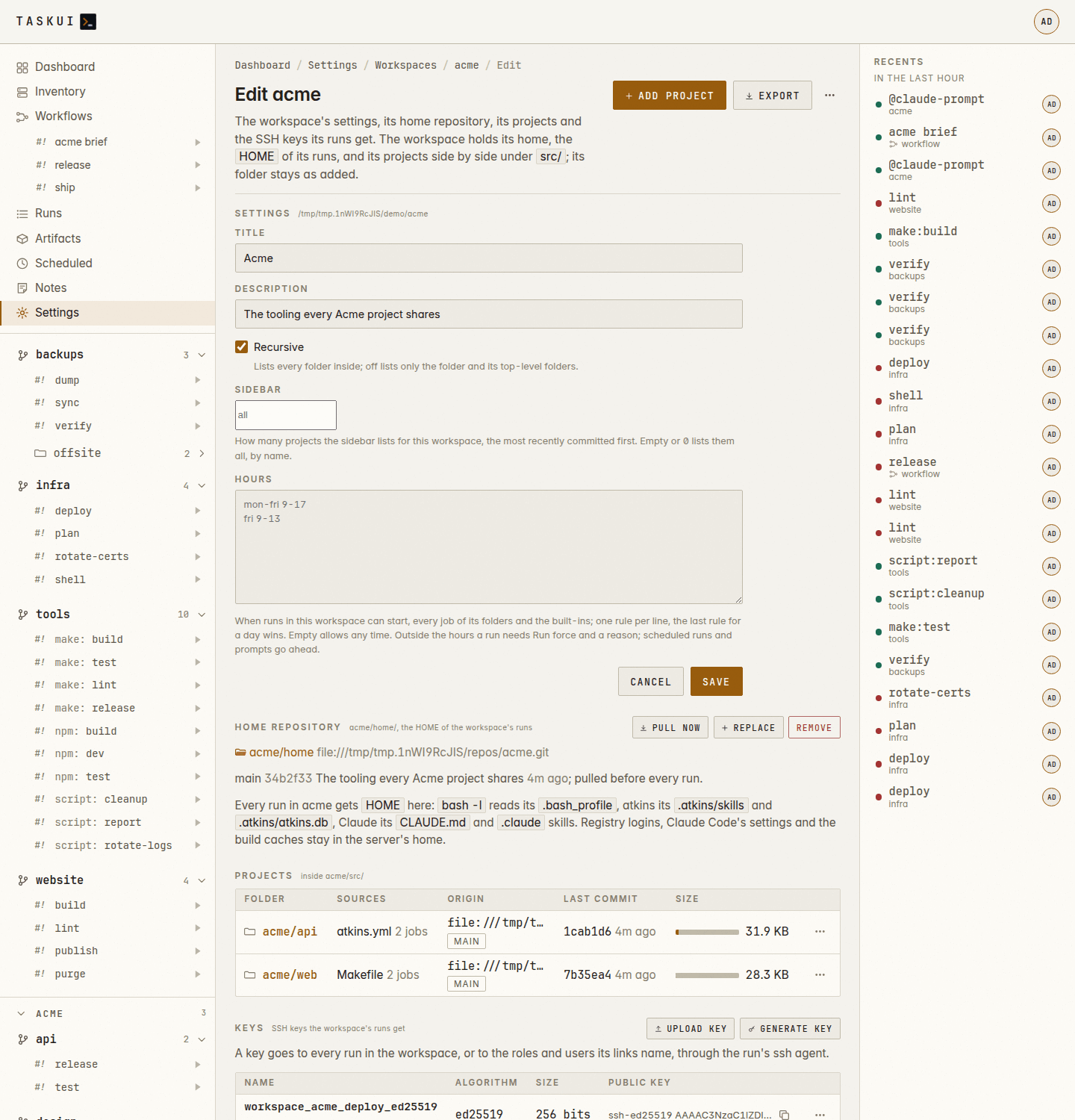
A workspace’s page, with the Prompt box open Workspace settings: its home repository, keys, and Export
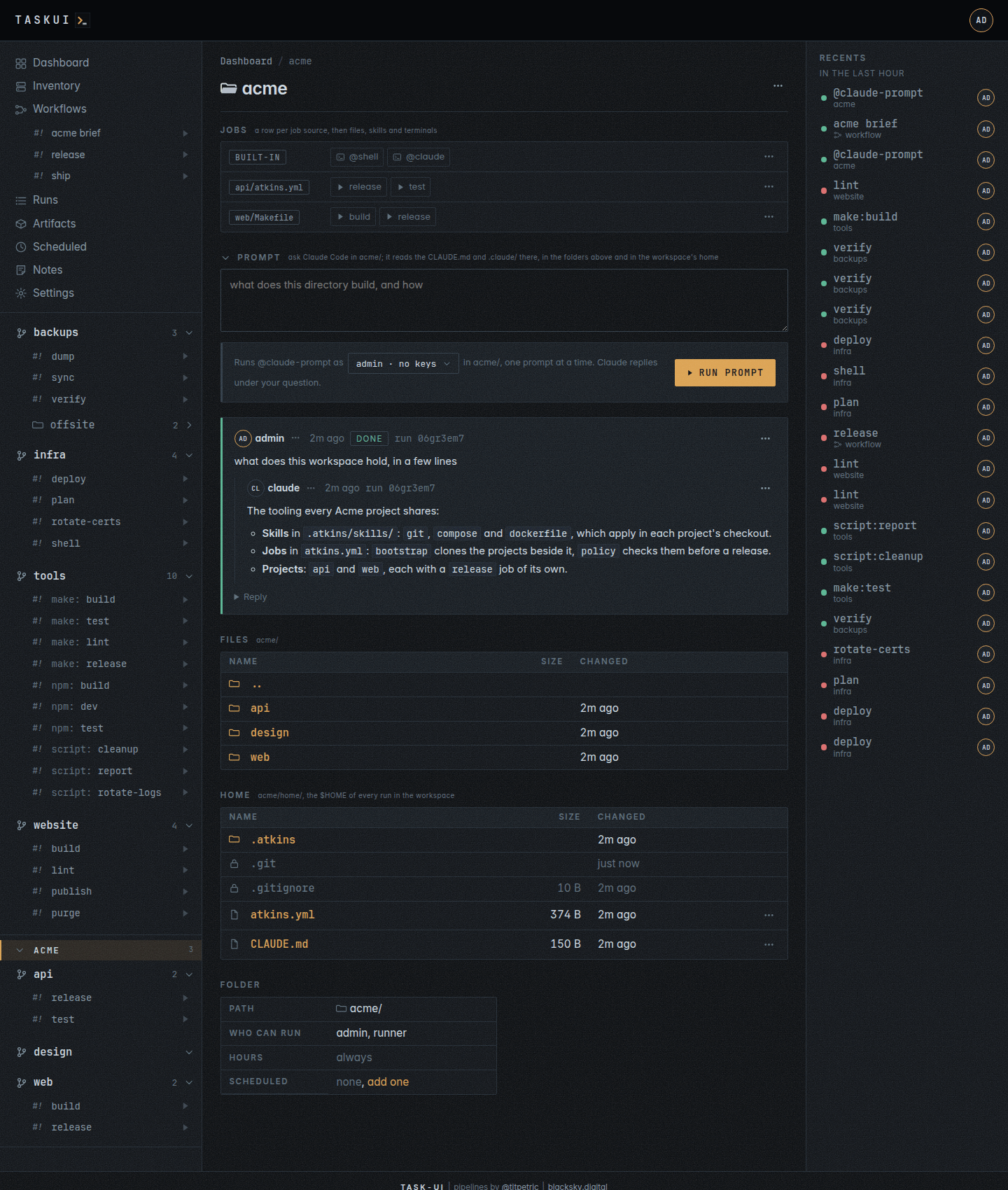
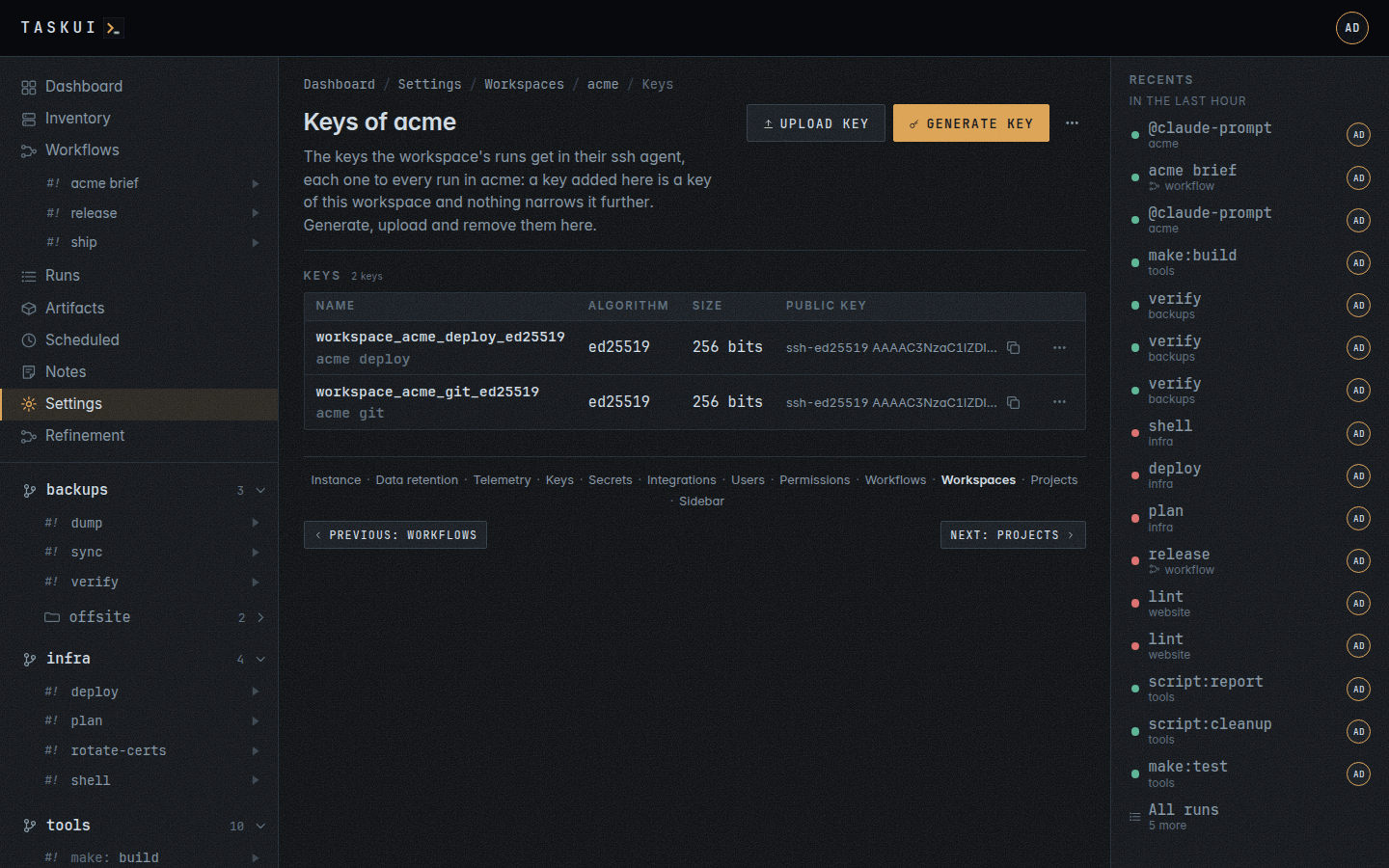
A workspace’s Home: the home repository’s files The SSH keys of a workspace, each to every run of it
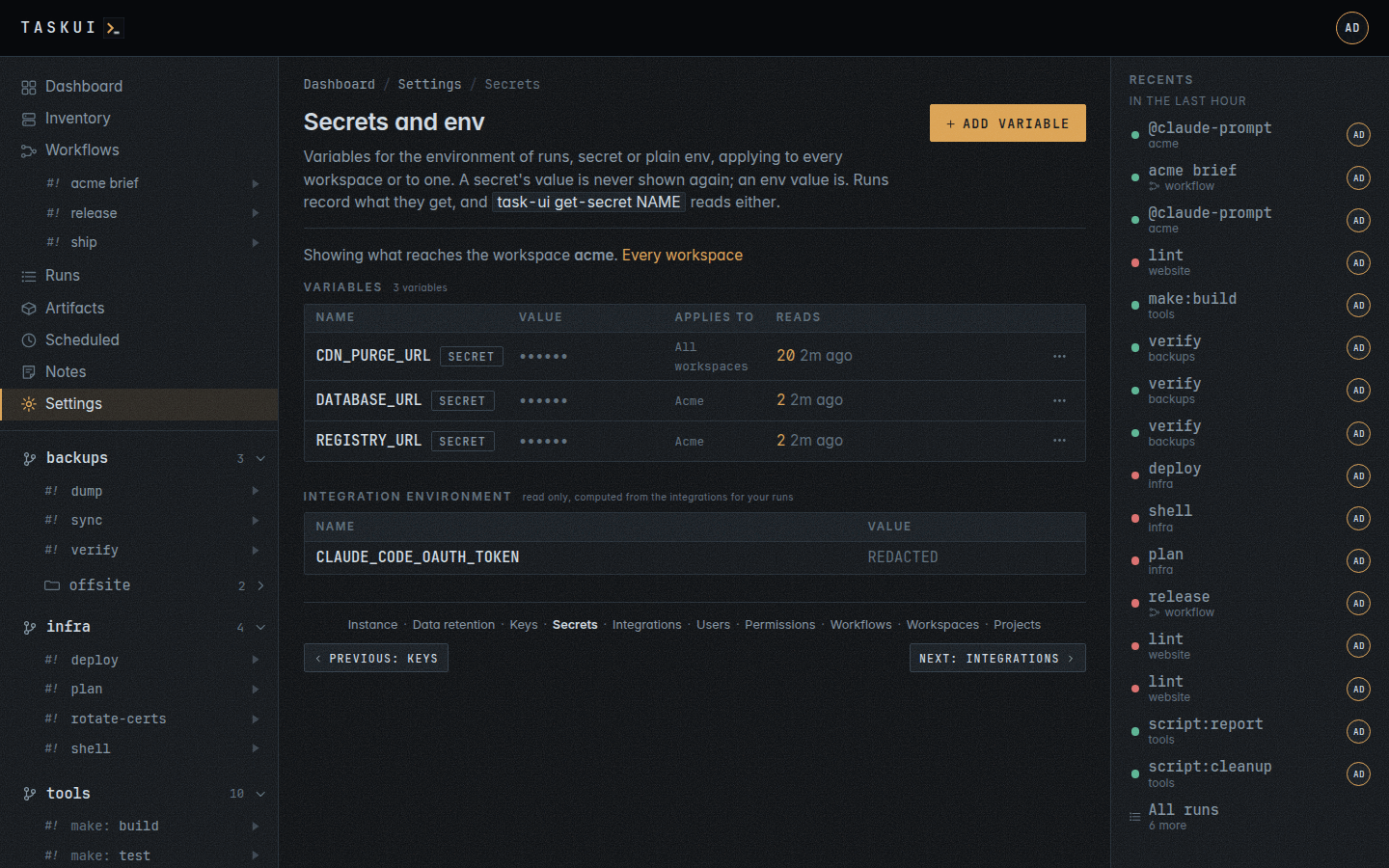
The workspace page’s menu with SSH keys and Secrets Secrets and env filtered to a workspace
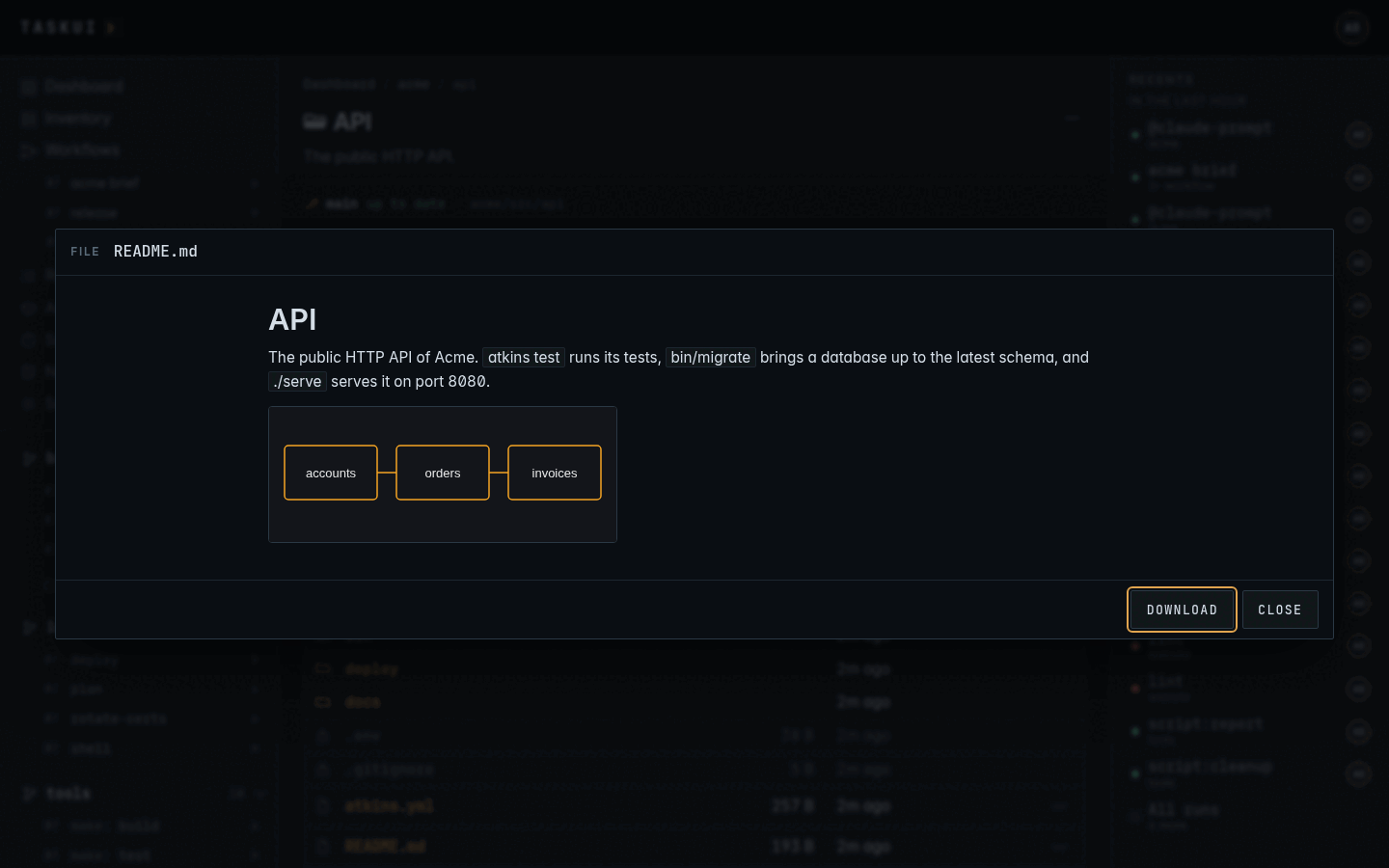
A project’s Files: .git and .env sealed, a file that runs marked exec A file of the checkout in the preview window
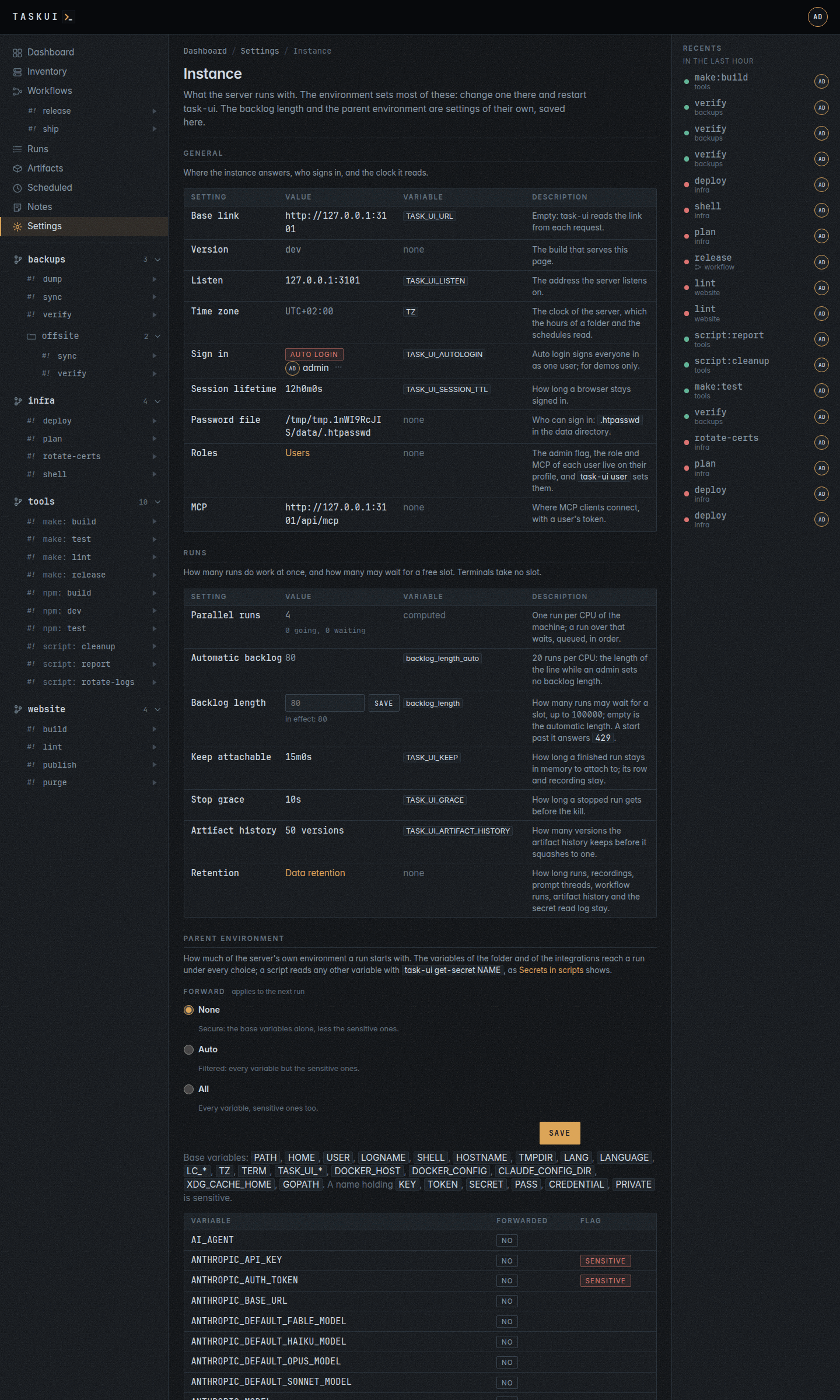
The internal workspace’s page: its projects in Files Instance: what the server runs with, read only
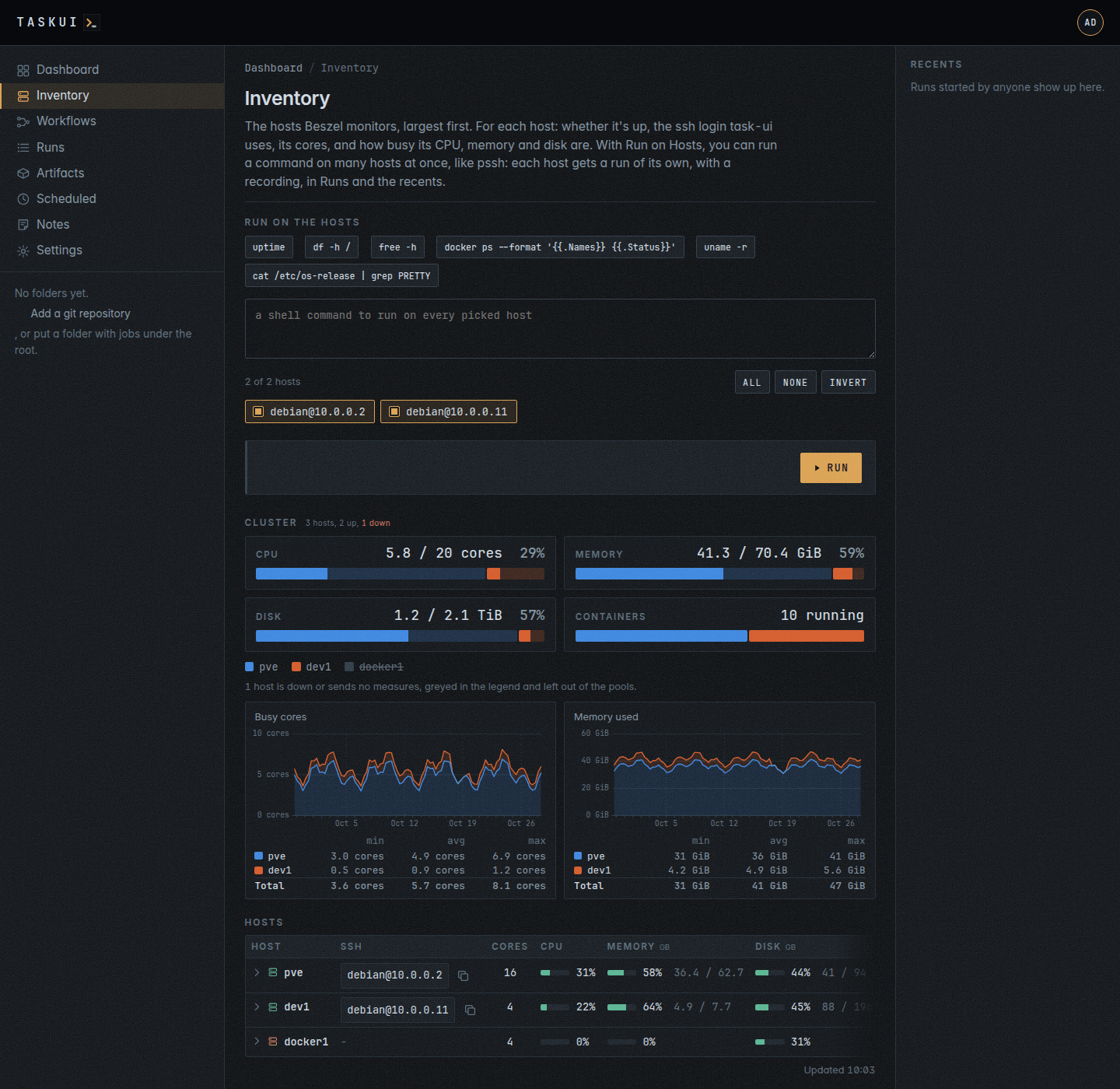
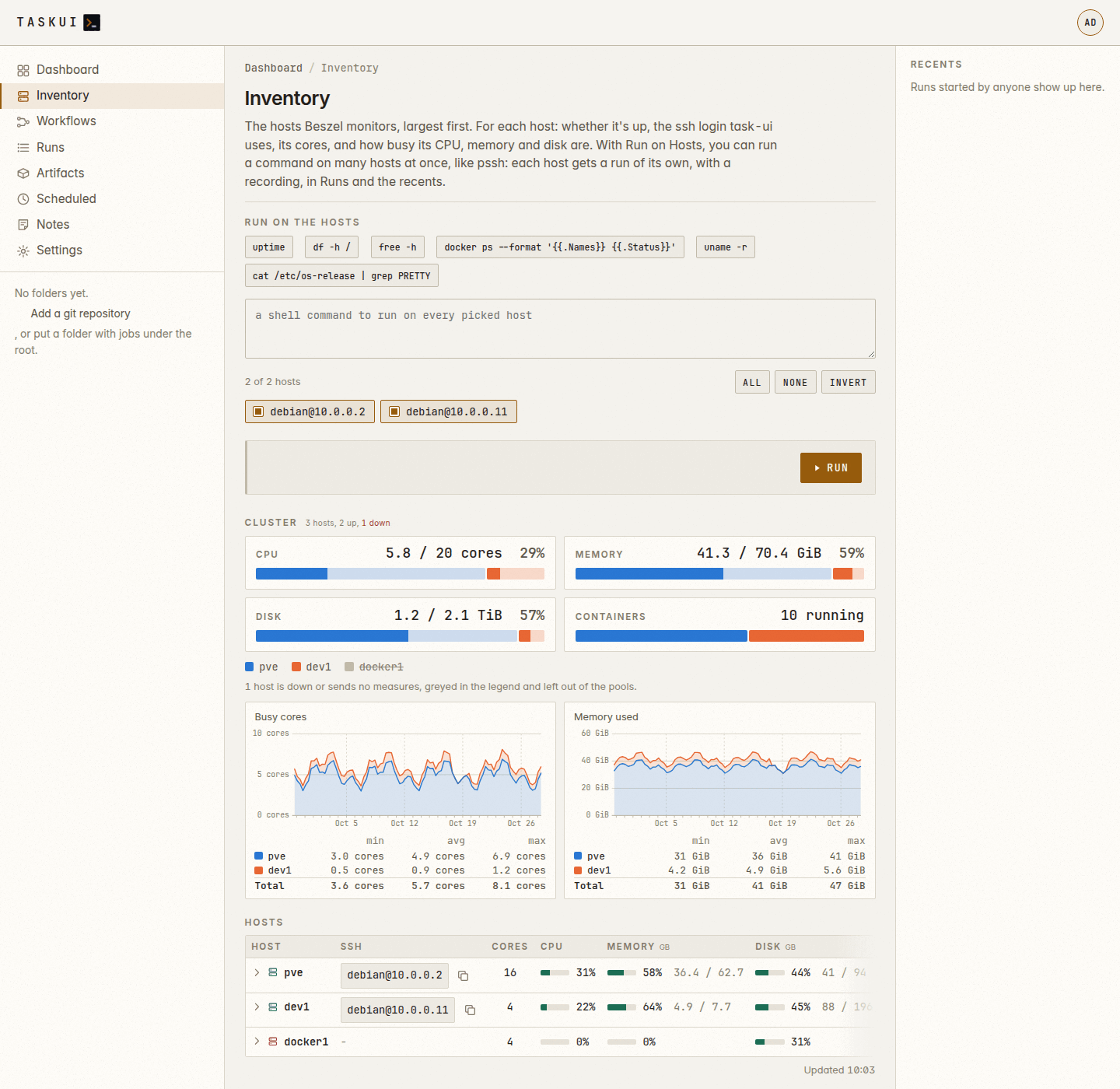
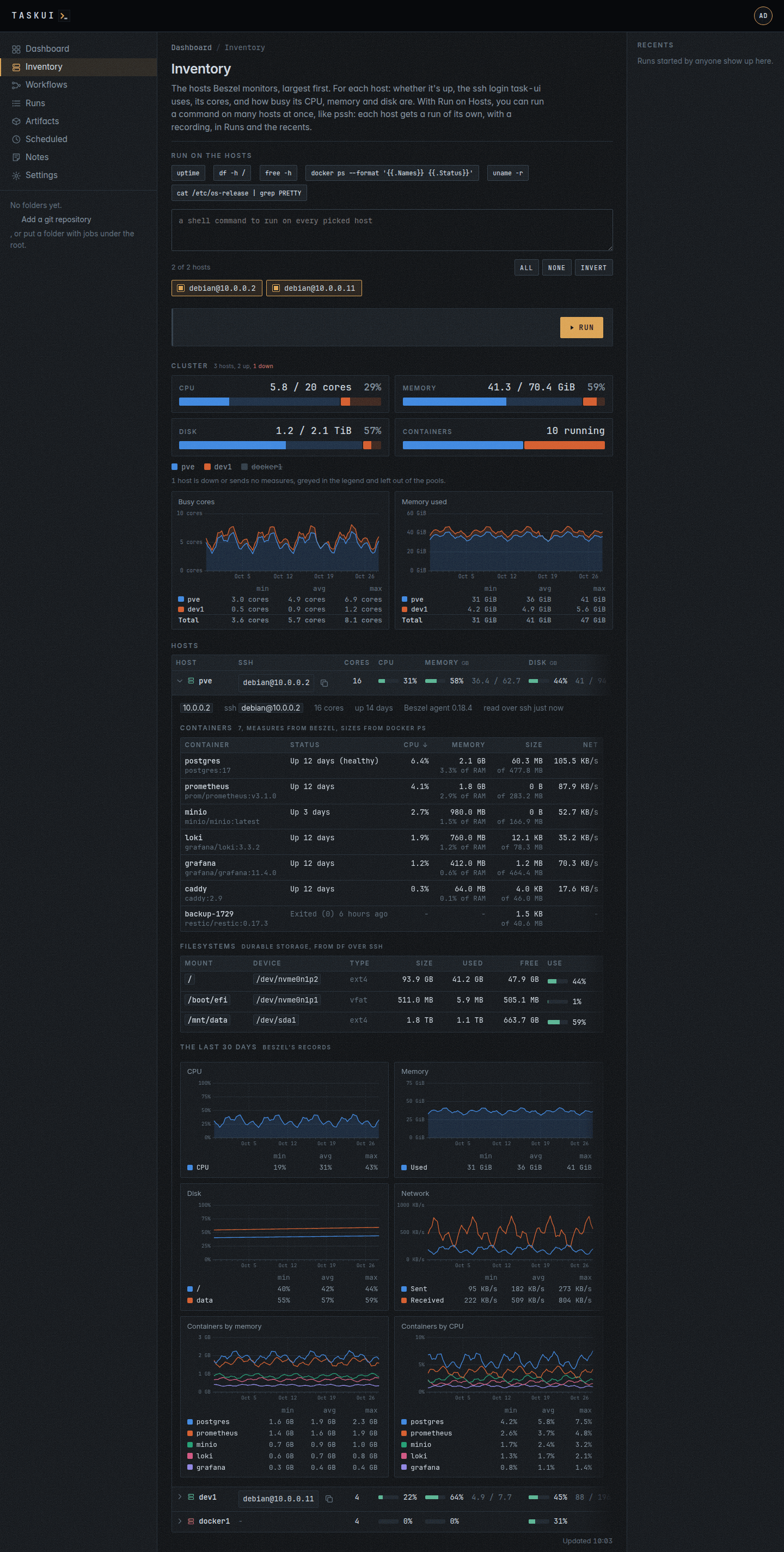
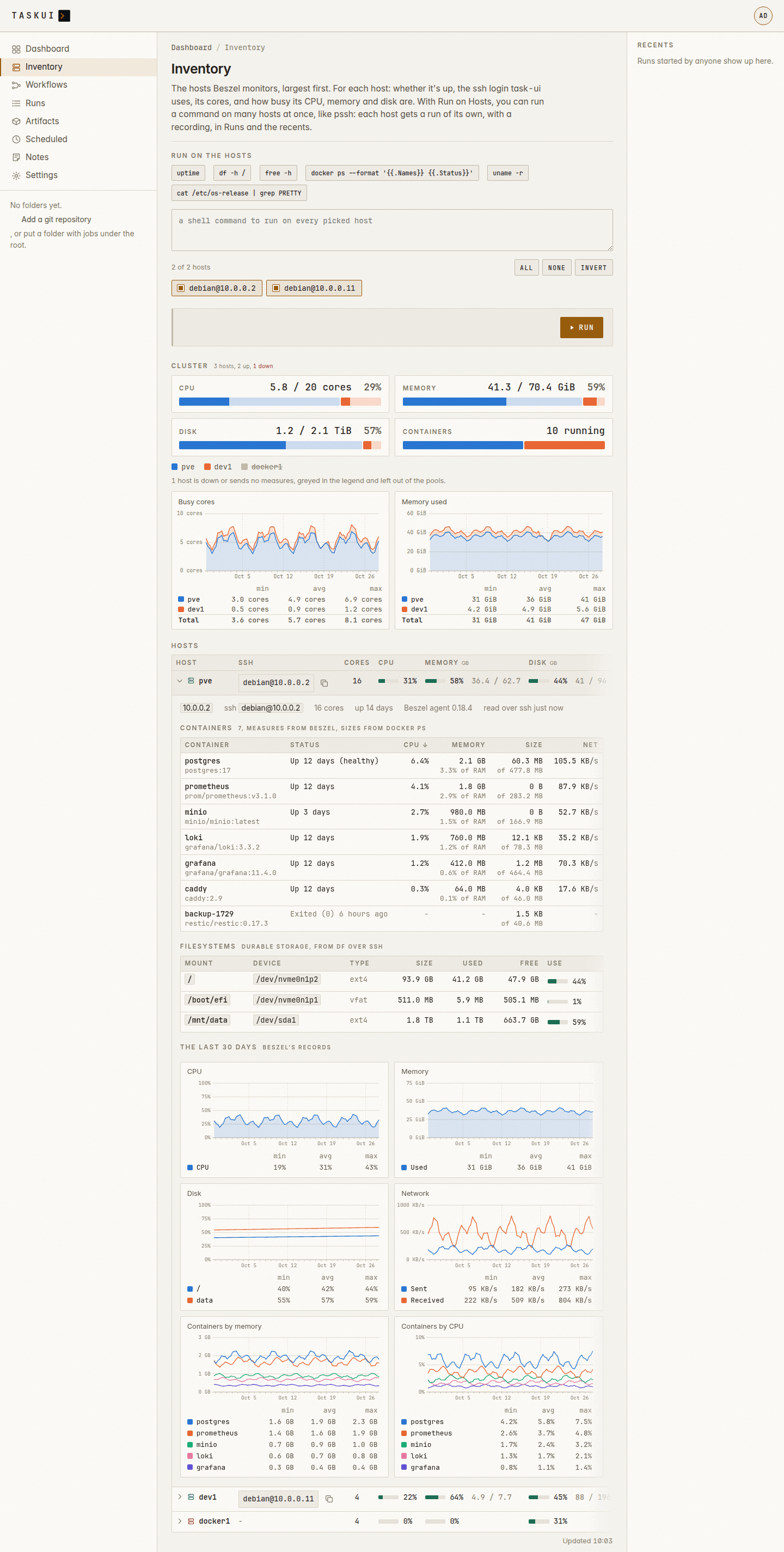
The Inventory page: the cluster’s pools and month, and the hosts Inventory, light theme
A host’s expanded row: its containers, filesystems and month A host’s expanded row, light theme
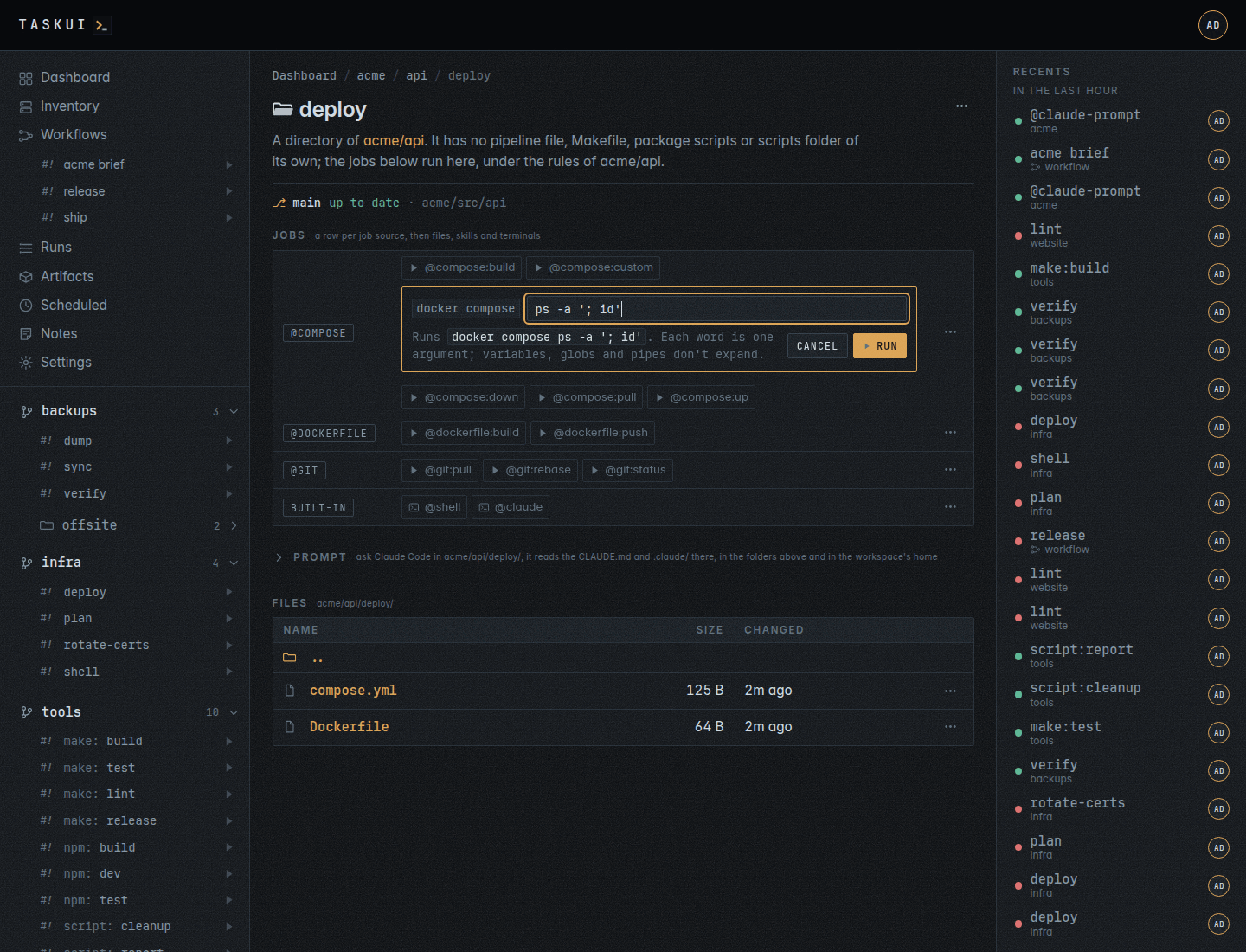
A directory: its git line The arguments field of compose: custom…, and the argv it runs
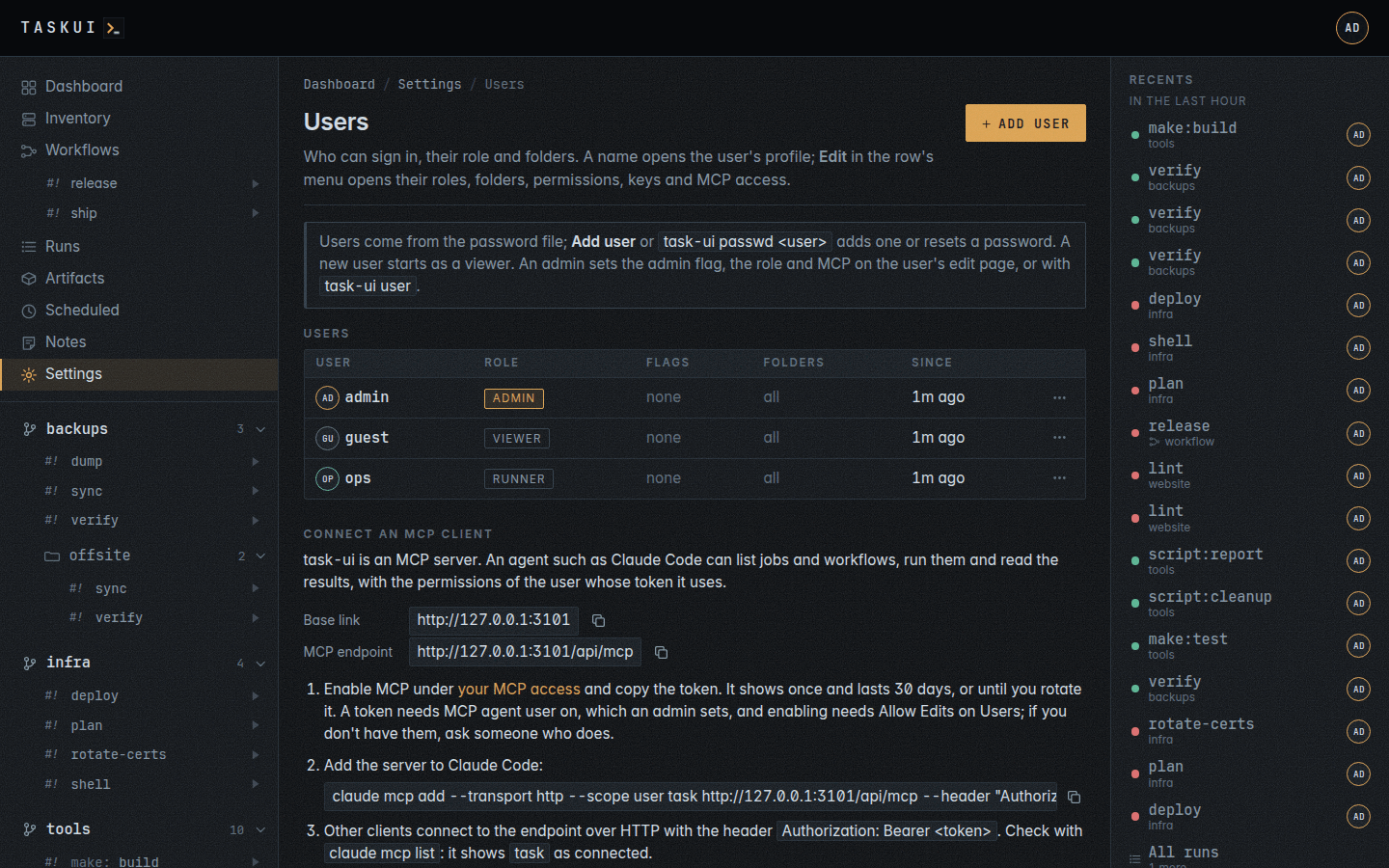
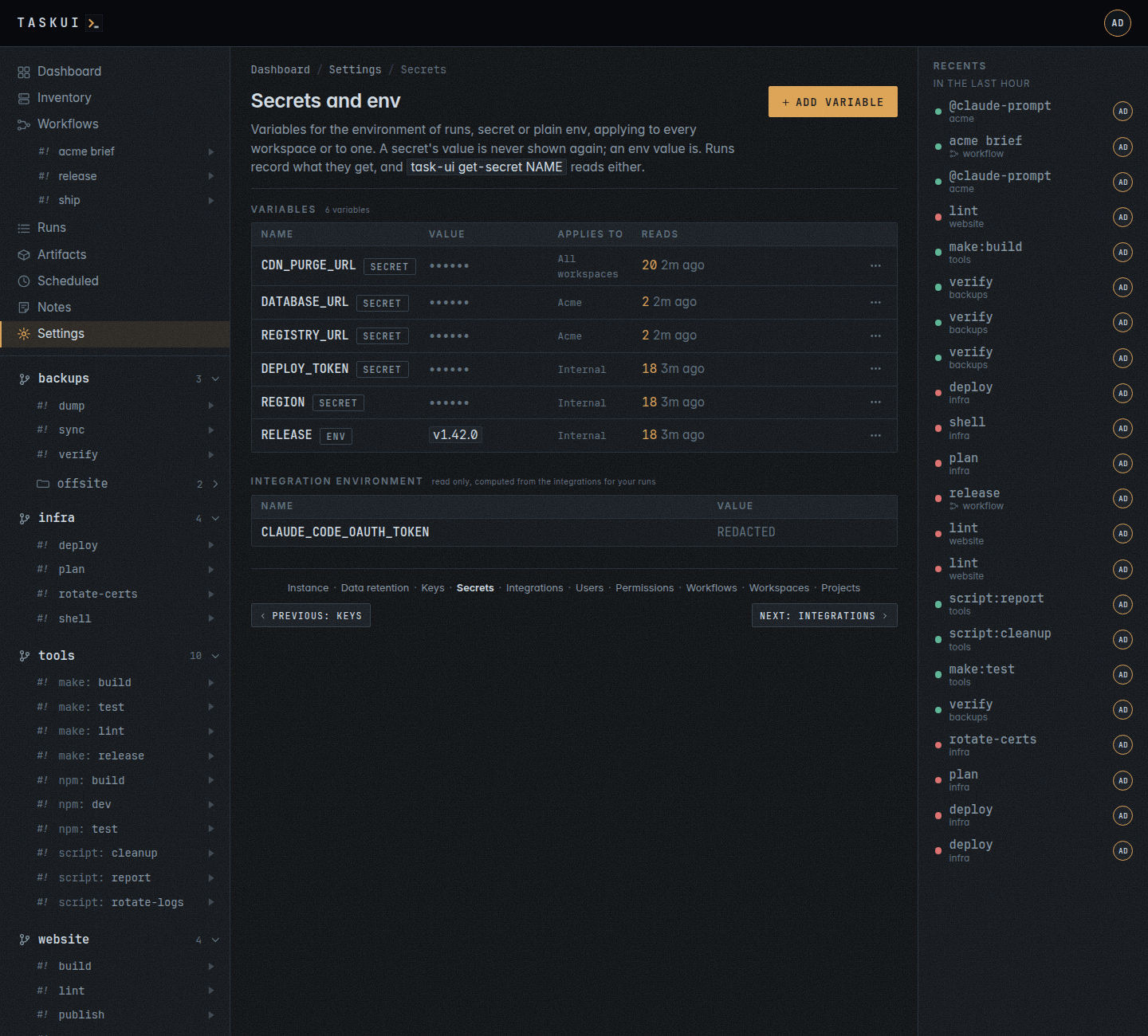
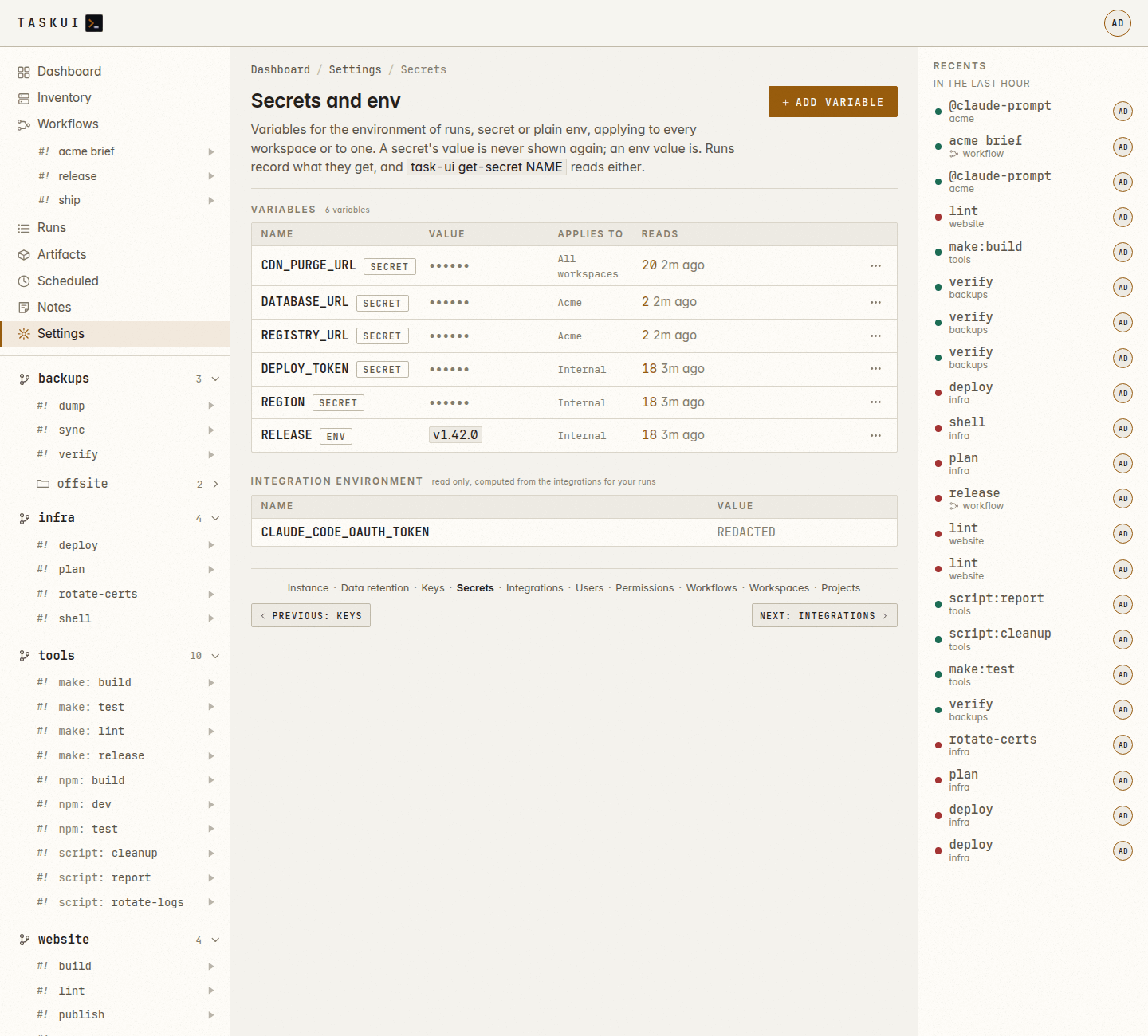
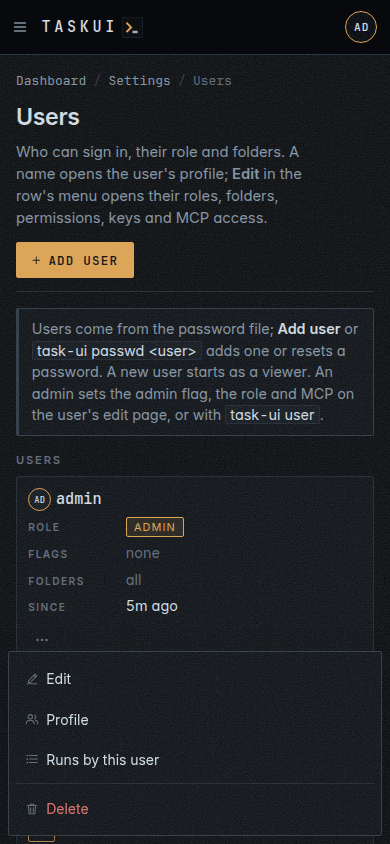
Users, from the password file Secrets and env: a row per variable, secret or env, with its scope and reads, and the integration environment below
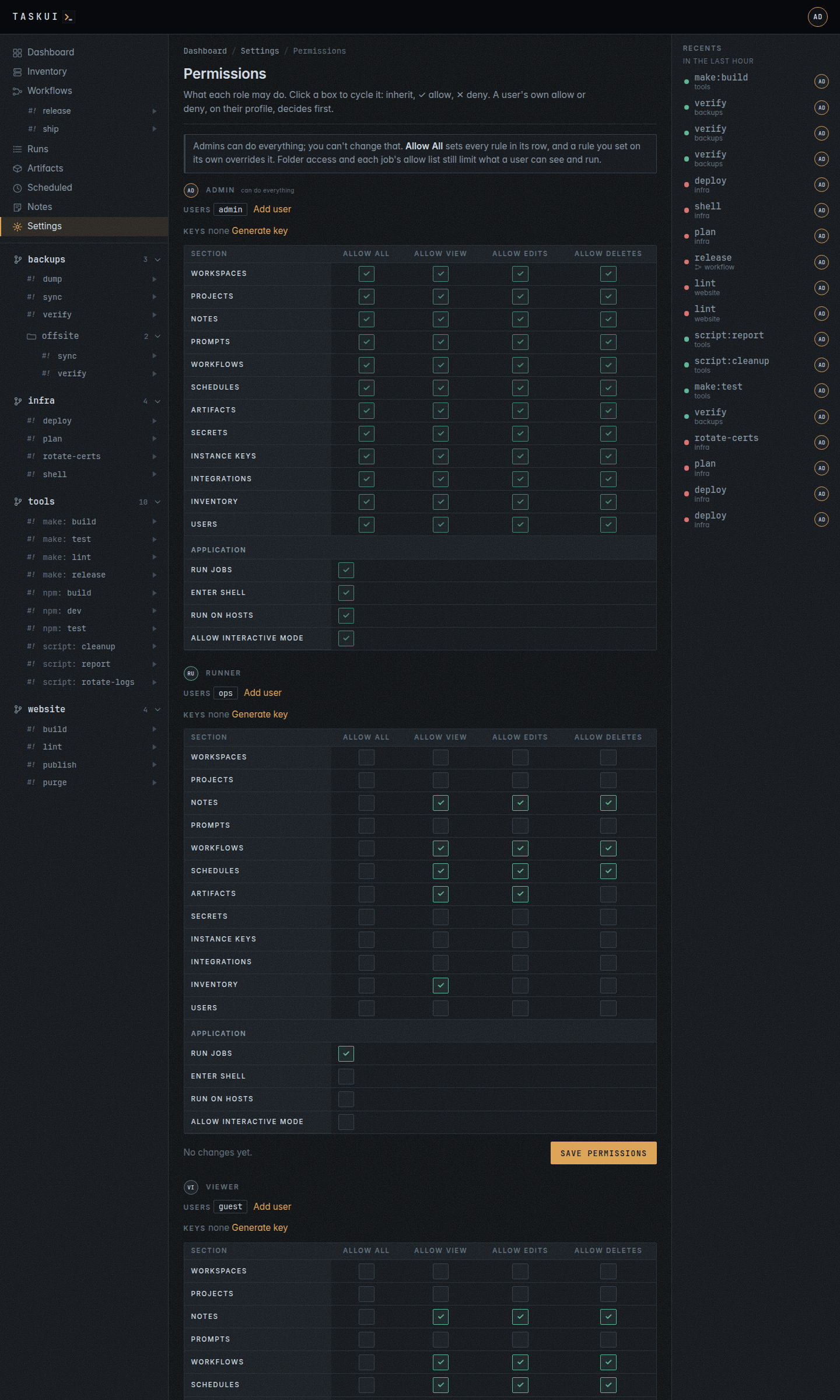
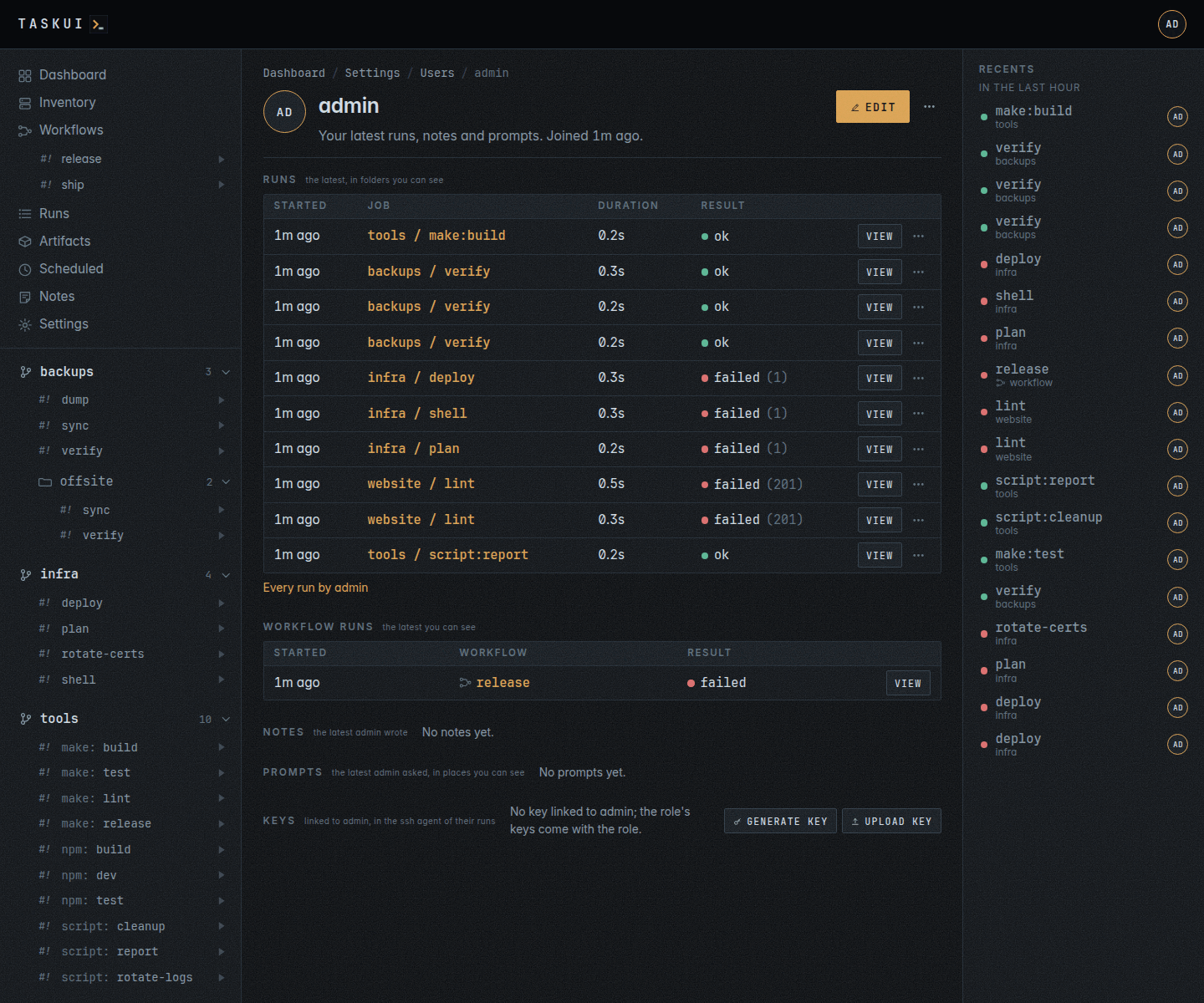
Permissions: a matrix per role A profile: a user’s activity
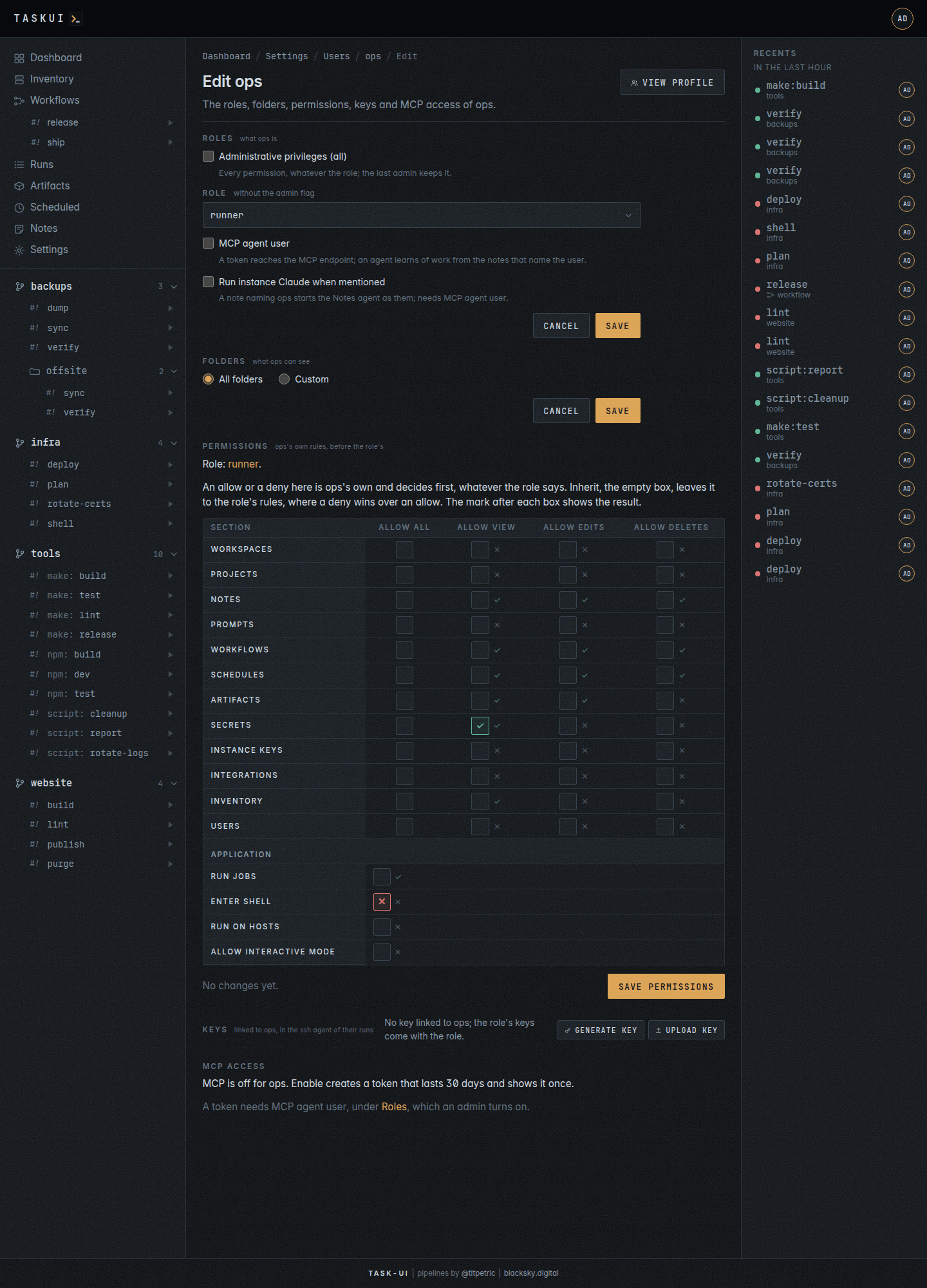
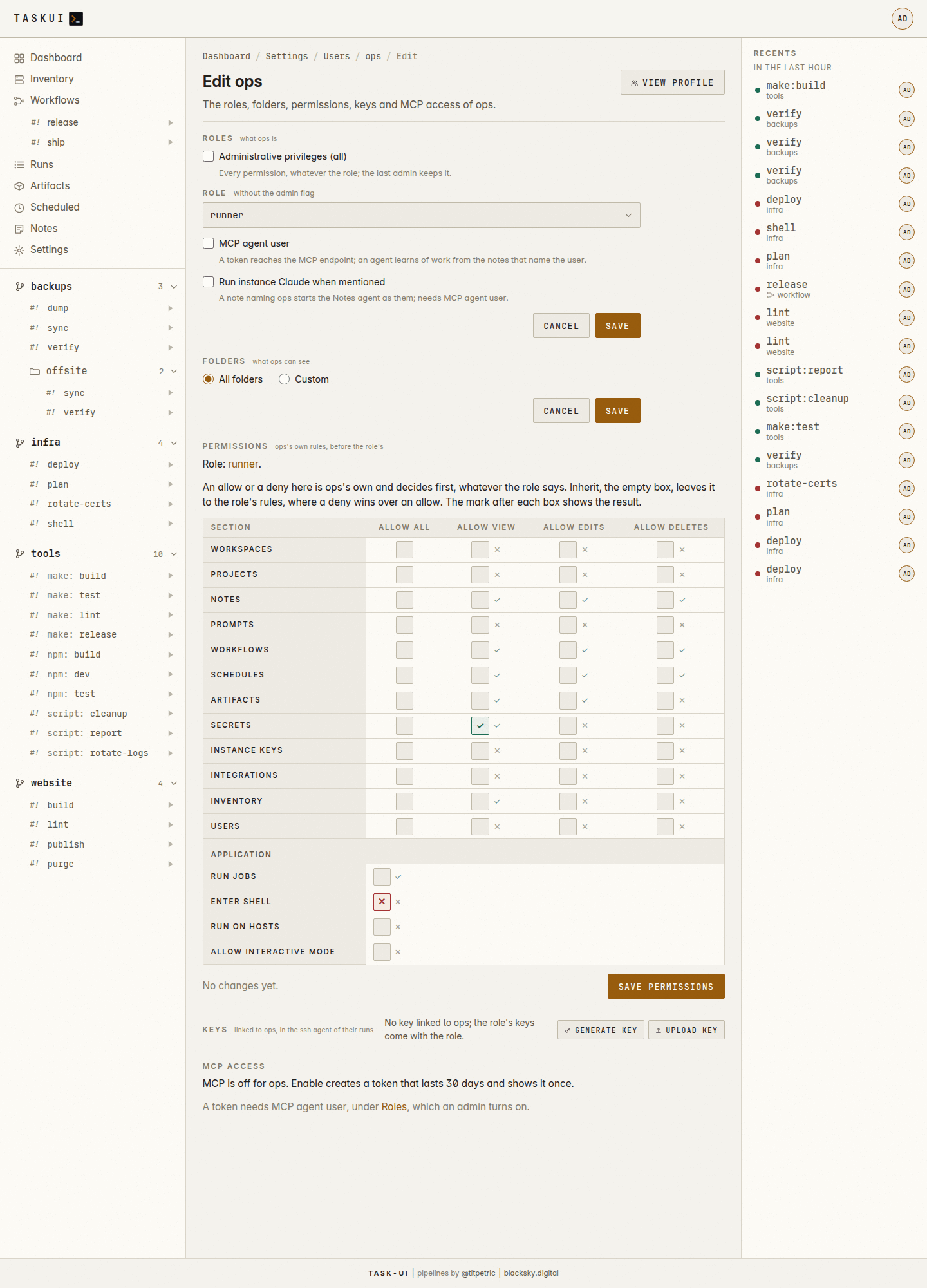
The edit page of a user: Roles, Folders, Permissions, Keys, MCP access The edit page, light theme
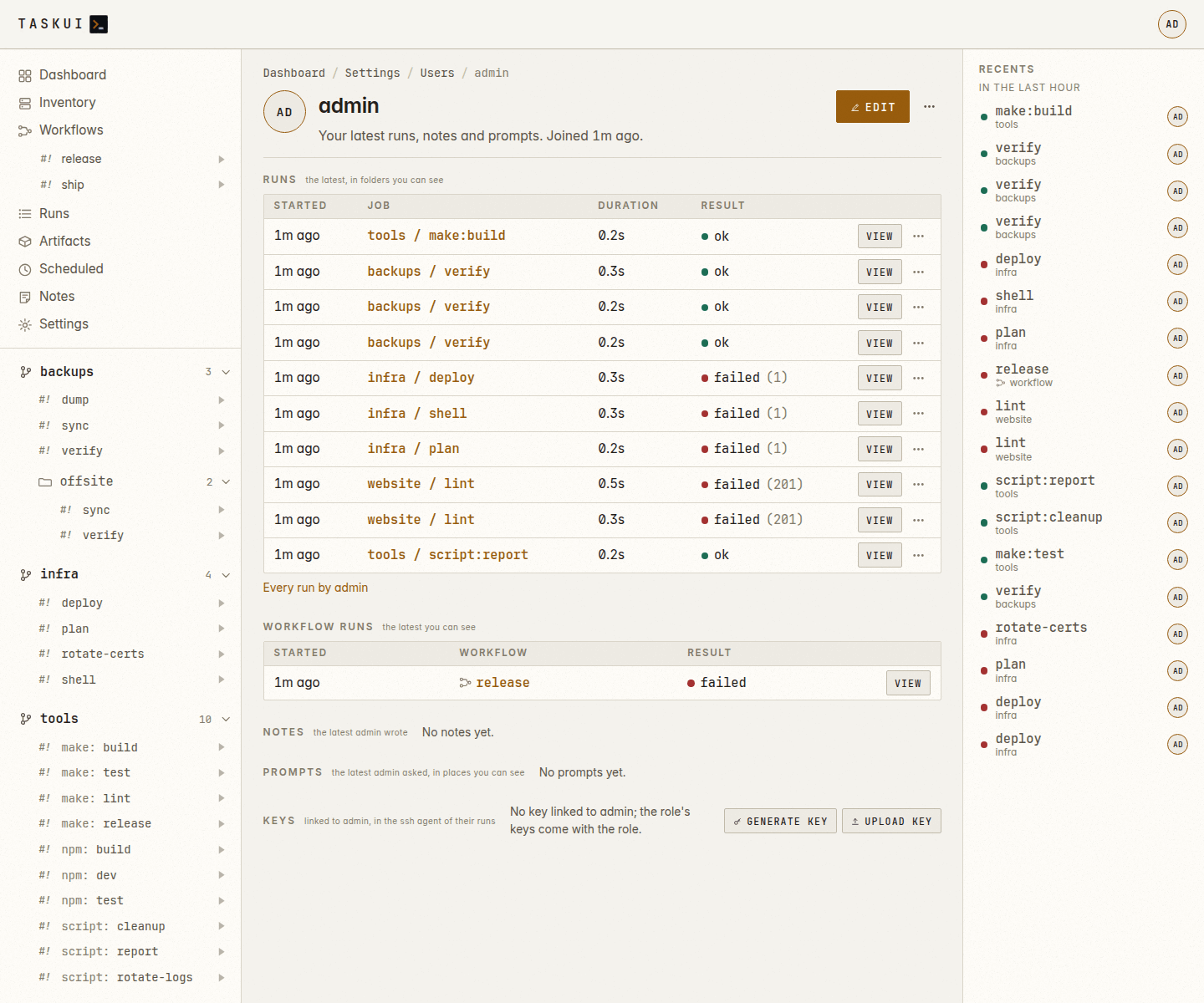
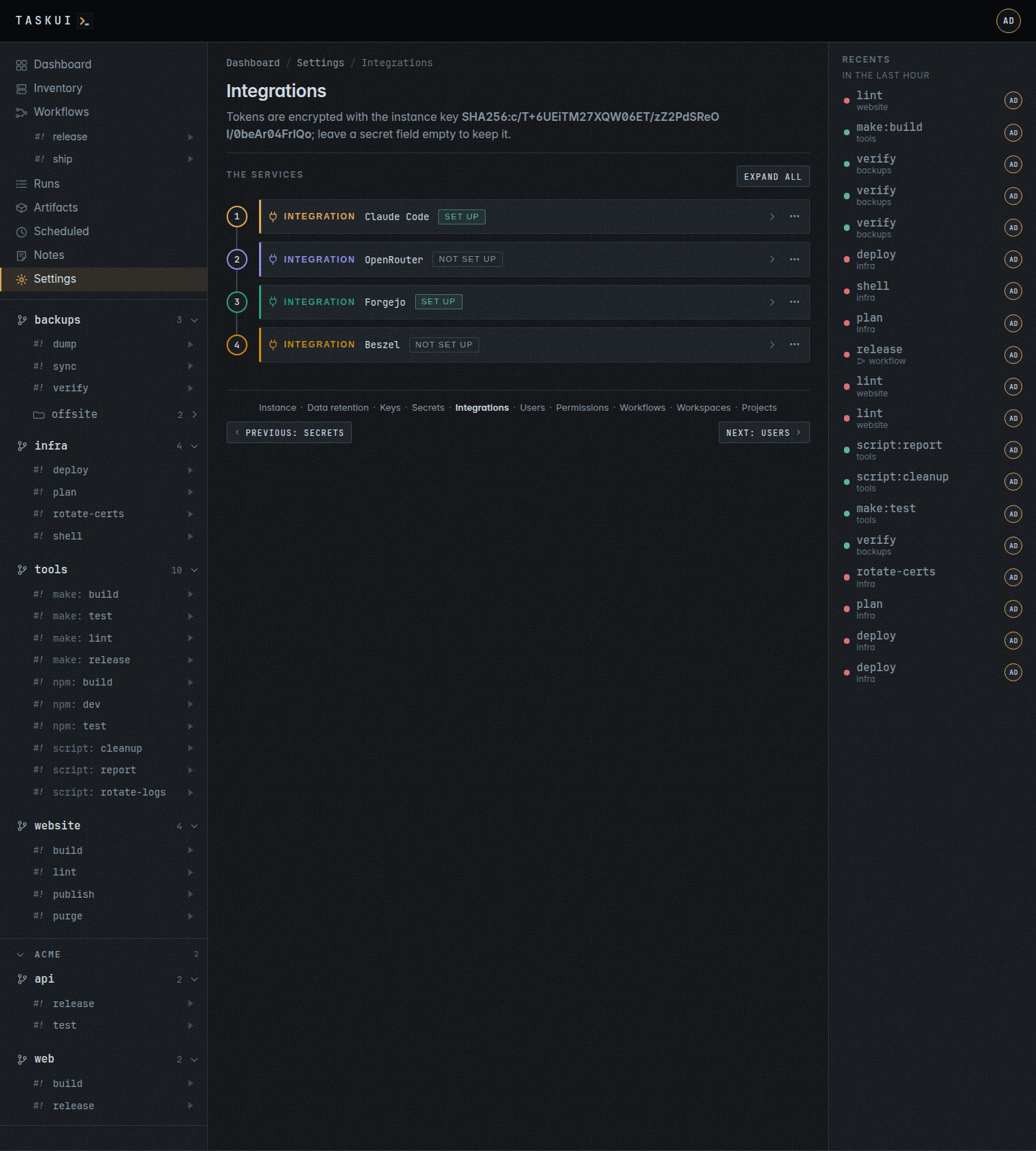
A profile, light theme Integrations: a card per integration on a numbered rail, its form and variable switches, and the steps to its key folded under it; Who shows which users get the Claude token
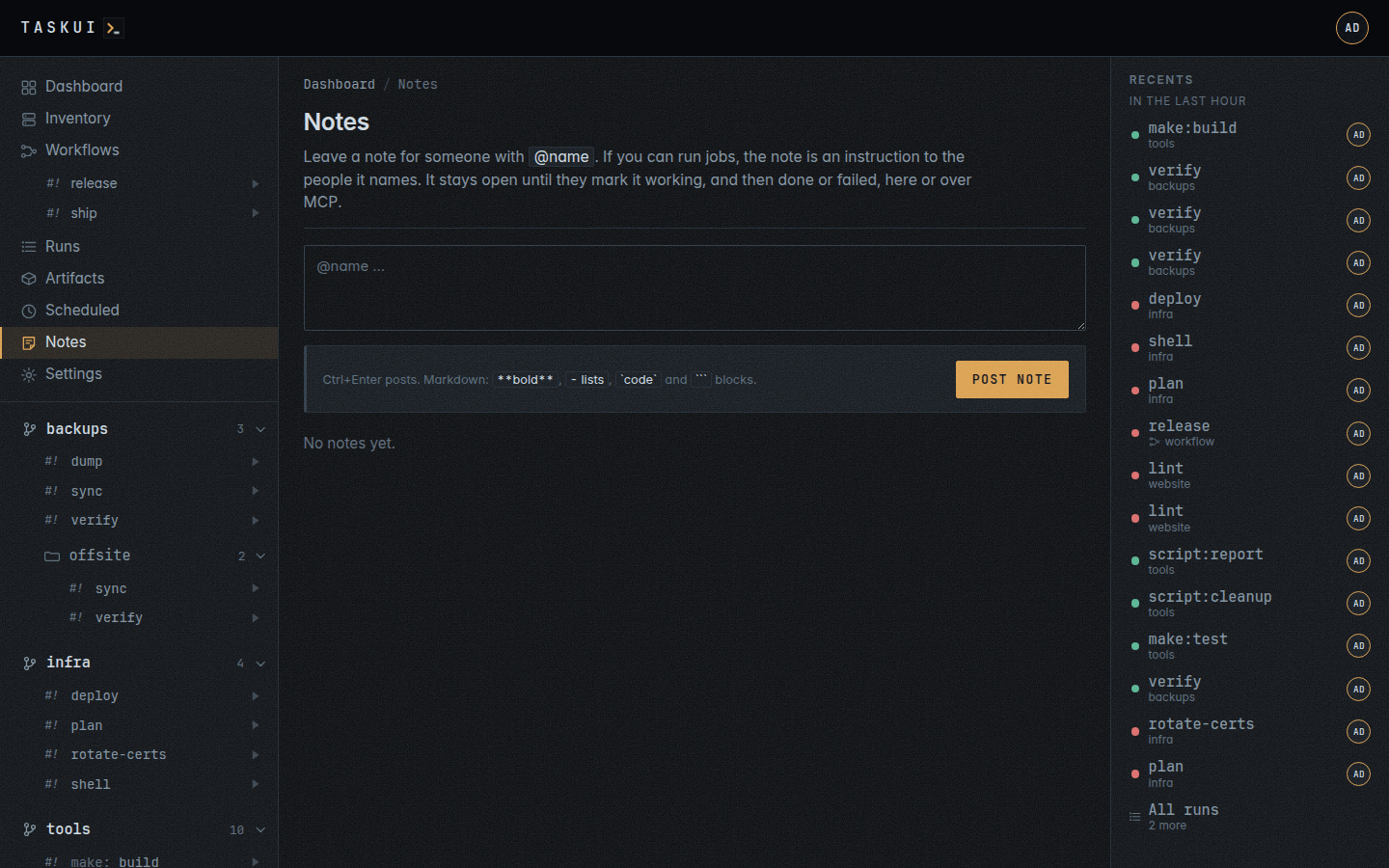
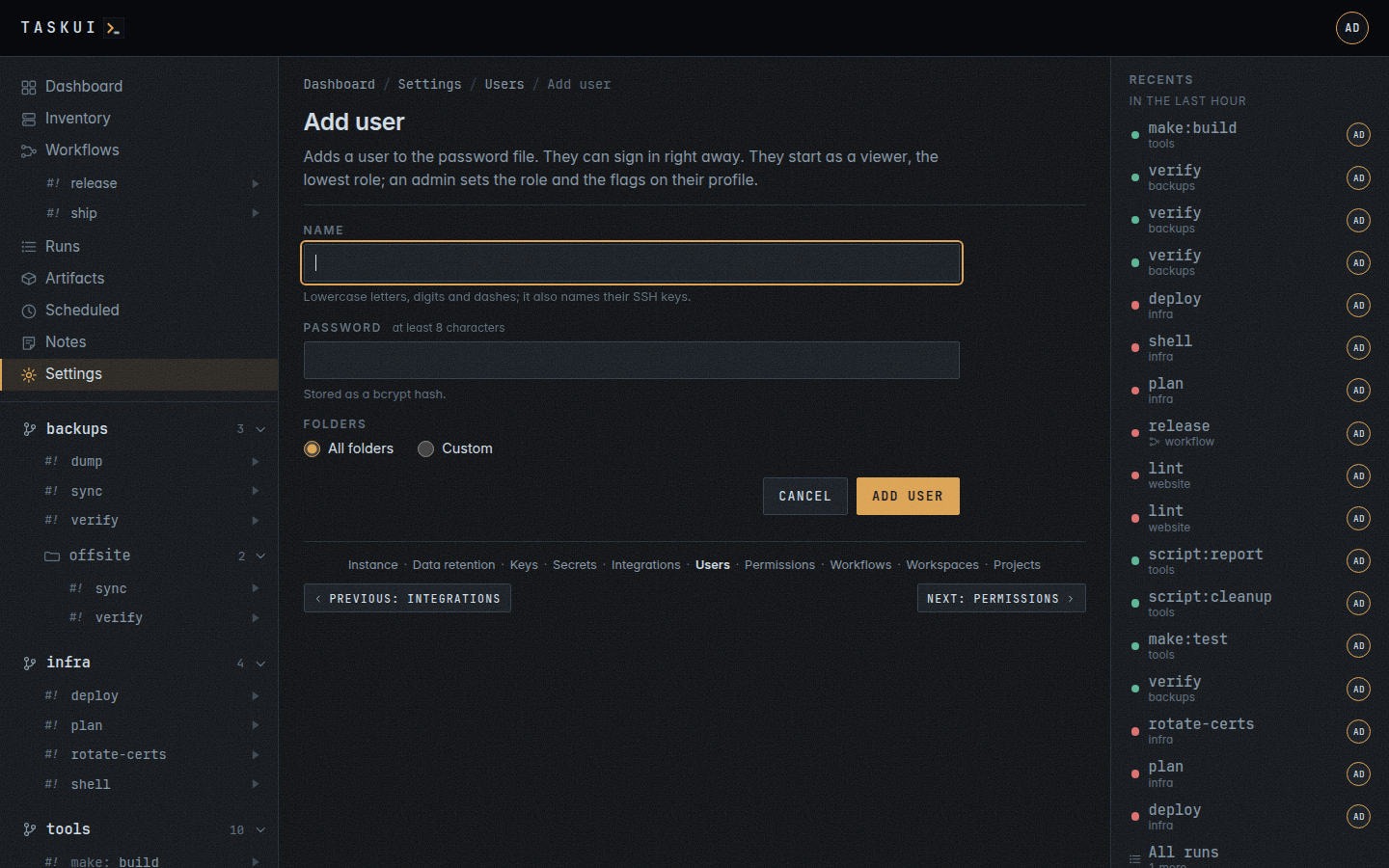
Notes: messages, replies and instructions Add user
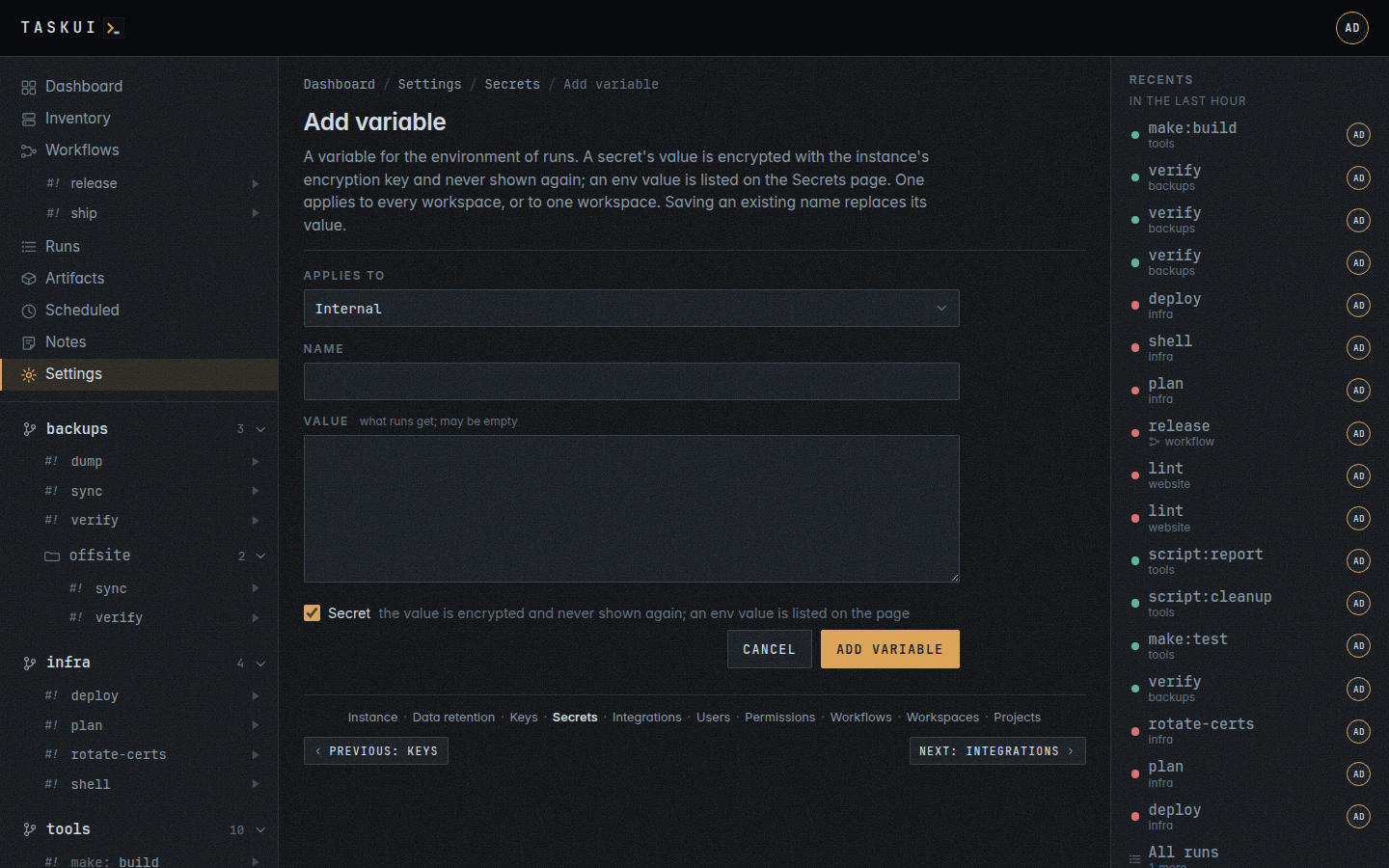
Add a variable: its scope, name, value and the secret checkbox Secrets and env, light theme
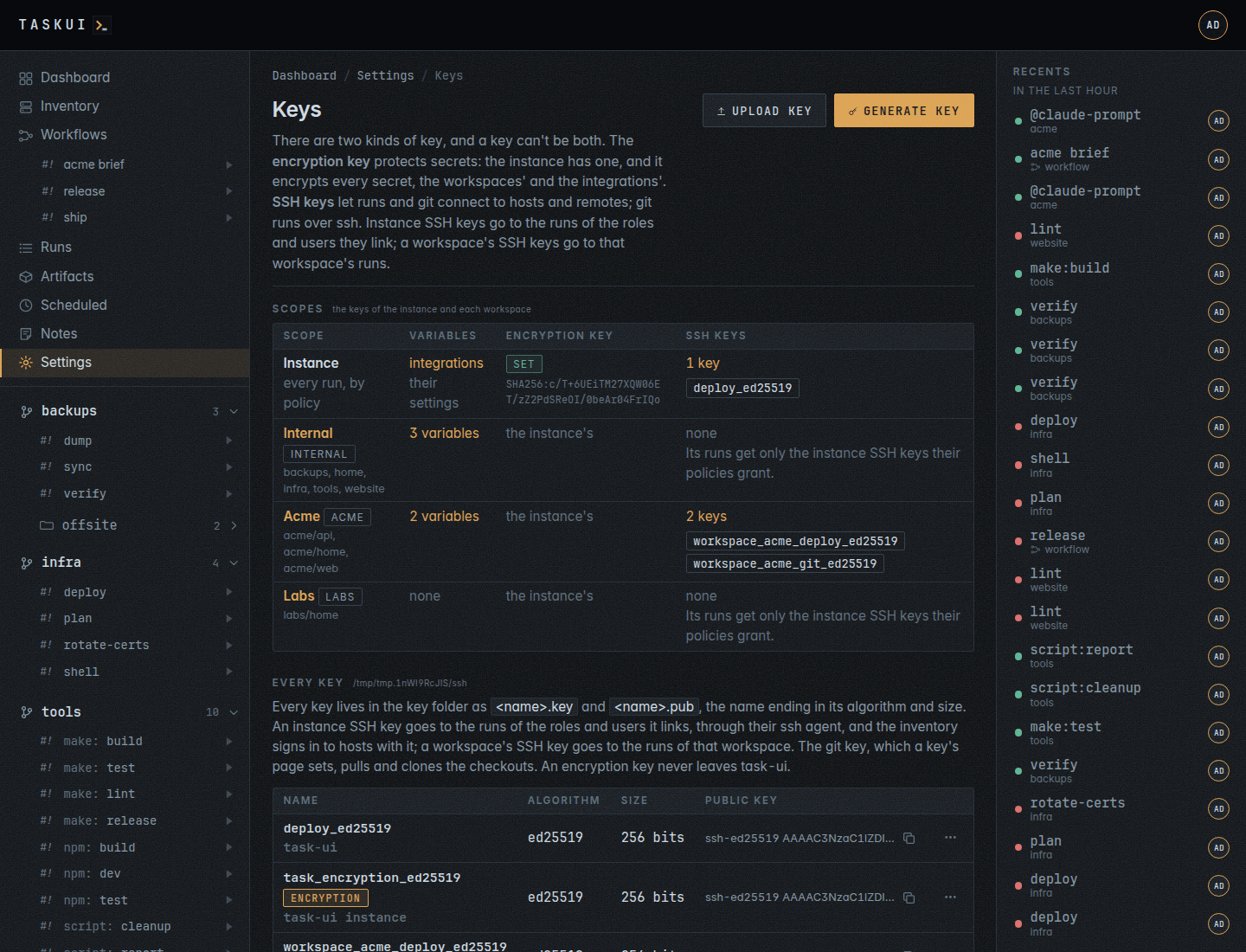
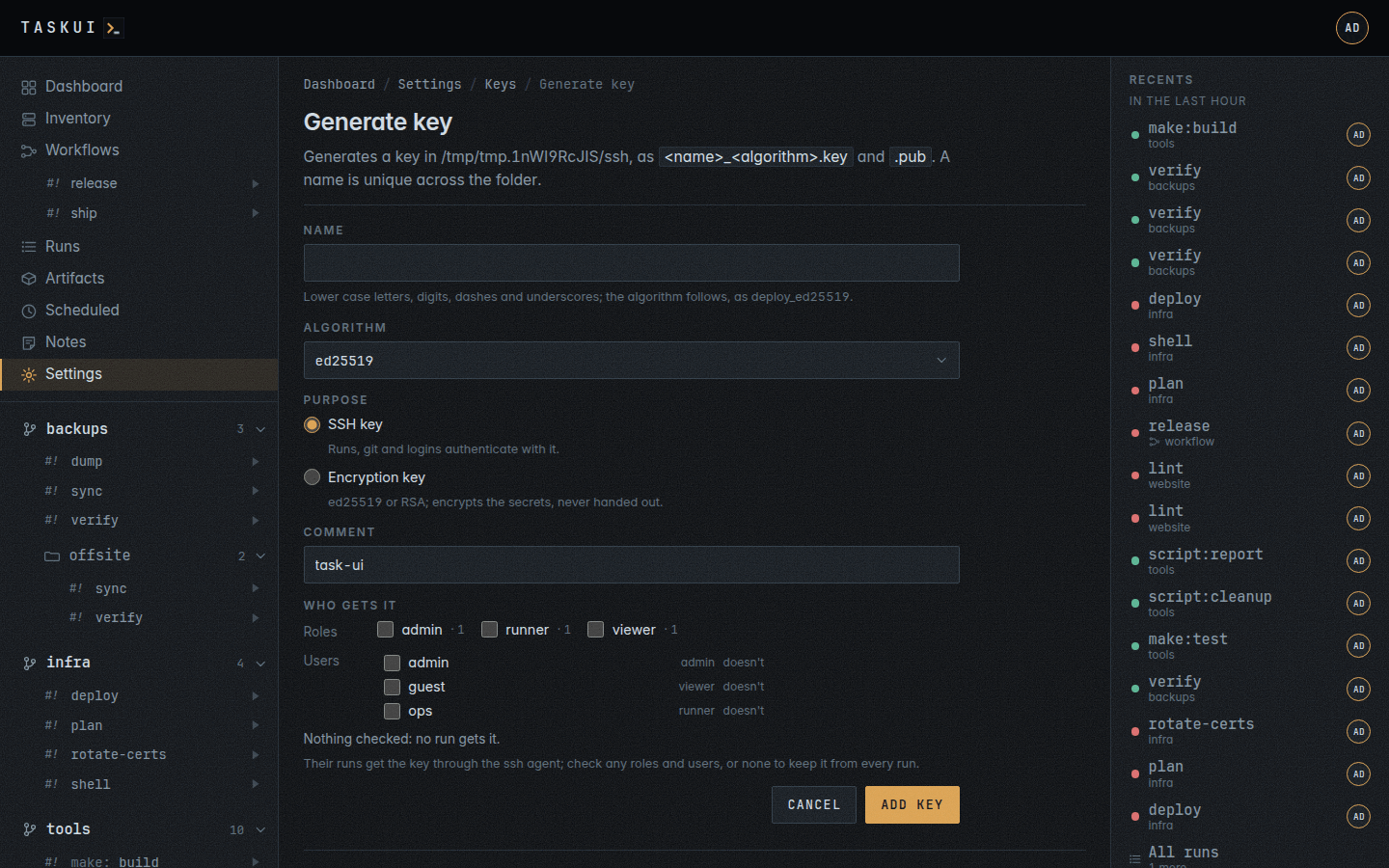
SSH keys: Name as wide as the names, Public key filling the rest Generate a key
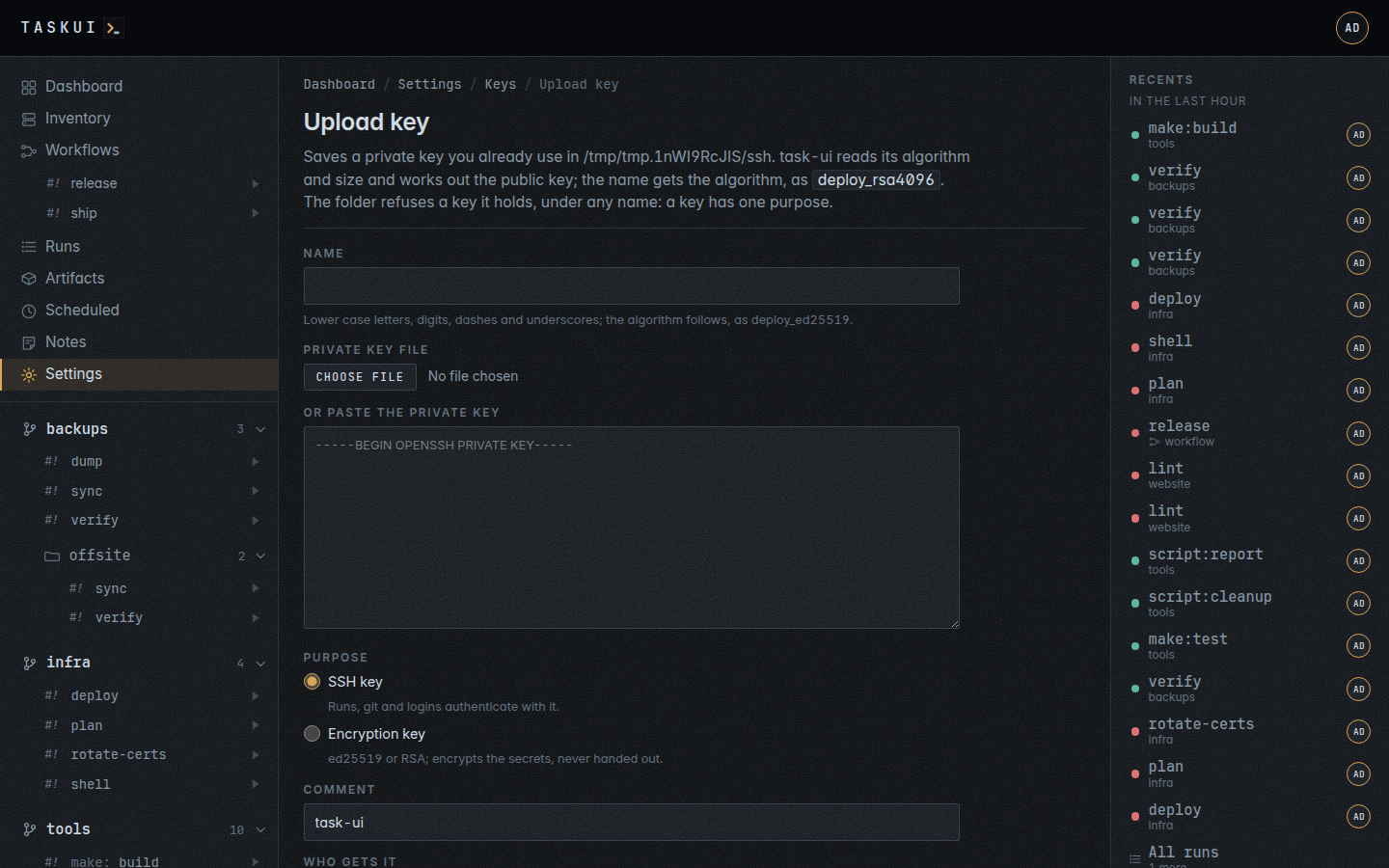
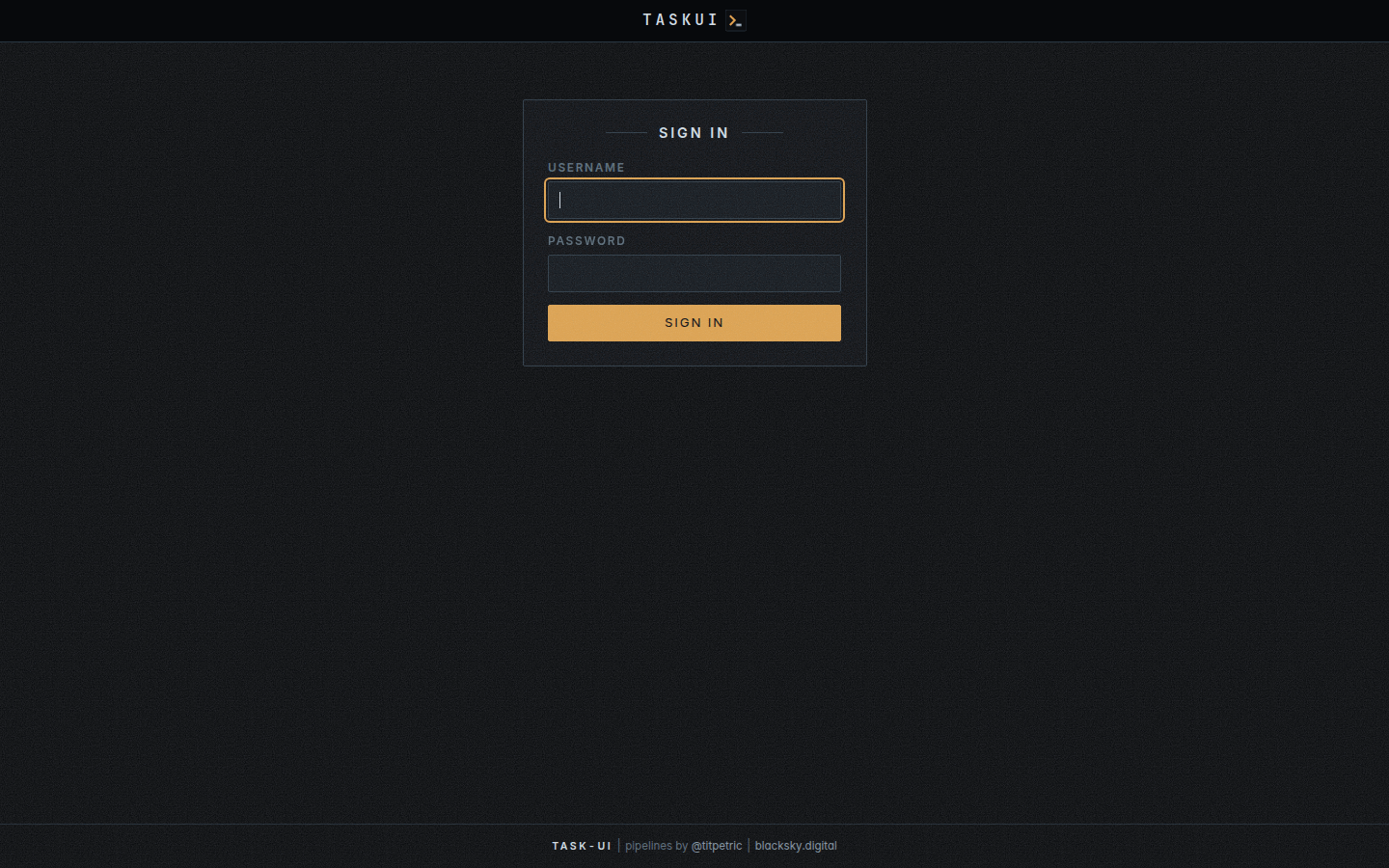
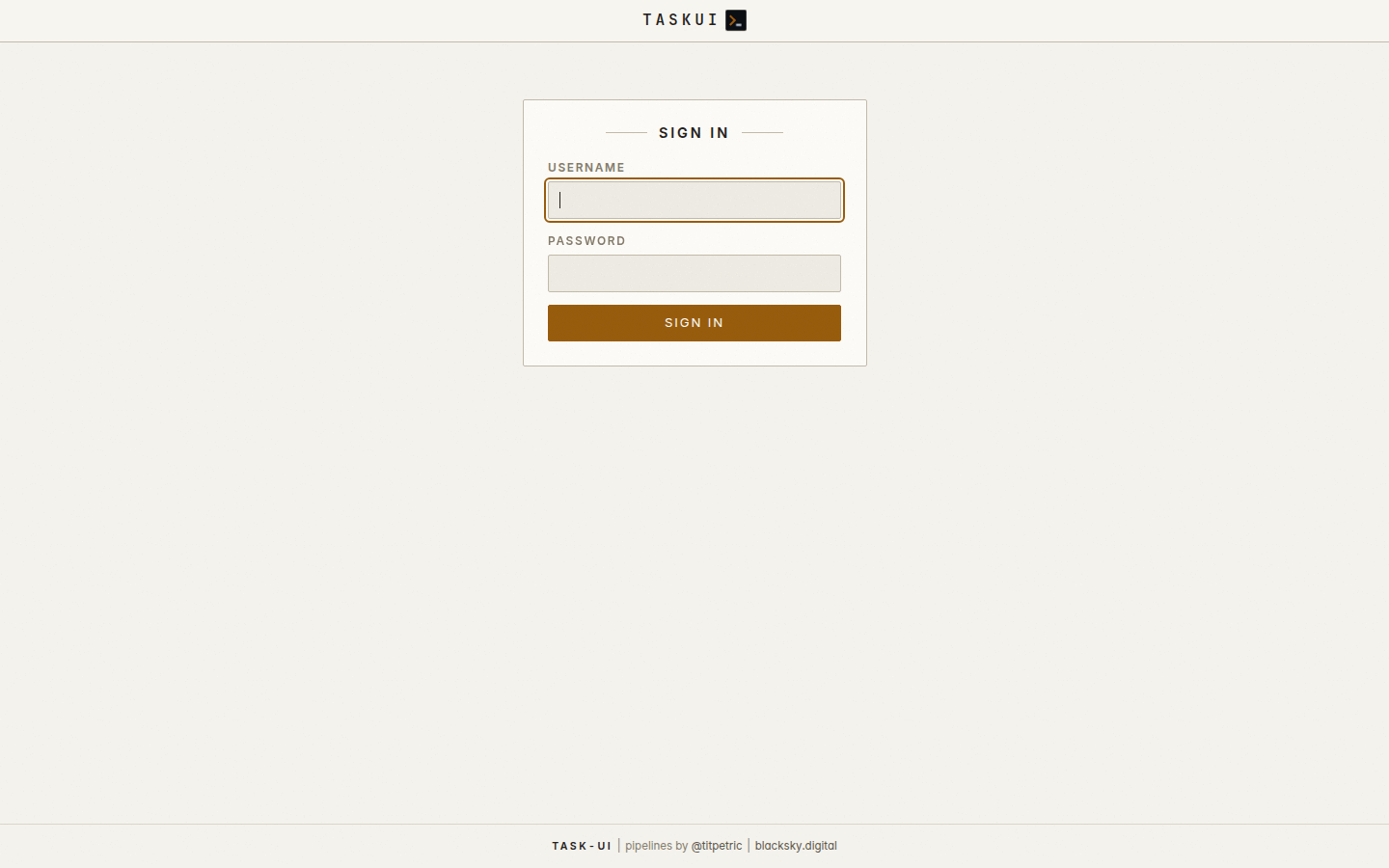
Upload a key Sign in
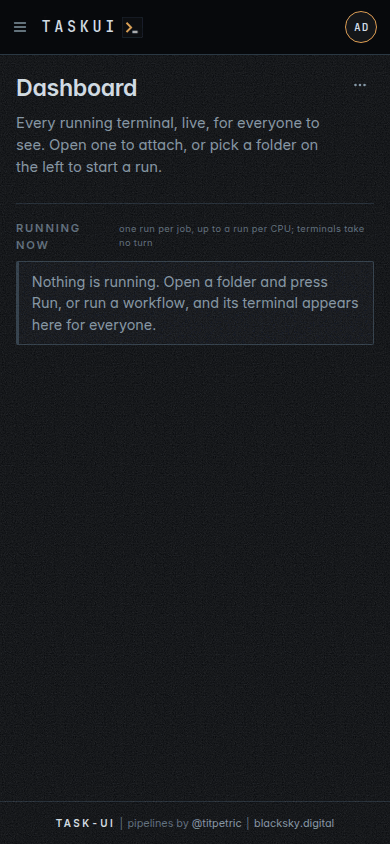
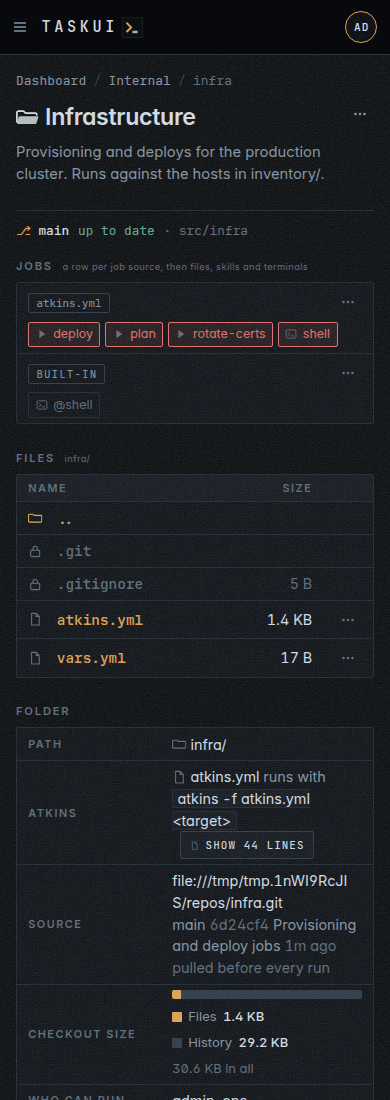
The phone: the dashboard The phone: a folder
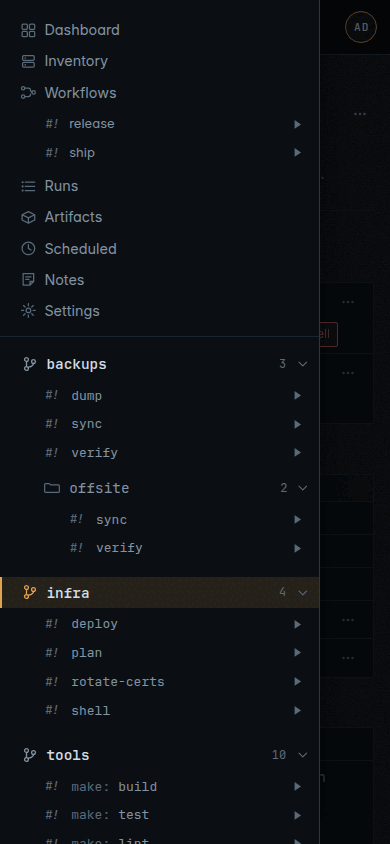
The phone: the drawer with the projects, folders and jobs Sign in, light theme
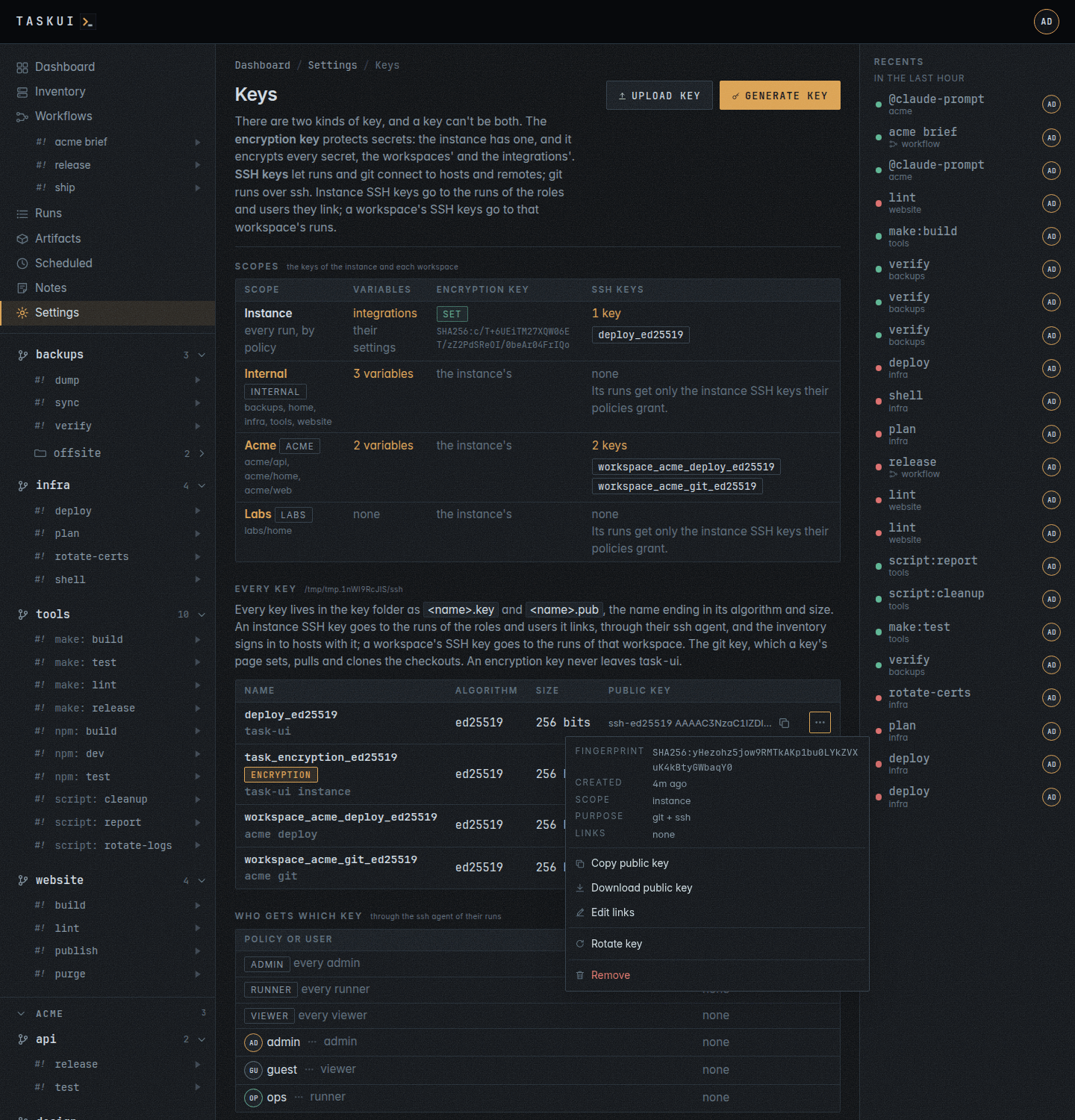
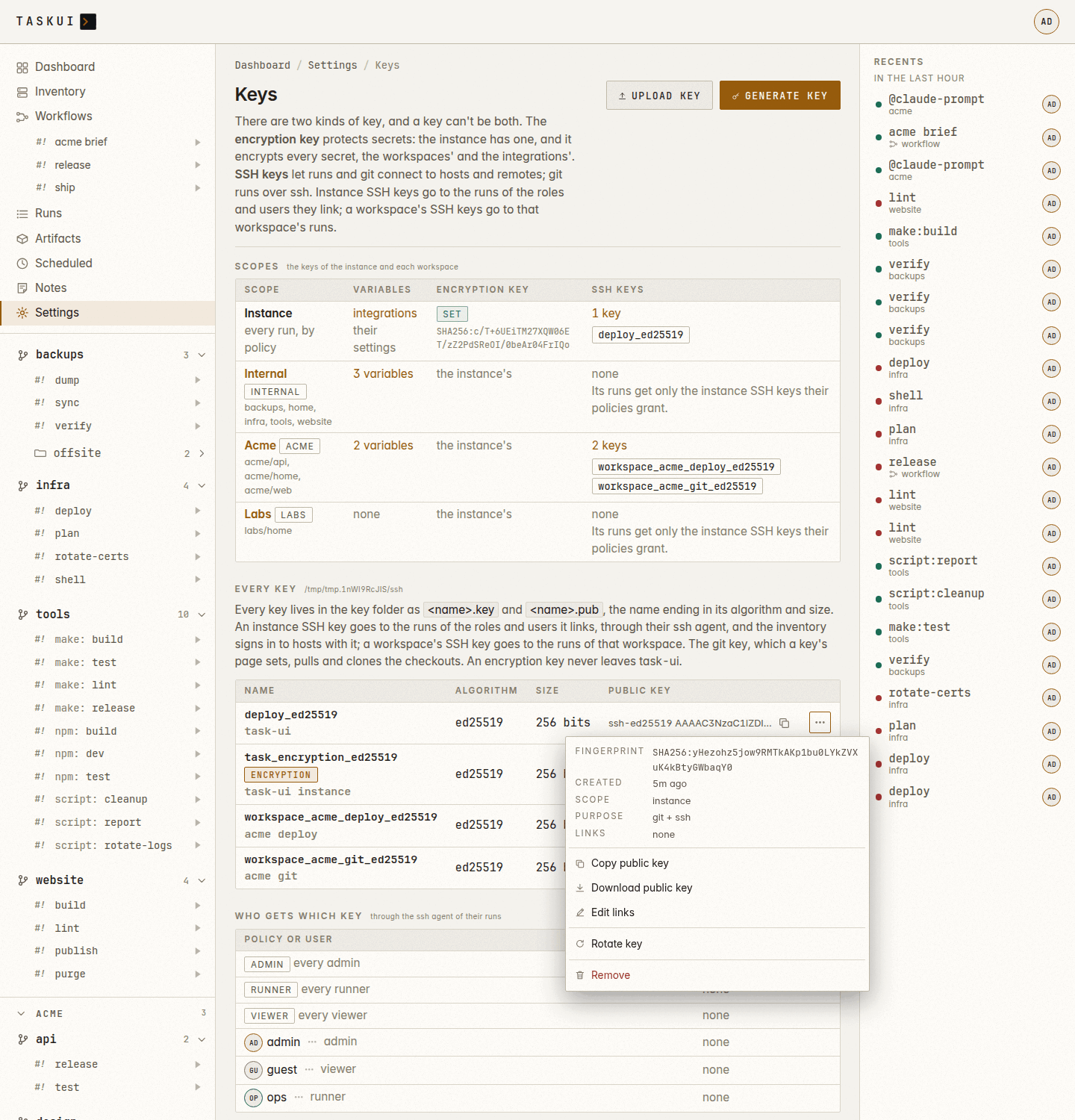
A key’s actions menu: its details, then Copy, Download, Edit links, Rotate key, and Remove last A key’s actions menu, light theme
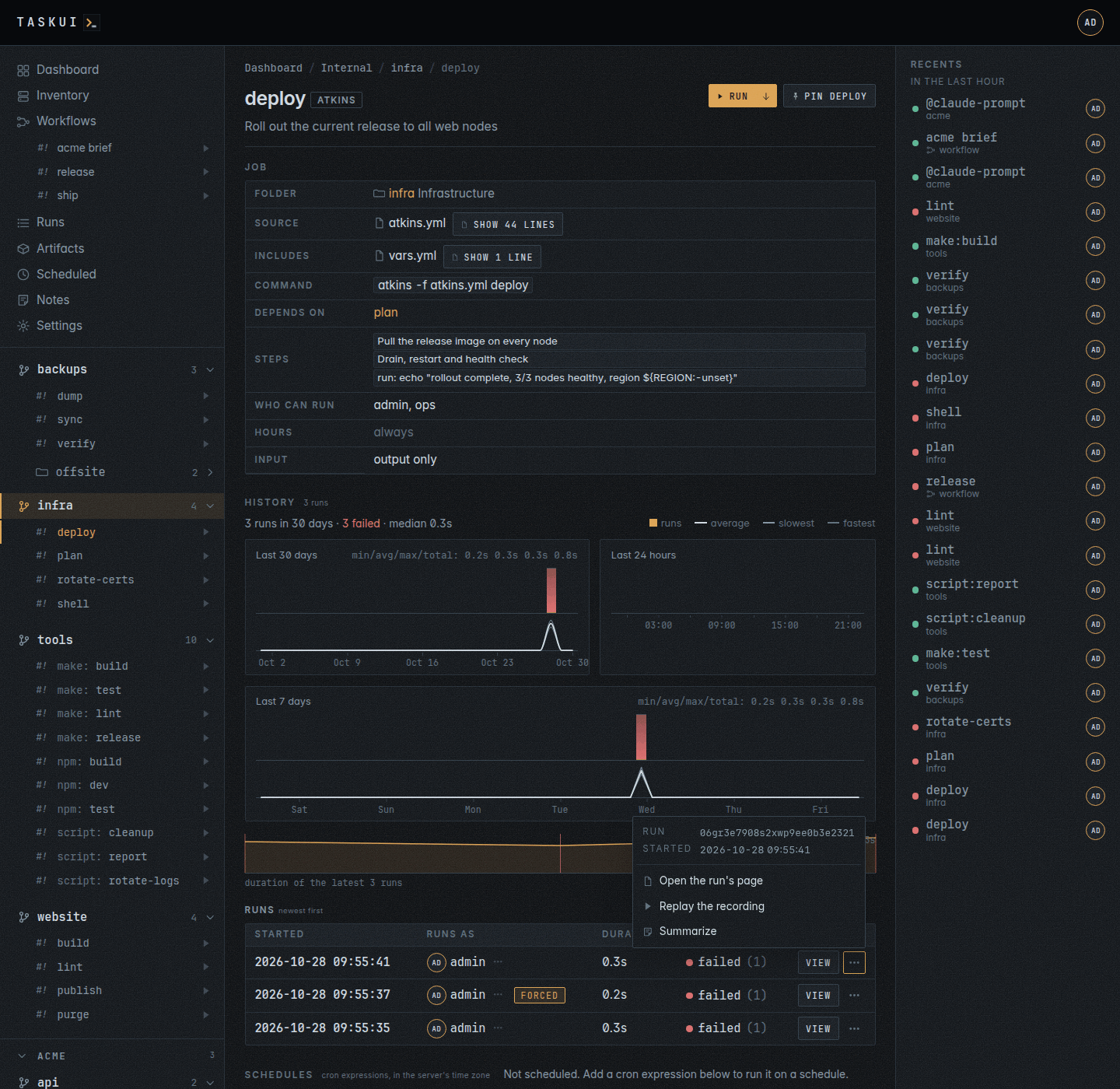
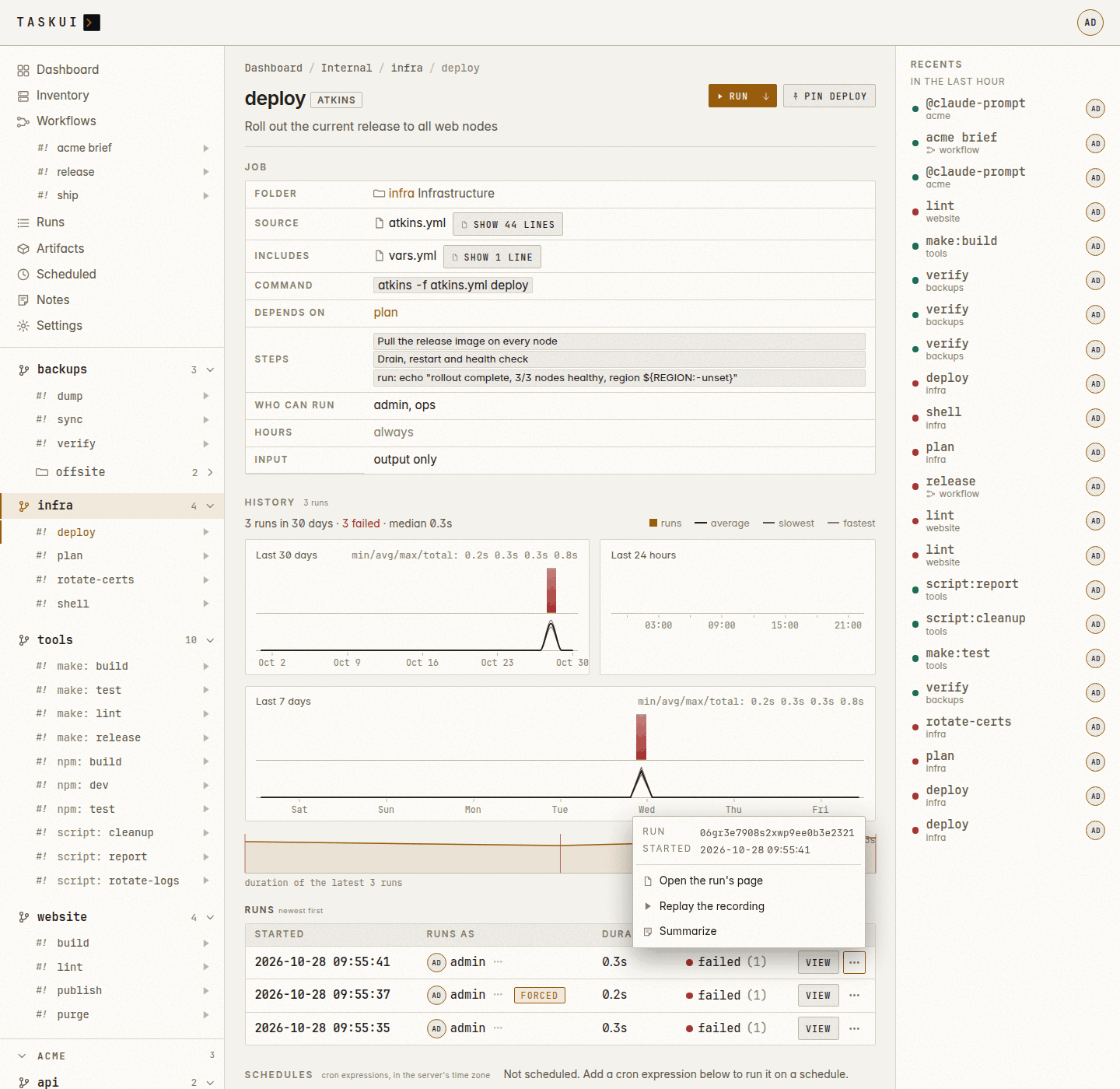
A job’s run: its actions menu beside View, its ID, Open, Replay A run’s actions menu, light theme
The phone: a row’s actions menu as a sheet along the bottom Workspace settings, light theme
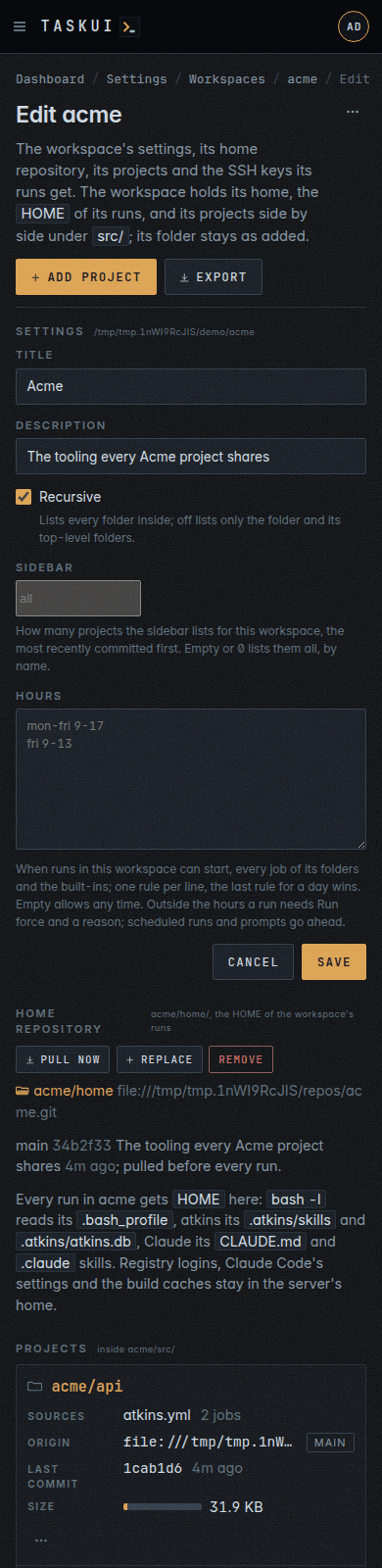
The phone: a workspace’s settings page, its home repository with Pull now, Replace and Remove The sidebar with pins: a directory under its project, a file as a run item
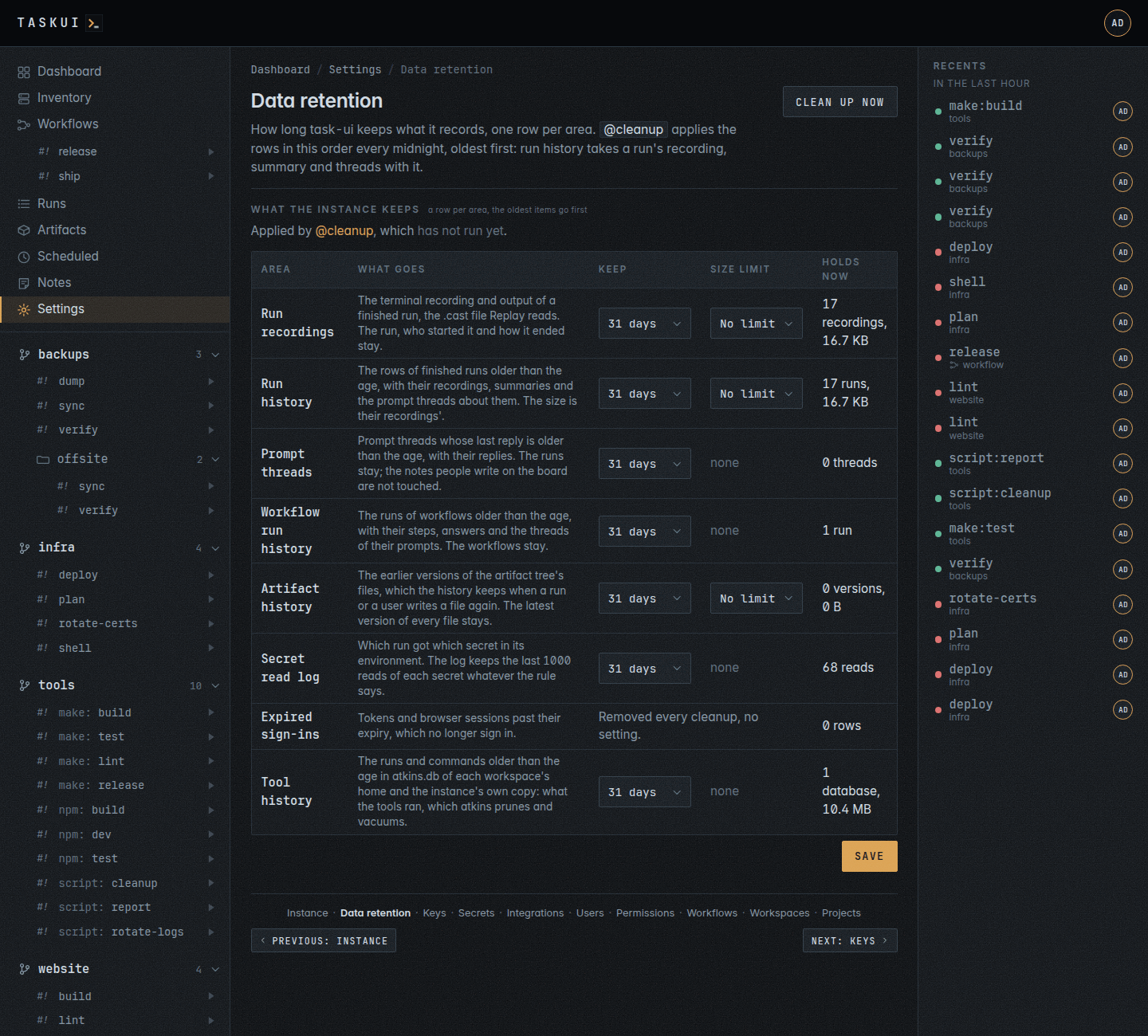
Pins, light theme Data retention: a table, a row per area, with Keep and Size limit selects
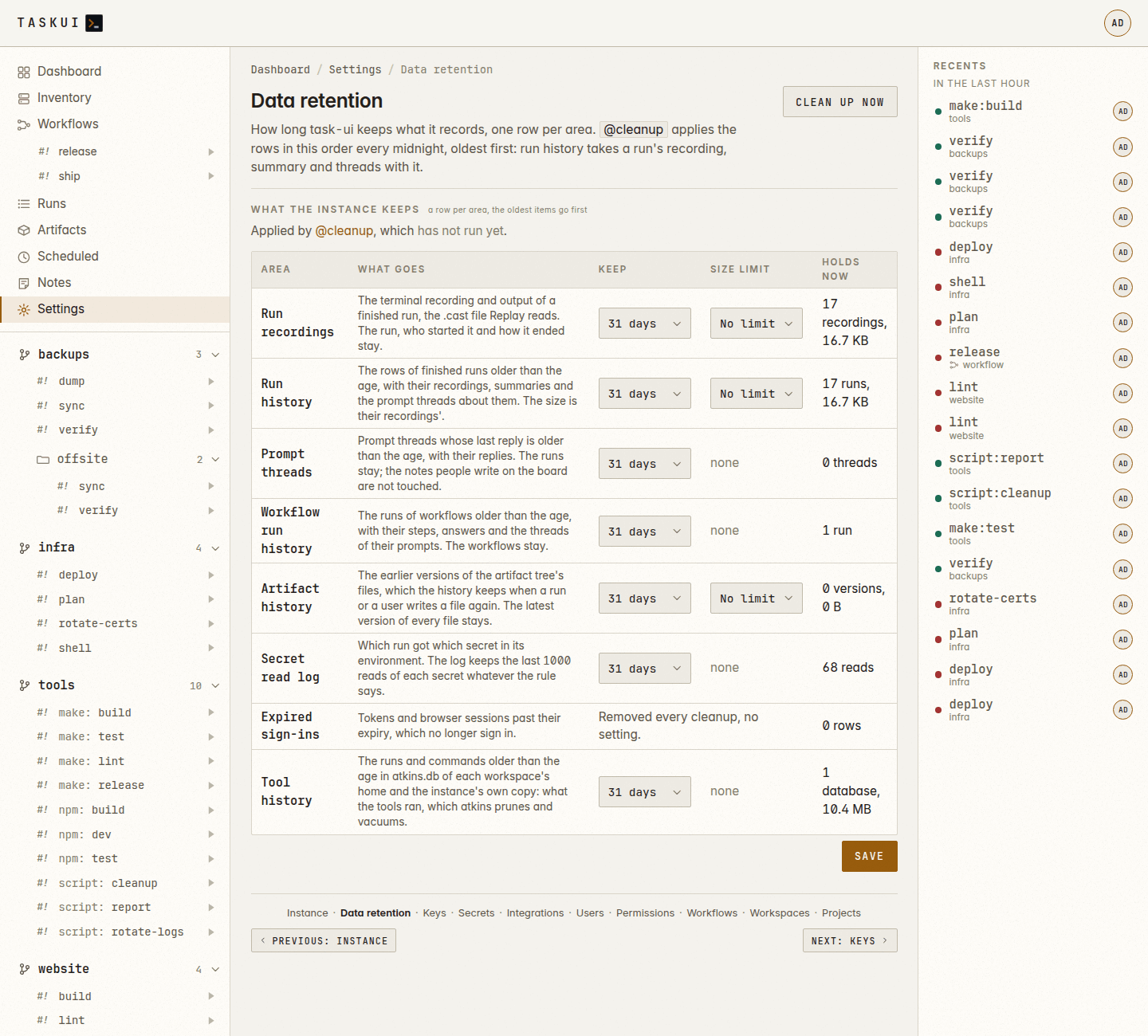
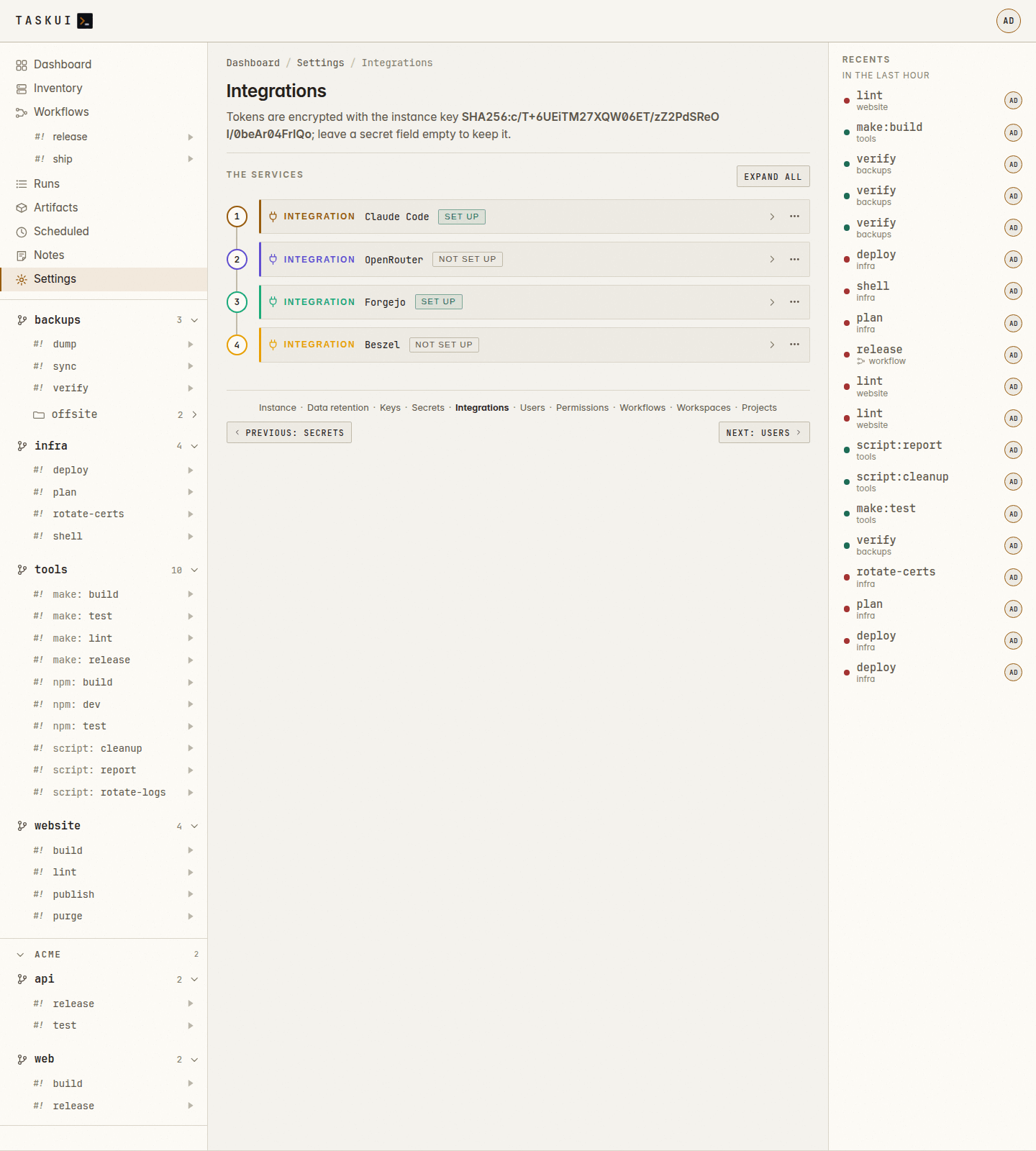
Data retention, light theme Integrations, light theme: the Who field with a user who gets the token as admin and two who do not
Workflows, light theme Scheduled, light theme: a workflow’s schedule among the jobs’
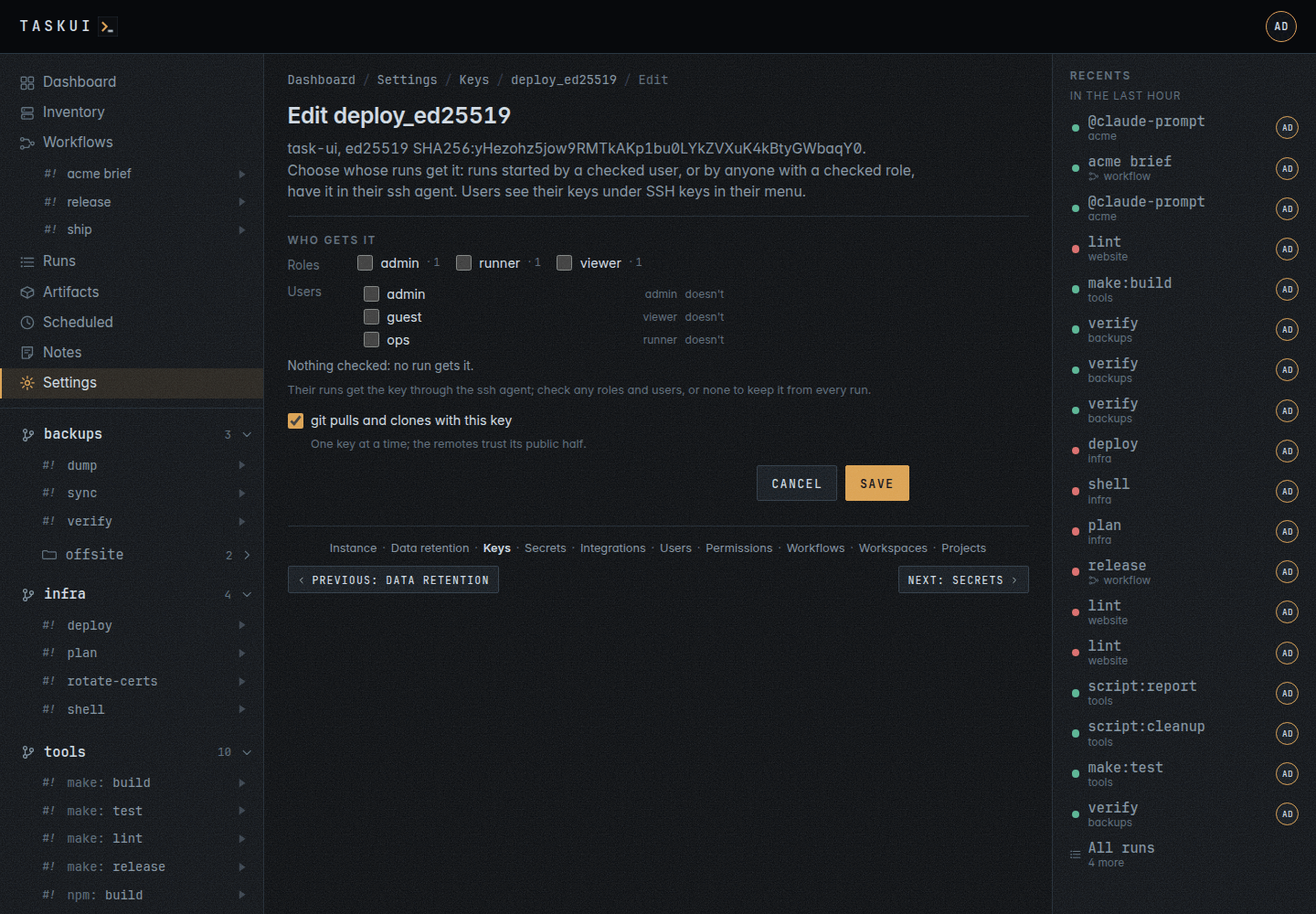
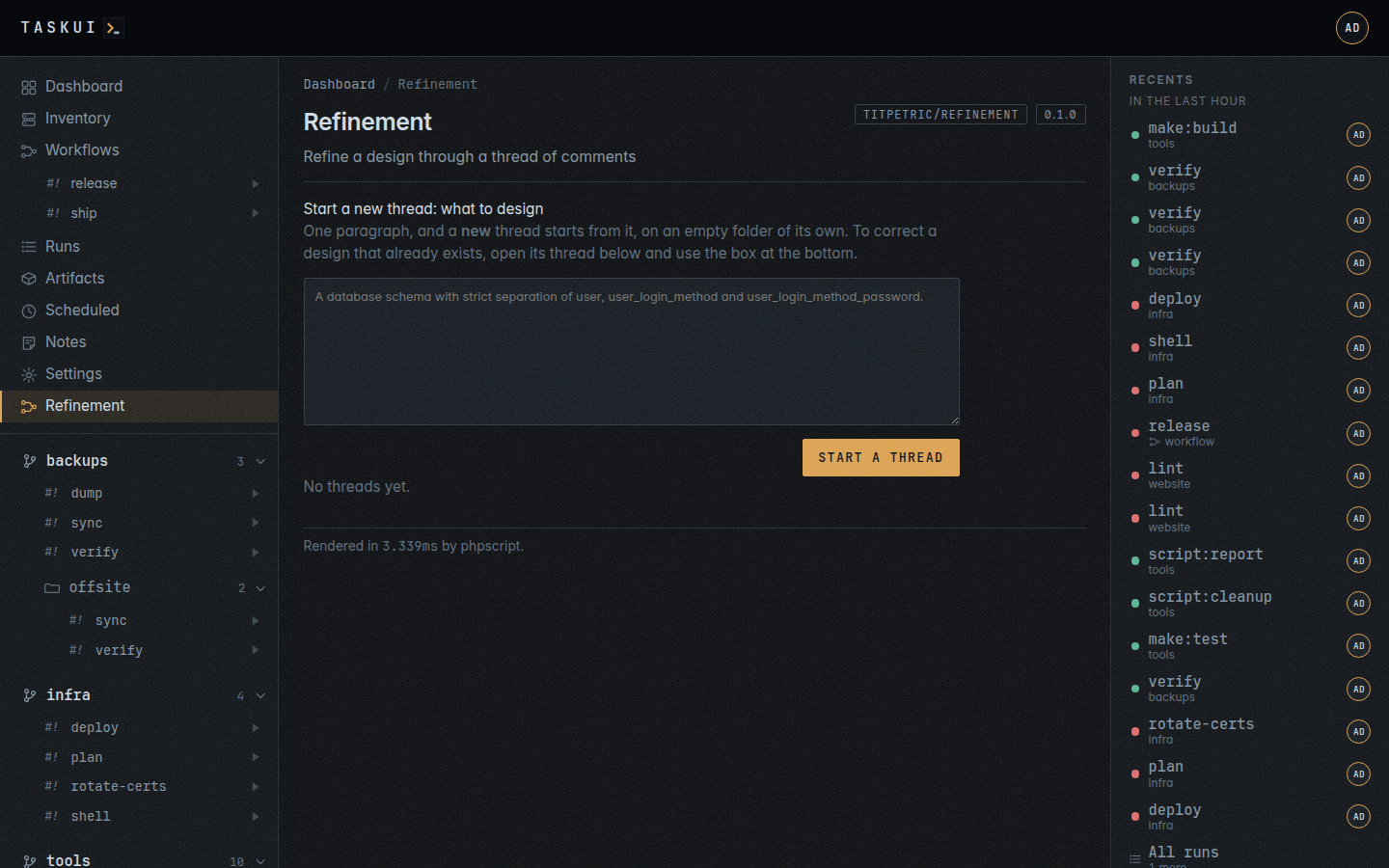
A key’s edit form: Who gets it, the roles with their counts and each user’s state A module: the refinement plugin’s own page, rendered into the instance’s layout, with the render time in the footer
A module, light theme Telemetry: what the instance records of its own requests
Telemetry, light theme Sidebar: the sidebar as a table, a grip per row and a Shown switch
Sidebar, light theme