Dashboard
The first item in the sidebar, and where the name in the header goes. It shows every run in progress.
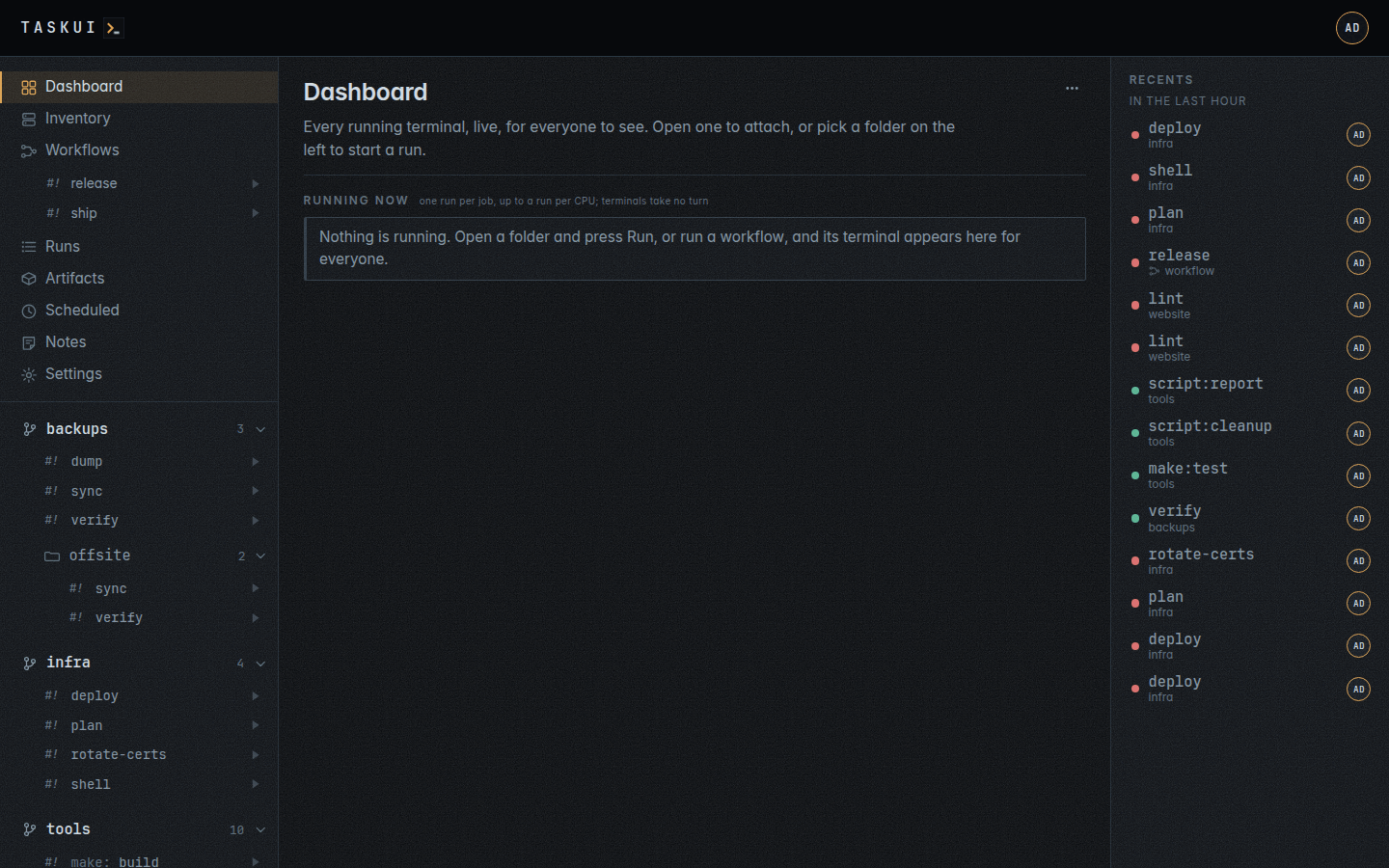
Running now
Every run in progress as a tile: the folder and job, the title its terminal set, if any, how many windows watch it, who started it, and its terminal as it looks right now, redrawn every two seconds. Click a tile to open a window on the run: runners can type into it and end it, viewers watch.
The tiles follow the runs as they happen, with no reload: a run that starts adds its tile, one that ends marks it, and a title the run sets changes on its tile as it does. When nothing runs, the section says so.
Each tile’s terminal is also a URL of its own, /api/runs/{id}/frame.svg as a picture or /api/runs/{id}/frame.txt as text, for a wall screen or a script.